
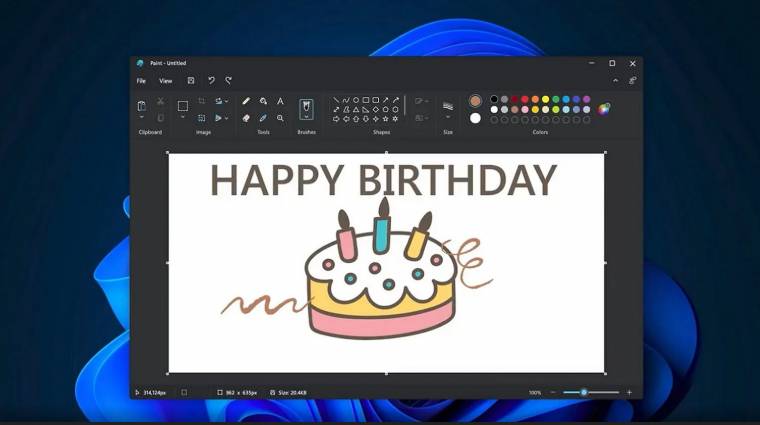
Microsoft Paint Gains AI-Powered ‘Restyle’ Feature
REDMOND, WA – October 22, 2024 – Microsoft is injecting artificial intelligence directly into its classic Paint application, enabling users to instantly transform images with a range of artistic styles. The new “Restyle” feature, powered by AI, allows users to convert photos into pop art or other visual treatments with a single click.
Currently available to members of the Windows Insider program – specifically the Canary, Dev, and Beta channels – Restyle operates through the copilot menu within Paint. Users select a desired style and click ”Generate,” with the AI completing the transformation in seconds. The update signals Microsoft’s broader strategy of embedding AI-driven creative tools directly into Windows, evolving Paint beyond a basic drawing program into a more refined graphics editor.
The integration of AI into Paint is part of a larger push by Microsoft to enhance Windows with creative and smart features on Copilot+ PCs. To utilize Restyle, users require a Copilot+ PC and must be logged in with a Microsoft account. The feature allows for quick image editing, offering options to place, copy, or save the newly styled images.
Microsoft plans to continue rolling out AI-powered features across its Windows ecosystem, aiming to empower users with accessible and automated creative tools. Further updates and wider availability of Restyle are expected as the Windows Insider program progresses.
