How to Remap App Shortcut Buttons on Android TV and Fire TV Remotes
Modern Streaming Remotes Feature Programmable Buttons Most Users Ignore
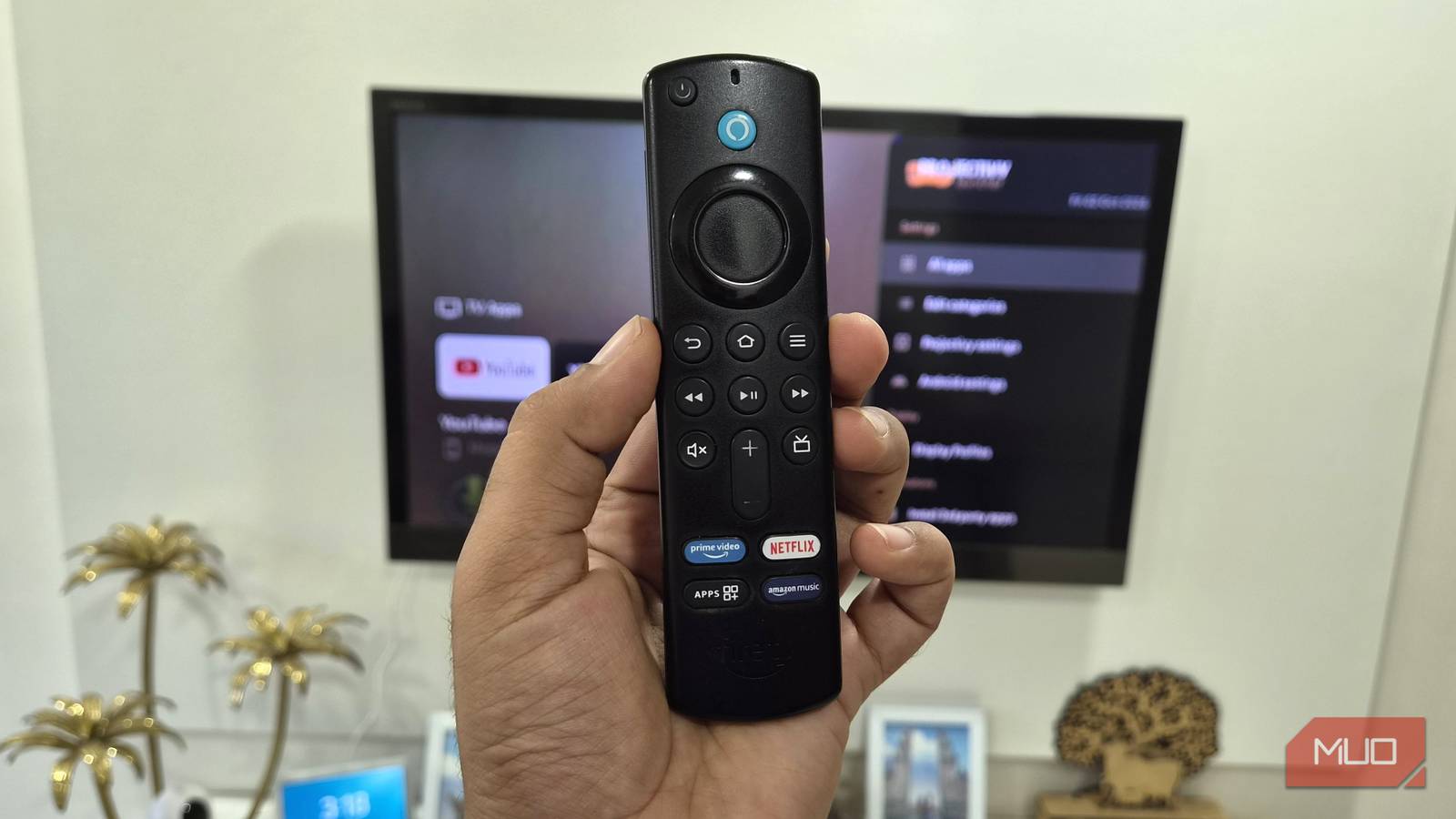
Modern streaming devices are incredibly impressive tech, but using the user interface with the included remote is almost always a cumbersome experience. While general movement through menus works fine, switching between apps on a Fire TV is definitely an exercise in frustration. To help with this, most media remotes come with app shortcut buttons. However, these buttons are usually tied to specific services, which makes them redundant if you don’t use that app. Many people are unaware that you can easily remap those buttons to any other function or app on your streaming device.
-
The Tech TL;DR:
- Streaming remote shortcut buttons tied to specific services can be reprogrammed to launch any installed app or system function.
- Android-based streaming boxes and Google TVs support direct remapping via third-party utilities like Button Mapper available in the app store.
- Amazon Fire TV devices require ADB debugging commands and custom scripts such as firetv-remapper to override proprietary Fire OS key codes.
Android Smart TVs Utilize Third-Party Apps for Quick Button Remapping
Configuring the extra remote button is a simple process across any streaming box or smart TV running Android. Users essentially need to install a third-party app, aptly titled Button Mapper. That app works on almost every Android-based smart device and lets users remap any of the buttons on a streaming device remote. On some devices, like the Chromecast or Xiaomi Android TVs, users need to enable developer mode to install this utility. After launching the app for the first time, users must grant accessibility permissions by heading to Settings, System, Accessibility, and Permissions.
Under the Buttons tab, users select More Options and Add Buttons. Users can choose the input delay duration for a button press if they want to map multiple functions to a single button, though it is best to select Single Tap otherwise. The long-press option requires the Pro upgrade, costing three dollars. Users then select the app to map to the sponsored button on the Android TV. The utility did not work with an old third-generation Fire TV Stick because the hardware is too old and the package was unavailable on Amazon’s app store. However, Button Mapper worked without a hitch on an older Acer Android TV, where the Netflix button was successfully mapped to screen mode settings.
adb connect [IP_ADDRESS]
adb push firetv-remapper.sh /sdcard/
adb shell "sh /sdcard/firetv-remapper.sh"
adb shell getevent -l
Amazon Fire TV Devices Require ADB Commands to Override Proprietary Key Codes
While reprogramming sponsored buttons on a Google TV or Chromecast is straightforward, it is a completely different story on devices like the Fire TV Stick. This difference stems from the proprietary operating system on Fire TV devices, namely Fire OS or the newer Vega OS. Although Fire OS is based on Android, it does not use the Google Play Store. Instead, Fire TV devices rely on a very limited selection of applications in Amazon’s app store. Users can still remap the sponsored buttons on a Fire TV remote, but setting it up requires more technical steps than plug-and-play Android TV apps.
To configure extra buttons on a Fire TV remote, users download the firetv-remapper tool created by suuhm from GitHub and extract the files on a computer. On the Fire TV dashboard, users go to Settings, About, Developer Options, and ADB Debugging to enable it, while also ensuring the installation of unknown apps is permitted. Connecting the Fire TV to a PC requires running the connection command alongside the device IP address found under network settings. Executing the push command transfers the script to the local storage, and the event listener utility identifies specific remote key codes necessary for final execution.
Mobile Phone Remote Applications Offer Software-Based Alternatives
Reprogramming extra buttons on a smart television remote suits enthusiasts who like tinkering with their technology, but not every user wants to handle command-line scripts or third-party apps. For individuals uninterested in installing third-party apps, using a smartphone as a remote serves as an alternative. All Android-based smart TVs and Fire TVs feature dedicated remote applications for Android and iOS. These digital controllers serve as a replacement for the physical remote. Users can remap controls within these digital interfaces without deploying scripts or third-party apps, though physical tactility is sacrificed in the process.