
Silent Battery Drain: Location Services Could Be Stealing Days from Your Charge
San Francisco, CA – Are you constantly reaching for a charger, even with a relatively new phone? The culprit might be lurking in your settings: persistently active location services. Even when apps aren’t actively in use, your phone is frequently verifying your location – through weather apps, social networks, and even photo metadata – resulting in a surprising drain on battery life.
This constant, subtle “wake-up” of the GPS consumes energy, and that energy loss accumulates throughout the day. Testing reveals that automatically enabled location services can consume up to a third of your total battery capacity, even while the screen is off. This means a phone with a long-lasting battery may still appear to quickly lose power due to the GPS subtly running in the background.
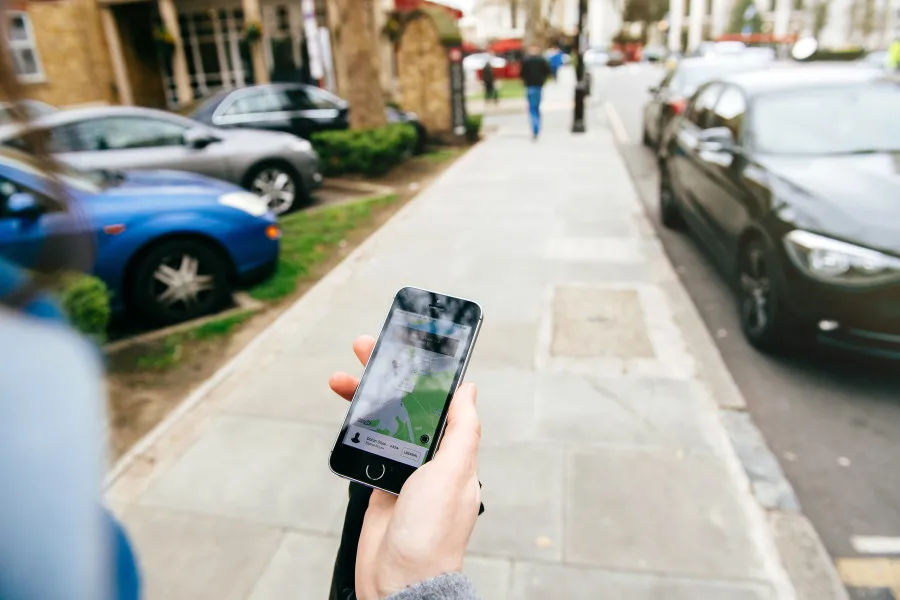
The solution is surprisingly simple: take control of which apps have access to your location. By navigating to your phone’s settings and either turning off location services entirely or limiting access to only essential applications – such as maps or ride-sharing services – users can significantly extend battery life.
Beyond location services, further battery optimization can be achieved by reducing screen brightness, disabling Bluetooth and Wi-Fi when not in use, and minimizing background app activity. ofen, a combination of these adjustments is key to maximizing battery performance and reducing the need for frequent charging.
