
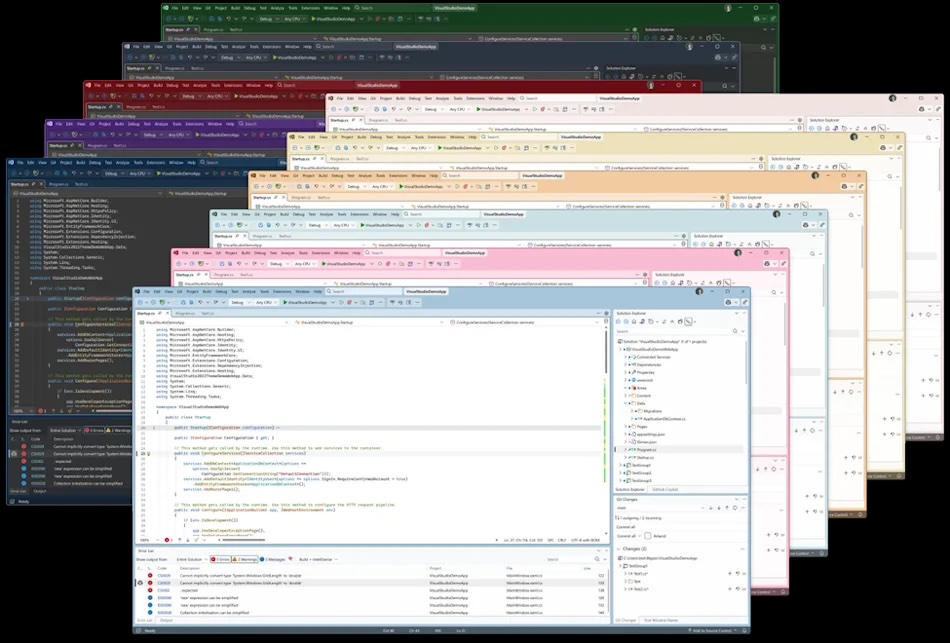
Visual Studio Shifts to Faster Release Cycle, Separates Build tools
Microsoft is changing how it updates Visual Studio, moving to a faster release cycle and decoupling the IDE from its build tools. This new model aims to allow for quicker development and integration of AI support and new features, while ensuring stability and long-term support for the build tools themselves.
According to Redmond, this separation will enable a more agile development process for the IDE. The free Community Edition will remain available, but its licence will be limited to small organizations and individual developers, making it unsuitable for corporate use.Both the Professional and Enterprise editions will now require annual license purchases, possibly increasing costs.
Microsoft will provide two years of support for each major version. The first year will include new features, platform updates, security updates, feature improvements, and quality improvements. the second year will focus solely on security updates through the Long-Term Maintenance Channel (LTSC). Updates are categorized as feature updates (changing the minor version number, e.g., 18.3 to 18.4) and maintenance updates (changing the maintenance version number, e.g., 18.4.5 to 18.4.6), with an additional Insider channel build number.
This approach was previewed with Visual Studio 2026, released in November, featuring a redesigned interface and deeper AI integration. This is the first major update since the release of Visual Studio 2022 (17.x) in November 2021. Visual Studio 2026 aligns with Microsoft’s Fluent Design system and supports .NET 10 and C# 14, offering the latest language features and APIs.
The update also introduces enhanced AI capabilities, including Copilot features for code comparison, optimization suggestions, and adaptive code insertion. New features include real-time tracking, benchmarking, and embedded pull request comments. Microsoft claims performance improvements, specifically in opening, loading, and running larger projects.
