
Can Canva’s New Photo Editor Replace Snapseed?
Table of Contents
I’ve been using Canva for years, mostly for simple designs.
So when I saw that Canva had rolled out a new photo editing tool, which is more advanced then the simple tweaks you can make in a design, I was interested in trying it out.
I stumbled across a useful feature that’s not in my favorite photo-editing app Snapseed, so I wondered if Canva could actually replace the free app’s place in my workflow.
I tried out the Canva app’s new tool to see just how effective it would be at replacing Snapseed, and whether many of its features were locked behind a paywall.
My Favorite canva photo Editor Feature Is One Snapseed Doesn’t Have
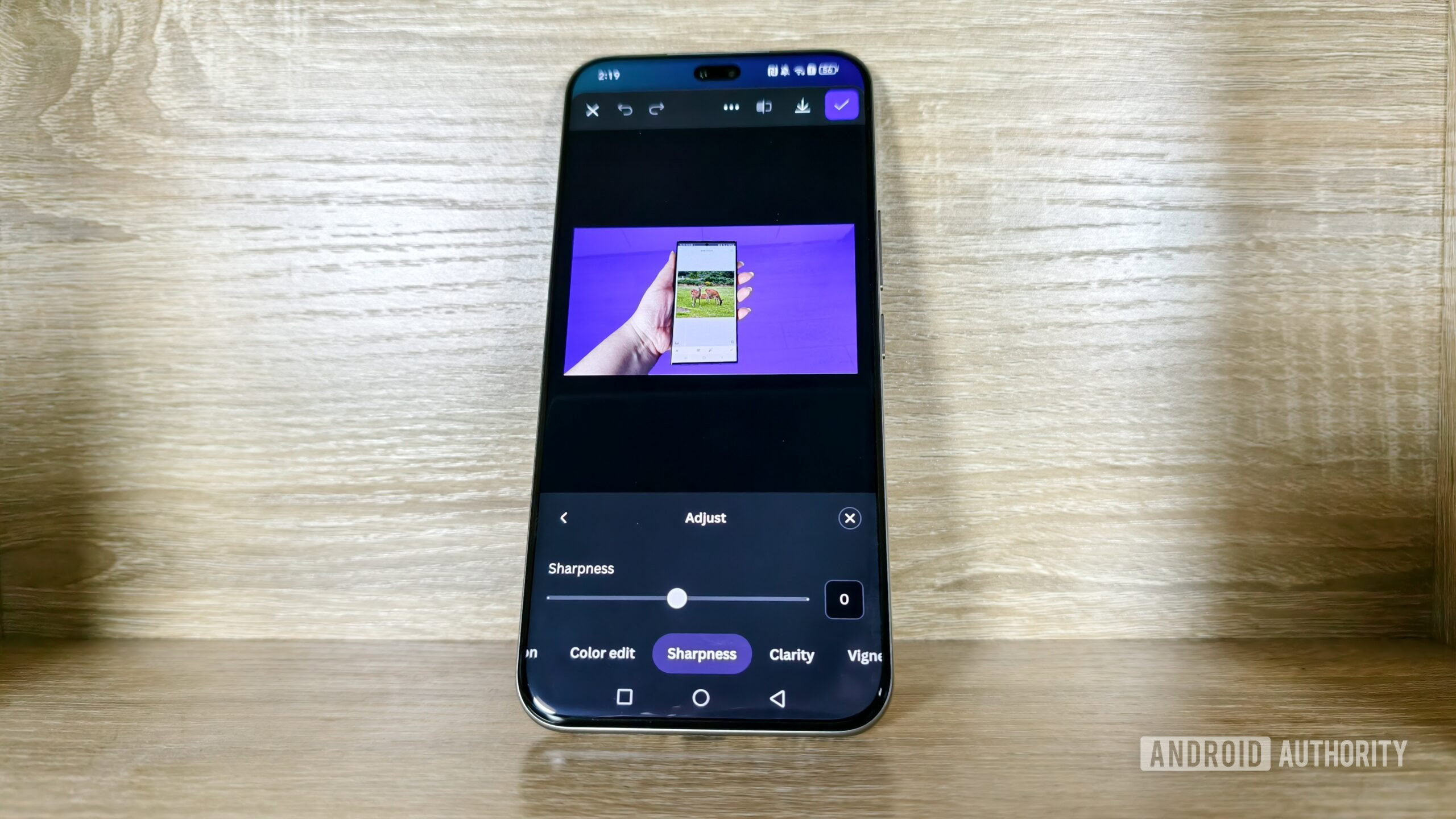
I don’t bother with generative AI on my smartphone, but there is one AI feature I enjoy when it comes to image editing: background selection and removal.
I love Snapseed and its selective editing tools, but I sometimes wish I could just select the background or foreground with one click.
When I tried out Canva’s new photo editor for the first time, I was excited to find that it had these automatic selection tools.
Not only were they available for free,but they were also really accurate.
Snapseed doesn’t have this type of automatic selection, while I’ve found Google Photos’ editing tools to not be as accurate as I would like when blurring the background.
I’ve found that I’ve had to edit photos less in general as camera smartphones have advanced, especially now that I’m trying out the vivo x200 pro.
But when it comes to photos that I use for the websites I work for,I sometimes wish the background would be more out-of-focus.
The X200 Pro is pretty capable at adjusting the focus to hone in on the subject of the photo, but as I’m usually handling two phones simultaneously occurring for an image, I sometimes struggle to get the camera to focus correctly.
That’s what made me really interested in Canva’s photo editor and after trying it out, I was really impressed by the selection accuracy.
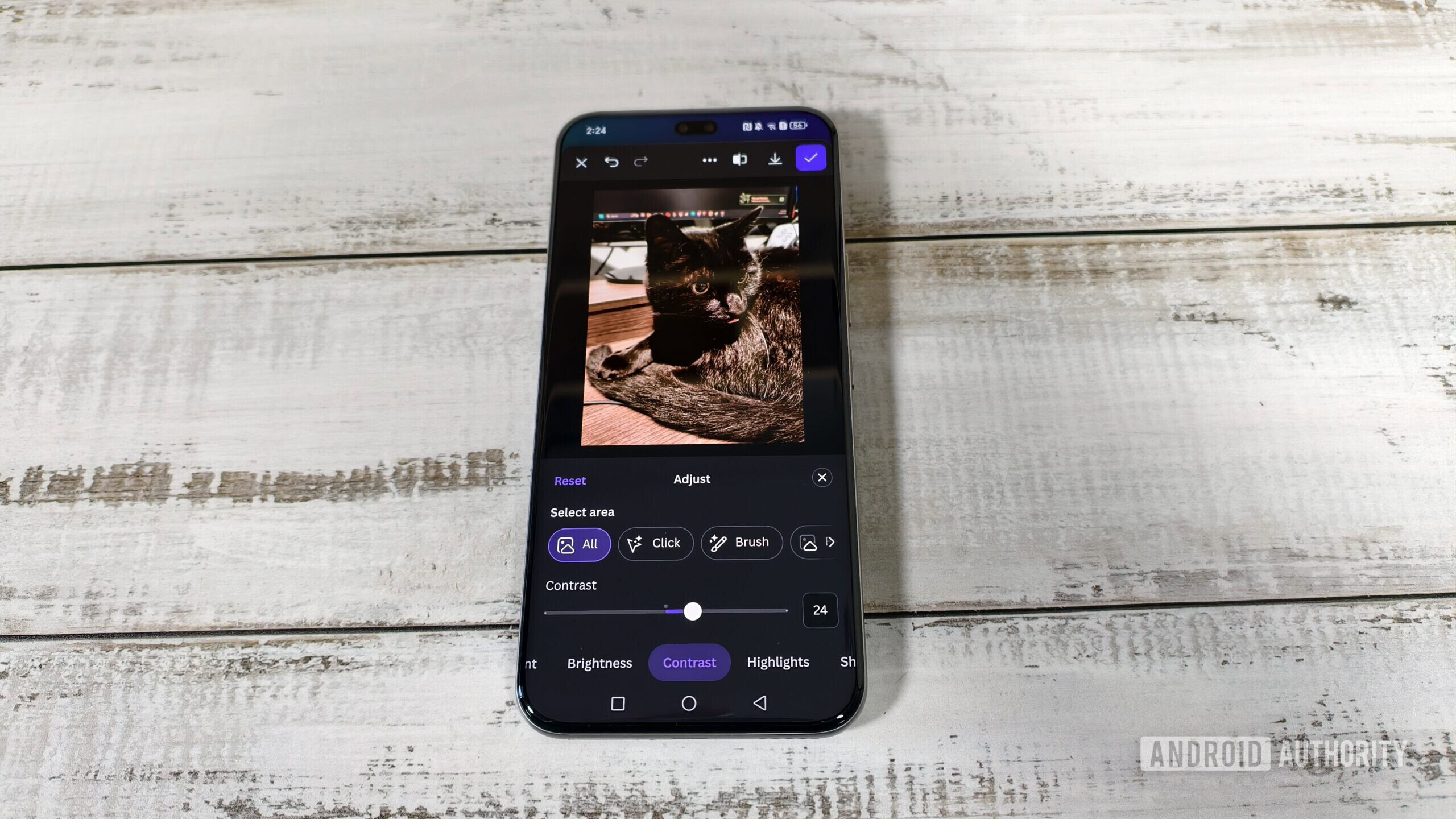
Not only can I use it to reduce the sharpness of the background, but I can adjust other aspects like the contrast and saturation.
This opens up a whole realm of creative possibilities.
Snapseed does have a lens blur feature, but this applies more of a vignette and blur around the edges rather than making the foreground stand out from the background.
However, if you want to generate a new background or remove the background, you will need to subscribe to Canva’s premium plan.
Could Canva Replicate The Best Snapseed Features?
Disclaimer: This article provides data about photo editing tools and does not constitute professional advice.
What are your thoughts on Canva’s new photo editor? Share your experiences in the comments below, or subscribe to our newsletter for more tech news!
