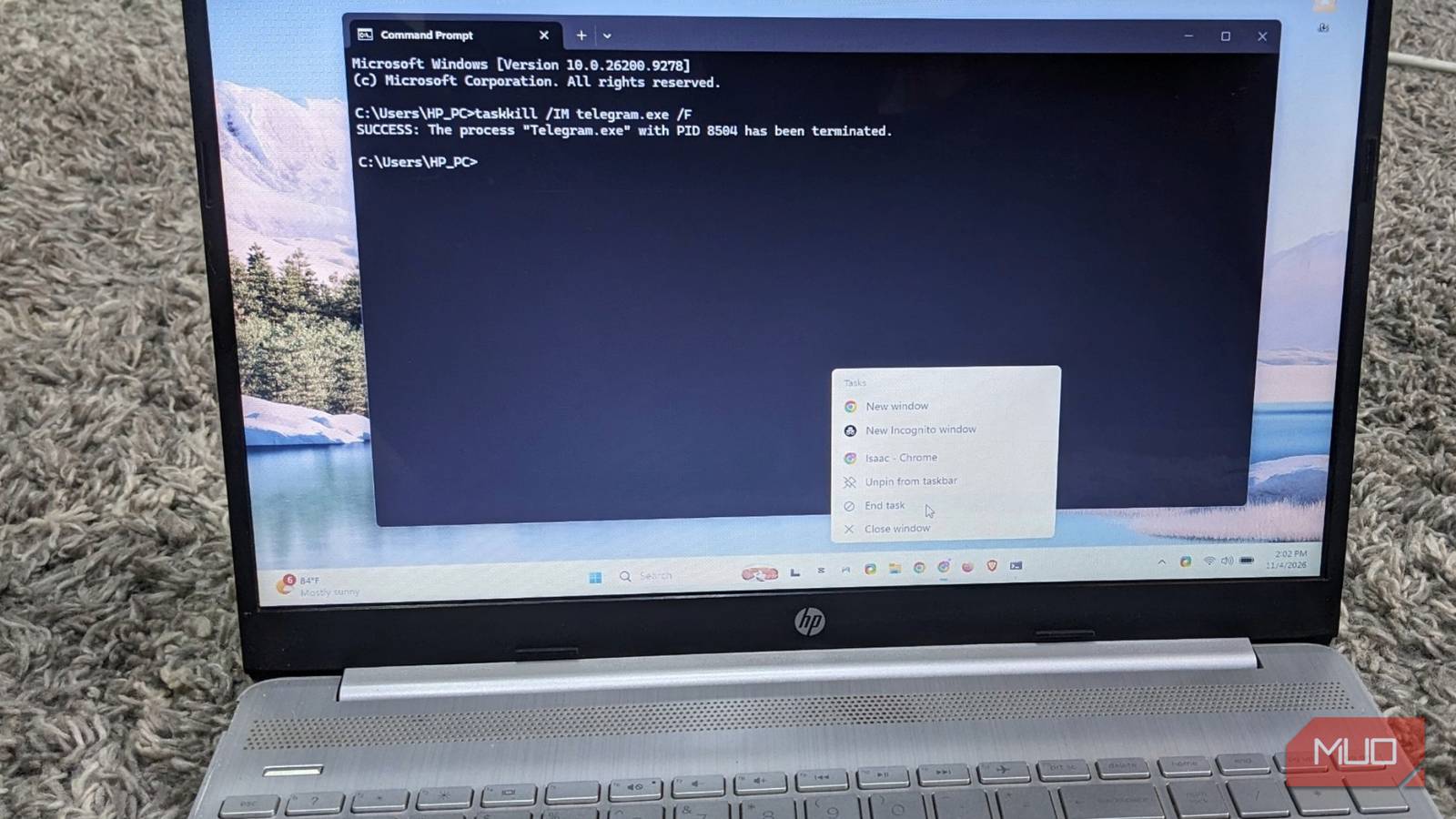
Windows 11 Users Can Enable Taskbar Option to Force-Close Frozen Apps
Windows 11 includes a native, hidden tool that allows users to force-close unresponsive applications directly from the taskbar, bypassing the need to launch Task Manager.
While the feature is built into the operating system, it is disabled by default and requires manual activation through the system settings.
To enable the tool, users must navigate to the Settings menu, select System, and then locate the End Task option under the Advanced or “For developers” section.
Once the toggle is switched on, users can force-close a frozen application by right-clicking its icon on the taskbar and selecting “End task.” This action immediately terminates the process, providing a faster alternative to opening Task Manager and searching through a list of running programs.
The “End task” function operates differently than a standard window closure. When a user selects the standard “Close window” command, Windows prompts the application to shut down gracefully, allowing the program to save data and close cleanly.
In contrast, the forced taskbar shortcut terminates the process without waiting for the application to cooperate. Consequently, any unsaved work in the frozen application will be lost. Users are advised to reserve this method for programs that are completely unresponsive rather than those that are merely performing slowly.

If the toggle is not visible in the settings menu, the feature can be enabled by modifying the Windows Registry. Users can go to the HKEY_CURRENT_USER\Software\Microsoft\Windows\CurrentVersion\Explorer\Advanced key, create or select the TaskbarDeveloperSettings key, and set the TaskbarEndTask DWORD value to 1 to enable the taskbar's End task option.
While the taskbar shortcut is efficient, it has specific limitations. For instance, if multiple windows of the same application are open, the menu will offer an End all tasks option rather than allowing the termination of a single window.
The tool cannot close every system process; attempting to end certain core processes, such as File Explorer, can cause the taskbar and desktop icons to disappear, requiring a system restart to resolve.