
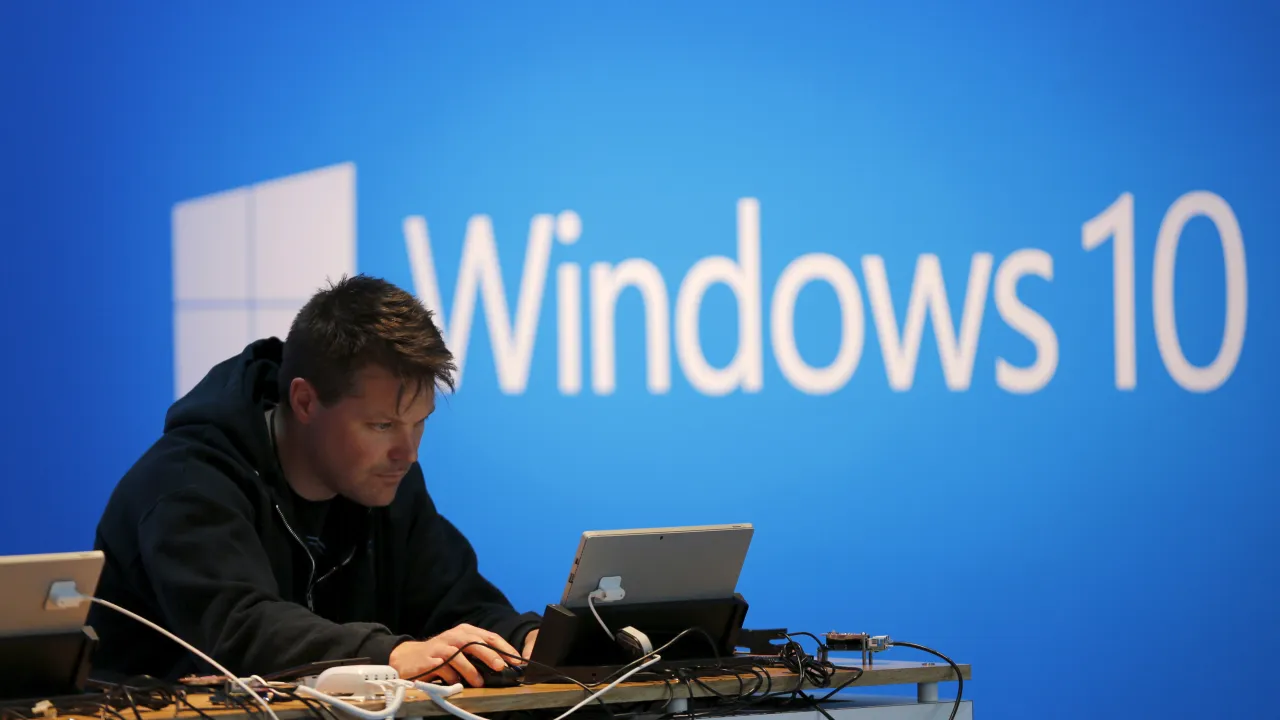
Windows 10 Support Extension Now Available – But With Conditions
Prague, Czech Republic – Users in the European Economic area, including the Czech Republic, can now receive another year of security updates for older Windows 10 computers, even those lacking the hardware required for Windows 11.Microsoft is offering extended Security updates (ESU) free of charge in these regions, providing a temporary solution for those wishing to postpone a hardware or operating system upgrade.
Microsoft ended official support for many Windows 10 devices on October 14, 2025. However, the ESU program allows continued protection against security threats. This is typically a paid service globally, but is being offered without cost within the European Economic Area.
To qualify, computers must be running Windows 10 version 22H2. Users can check their version in the System menu under ”Windows Specifications.” If not already installed, updates to 22H2 are available here.
Crucially, users must also be signed in with a Microsoft account - local account logins are no longer supported for receiving these updates. Those currently using a local account can create a Microsoft account here.
Once both conditions are met, a notification regarding the ESU program should appear in the Windows Update menu (Start > Settings > Update and Security > Windows Update). Selecting this notification registers the computer for the free annual updates. Users can verify protection is active within the same Windows Update menu.
Microsoft advises this is a temporary measure, intended to provide users time to transition to a supported device or operating system. Further information is available from microsoft support directly here or by consulting with a more experienced user.
Computers meeting the minimum hardware requirements can also upgrade to Windows 11 for free, with details on compatibility available here.
