
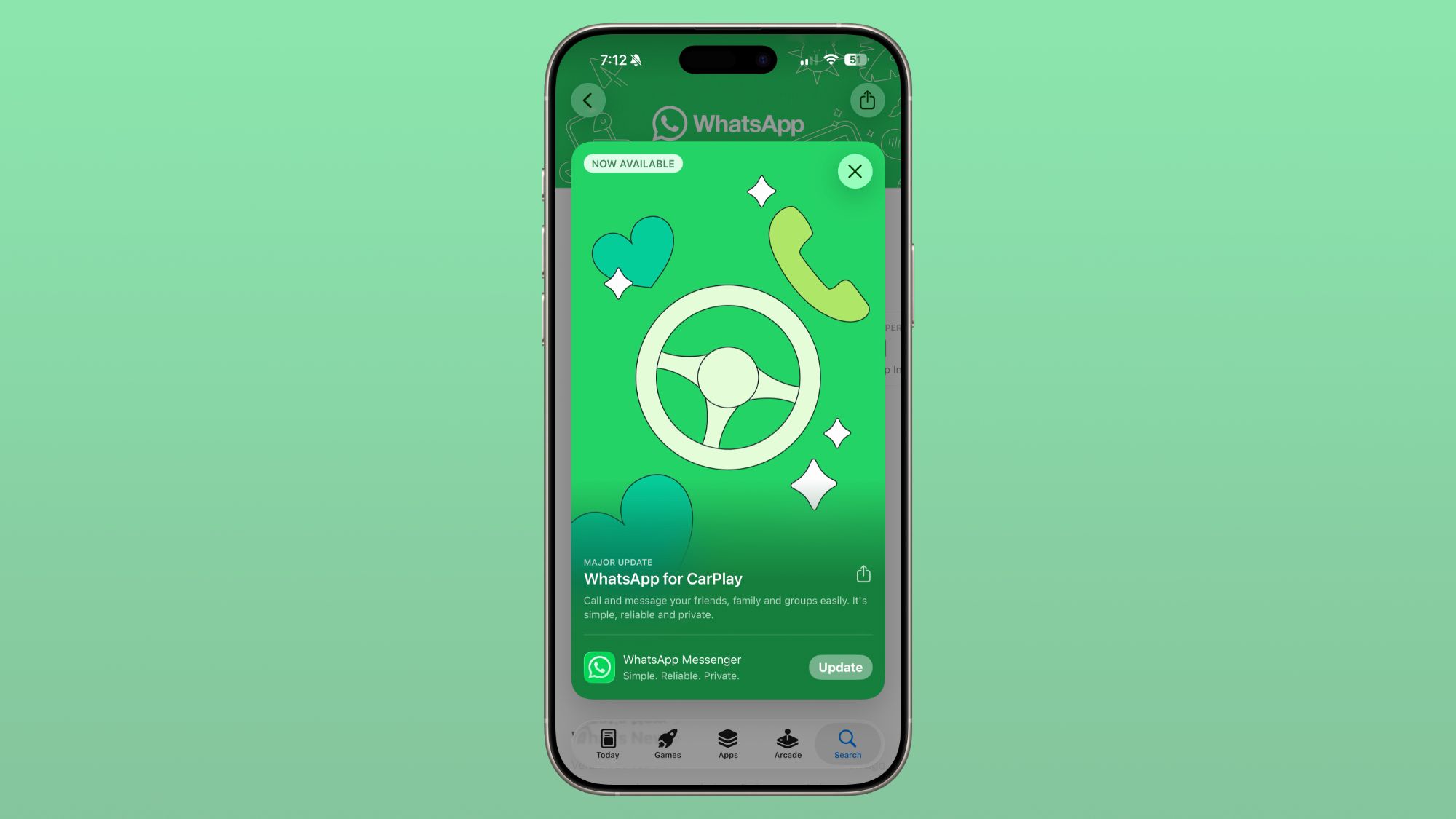
WhatsApp Launches New Native CarPlay Interface
WhatsApp has finally pivoted away from its restrictive, voice-only dependency on CarPlay, shipping a native interface that moves the app beyond the limitations of Siri-based wrappers. For users who have spent years fighting with voice-command latency and the opacity of Siri’s messaging integration, this production push marks a shift toward a functional, visual UI in the vehicle.
The Tech TL;DR:
- Native Transition: WhatsApp has moved from limited Siri-based functionality to a full native CarPlay interface.
- Feature Set: The update introduces a dedicated list of recent chats, call history, and a favorites tab for rapid contact access.
- Deployment: Available to all iPhone users via the latest WhatsApp app update and connection to a CarPlay-compatible head unit.
The architectural shift here is significant. Previously, WhatsApp’s presence in the car was essentially a thin client relying on Siri to bridge the gap between the user and the messaging database. This created a bottleneck where the user was blind to their recent activity unless they explicitly queried the assistant. By implementing a native CarPlay interface, Facebook-owned WhatsApp is now pushing its own UI layer to the vehicle’s display, allowing for direct interaction with recent chats and call histories without the intermediary friction of voice-only commands.
From a developer’s perspective, moving to a native interface requires tighter integration with Apple’s CarPlay framework. This isn’t just a skin; it’s a deployment of specific templates designed for driver safety and reduced cognitive load. The inclusion of quick-access buttons for dictation and calling suggests a focus on minimizing “eyes-off-road” time, though the addition of a full chat list inevitably increases the potential for driver distraction—a trade-off that often requires the oversight of specialized [UX/UI design agencies] to ensure compliance with automotive safety standards.
The Evolution of In-Car Messaging: Siri vs. Native
To understand the technical leap, one must glance at the delta between the legacy Siri-based integration and the new native app. The previous iteration was a voice-command wrapper; the new version is a dedicated application instance. This allows WhatsApp to maintain a stateful interface on the car’s dashboard, reflecting the user’s actual chat history in real-time.

| Feature | Legacy Siri Integration | New Native CarPlay App |
|---|---|---|
| Interface | Voice-driven/Text-to-Speech | Full Native Visual UI |
| Chat Navigation | Query-based (Siri) | Recent Chats List |
| Contact Access | Voice command only | Dedicated Favorites Tab |
| Input Method | Dictation via Siri | Quick-access dictation buttons |
| History | Limited/Invisible | Full Call and Chat History |
This transition mirrors a broader trend in the ecosystem where apps are moving away from “assistant-first” designs toward “native-integrated” experiences. While the beta testing phase was brief—lasting only a few days before the general rollout on April 7, 2026—the result is a more robust deployment that reduces the latency between the user’s intent and the app’s execution. For enterprise users who rely on WhatsApp for coordination, this reduces the operational friction of managing communications during transit.
Implementation Logic and Safety Constraints
Developing for CarPlay requires adhering to strict templates to prevent driver distraction. Developers cannot simply mirror the iPhone app; they must use the CPTemplate architecture. A simplified conceptual example of how a developer might initialize a list template for a CarPlay messaging app looks like this:
// Conceptual Swift implementation for a CarPlay List Template import CarPlay class WhatsAppCarPlaySceneDelegate: CPInterfaceController { func setupRecentChats() { let listTemplate = CPListTemplate( title: "Recent Chats", sections: [ CPListSection( items: [ CPListItem(text: "Project Alpha Group", detailText: "Last message: 2m ago"), CPListItem(text: "Lead Engineer", detailText: "Last message: 1h ago") ] ) ] ) // Push the template to the CarPlay display self.setRootTemplate(listTemplate, animated: true, completion: nil) } }By utilizing these templates, WhatsApp ensures that the “Recent Chats” and “Favorites” tabs are accessible without requiring complex navigation. However, introducing a native interface increases the attack surface of the device’s connection to the vehicle. As more apps move from voice-wrappers to native UI, the necessity for [cybersecurity auditors] to examine the data handshake between the smartphone and the vehicle’s head unit becomes critical to prevent potential endpoint vulnerabilities.
The Competitive Landscape: Messaging in the Automotive Stack
WhatsApp’s move closes a long-standing gap in its feature parity with other integrated messaging services. For years, users have had to choose between the seamless but limited Siri experience and the full-featured but dangerous act of glancing at a handheld device. By shipping this native app, WhatsApp is now competing directly with native iMessage integration in terms of accessibility.
WhatsApp vs. The Competition
While iMessage has always enjoyed deep vertical integration with CarPlay, WhatsApp’s update brings a similar level of utility to the Facebook-owned platform. The key differentiator remains the end-to-end encryption protocol, which remains intact during the CarPlay session. This ensures that while the UI is projected onto the car’s screen, the underlying security architecture of the message transport layer is not compromised.
For companies managing a fleet of corporate devices, the rollout of native interfaces across multiple messaging apps necessitates a coordinated update strategy. IT departments are increasingly relying on [Managed Service Providers (MSPs)] to ensure that all corporate iPhones are updated to the latest versions to maintain both functionality and security patches across these automotive interfaces.
The trajectory of this technology points toward an even deeper integration of the OS into the vehicle’s hardware. We are moving toward a future where the distinction between “phone app” and “car app” disappears entirely, replaced by a unified ambient computing environment. Whether this leads to increased productivity or dangerous levels of distraction remains the primary debate among automotive engineers and software architects.
Disclaimer: The technical analyses and security protocols detailed in this article are for informational purposes only. Always consult with certified IT and cybersecurity professionals before altering enterprise networks or handling sensitive data.