
Apple to Combat unwanted Calls with New iOS Feature
Table of Contents
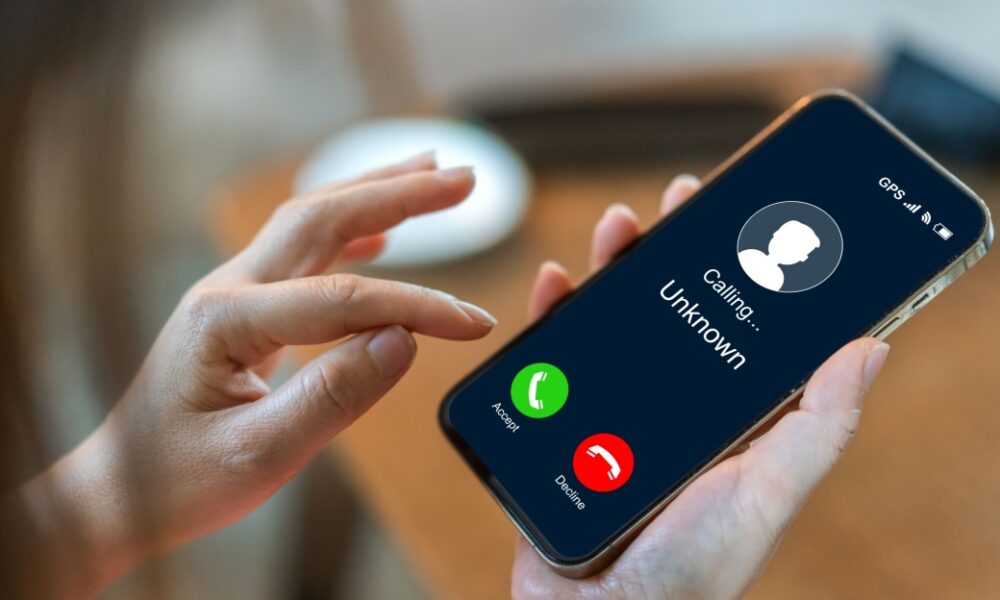
CUPERTINO, CA – iPhone users frustrated by calls from unknown numbers may soon have a powerful new tool at their disposal. Apple is set to release an update, iOS 26 this fall, introducing a feature designed to screen incoming calls and reduce interruptions from potential scams and unwanted solicitations.
How the New Call Screening Works
The forthcoming feature will allow iPhones to automatically answer calls from numbers not recognized in the user’s contacts. The caller will be prompted to identify themselves, and their response will be displayed as text on the screen in real-time. This allows the recipient to read the message and decide whether or not to answer the call.
Apple states the technology leverages artificial intelligence to also identify and flag calls suspected to be scams or telemarketing attempts. The company emphasizes this solution aims to minimize disruptions to calls made through Telephone, FaceTime, and Messages.
Beyond Call Screening: Hold Assist
iOS 26 will also include a “Hold Assist” function. This feature allows the iPhone to remain on hold during customer service calls, playing the hold music and notifying the user only when a representative is available. This aims to free up users from passively waiting on the line.
Existing Options for Managing Calls
Currently, iPhone users can already silence calls from unknown numbers by enabling the “Mute unknown callers” setting, which only allows calls from contacts to ring through.Several third-party applications also offer call identification services to detect potential scam or sales calls,though their effectiveness varies.
Release Date & Current iOS Version
iOS 26 is scheduled for release in September. The current latest version of Apple’s operating system is iOS 18.6.2. While the new tools may not eliminate all unwanted calls, Apple anticipates the update will be a meaningful benefit for iPhone users seeking to reduce interruptions.
