Microsoft Publisher Ends Thirty-Five-Year Software Run
Microsoft Publisher Retirements Ends Thirty-Five-Year Software Run
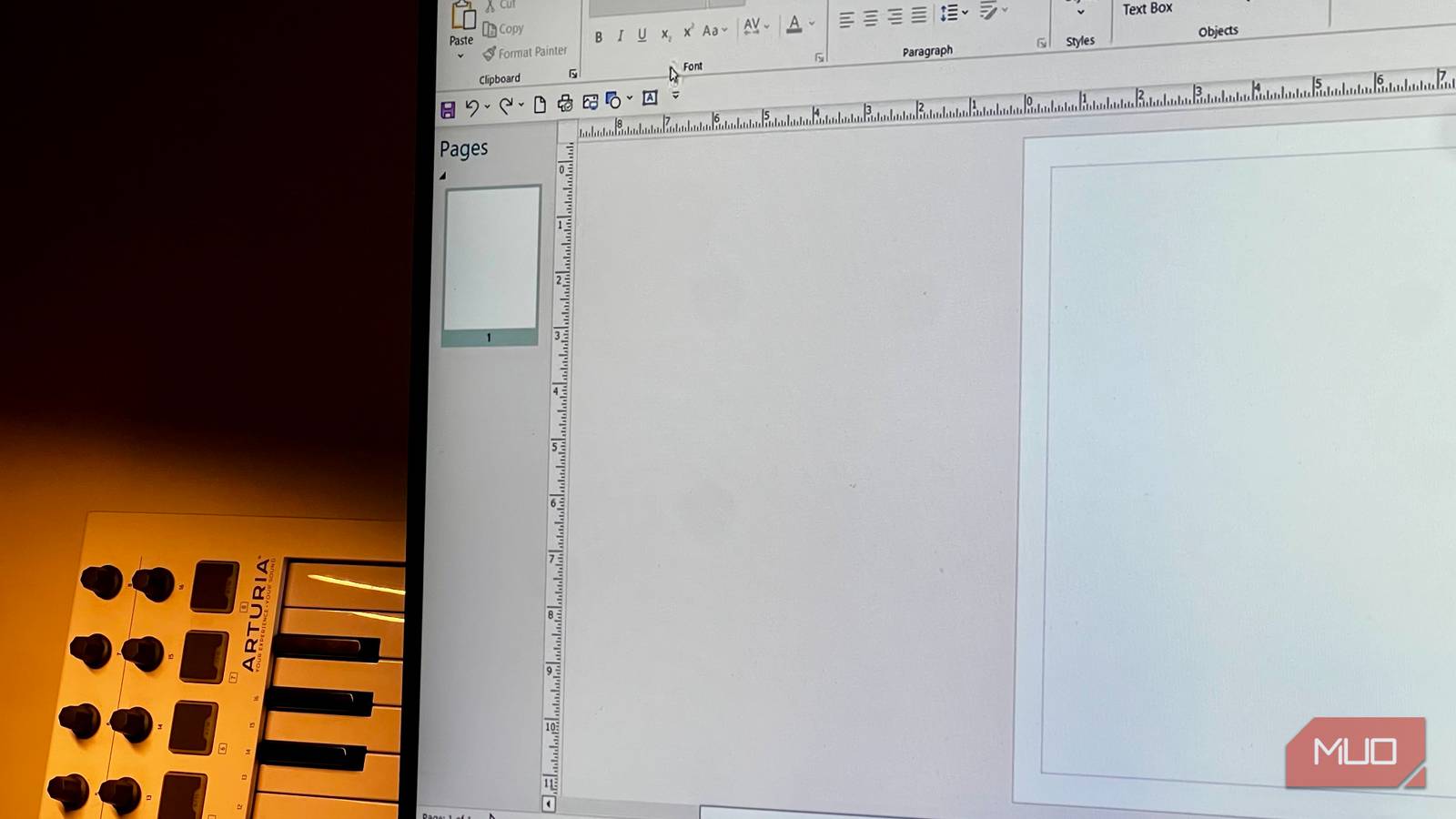
After a remarkable 35-year run, Microsoft Publisher has officially retired, with perpetual license versions ending support on October 13, 2026. Microsoft’s planned phase-out schedule reached its final milestone today, following the removal of Publisher from Microsoft 365 apps that began rolling out on October 1, 2026. Users opening their systems today will find themselves locked out of legacy desktop publishing projects, prompting the need for immediate file recovery and migration strategies.
The Tech TL;DR:
- Microsoft Publisher support ended for Microsoft 365 on October 1, 2026, and for perpetual license versions on October 13, 2026.
- Existing
.pubfiles are not automatically deleted by Microsoft, but they remain trapped in a proprietary format that modern apps no longer support natively. - Users can recover layouts by exporting via legacy installs, using offline file viewers, or migrating projects to alternative platforms like Affinity or Microsoft Word.
Recovering Trapped Proprietary Files Without Native Support
Because Microsoft 365 has completely removed Publisher from the application suite, users can no longer open, edit, or create .pub files within the core environment. However, Microsoft does not automatically delete existing files during the removal process. For those who did not manage to export their documents before the cutoff date, recovery depends entirely on access to un-updated machines or legacy installations.
The standard workaround involves using a temporary standalone or perpetual license installation to open legacy documents. From there, users can go to File, select Save As, and export the project directly into a PDF format. Once saved as a PDF, the document can be opened inside Microsoft Word to extract raw text and basic structural layouts. Alternatively, standalone utilities like the Univik PUB File Viewer allow Windows users to parse and read legacy files offline without maintaining an active Office subscription.
Evaluating Replacement Software and Migration Paths
Microsoft officially states that common Publisher use cases—such as calendars, flyers, greeting cards, and labels—can be handled natively by Microsoft Word, PowerPoint, or AI-driven tools like Microsoft Designer. For power users seeking a professional desktop publishing environment outside the Microsoft ecosystem without subscription lock-in, Affinity by Canva provides a viable alternative through a one-time-purchase model. Meanwhile, Adobe InDesign remains the gold standard for professional designers, though it carries a steeper learning curve and a higher Creative Cloud subscription cost.

# Example CLI check for legacy .pub files in a local directory
find . -name "*.pub" -type f -exec ls -lh {} +
Unverified web converters should never process sensitive personal or corporate data due to security risks.
Disclaimer: The technical analyses and security protocols detailed in this article are for informational purposes only. Always consult with certified IT and cybersecurity professionals before altering enterprise networks or handling sensitive data.