
Apple added a call screening feature in iOS 26 that greatly reduces spam calls on iPhones. This feature filters calls from numbers you haven’t saved before they ring, letting wanted calls through while blocking many scam and automated calls.
Call screening is available on all iPhones that can use iOS 26. It doesn’t need Apple Intelligence and works entirely within the Phone app’s settings.
When you turn it on, the feature handles calls from numbers not in your Contacts differently. callers might be asked to say why they’re calling,sent straight to voicemail,or allowed to ring as usual,depending on your choice.
How call screening works on iPhone
iOS 26 offers three call screening options in the Phone app settings:
- Never – Calls from unknown numbers ring as they did before iOS 26.
- Ask Reason for Calling – Unknown callers are asked to explain their reason for calling.Your iPhone won’t ring. You’ll see a text version of their response, so you can decide whether to answer.
- Silence – All calls from unknown numbers go straight to voicemail without ringing.
For most people, Ask Reason for Calling works best. Scam and robocall systems usually don’t respond, but real callers—like doctors’ offices or delivery services—can still reach you.
How to turn on call screening in iOS 26
- Open Settings.
- Tap Apps.
- Select Phone.
- Find Screen Unknown Callers.
- Choose Ask Reason for Calling or Silence.
The change happens right away. You can change the setting anytime if you miss notable calls.
What to expect after turning it on
With call screening on,spam calls won’t make your phone ring or show notifications. Legitimate calls from unknown numbers will still come through, but only after the caller explains why they’re calling. Missed screened calls appear in your Recents, and voicemails are saved when you use Silence.
Apple hasn’t said if call screening will change in the future, but it already provides a built-in way to reduce spam calls without needing tools from your carrier or third-party apps.
Summary
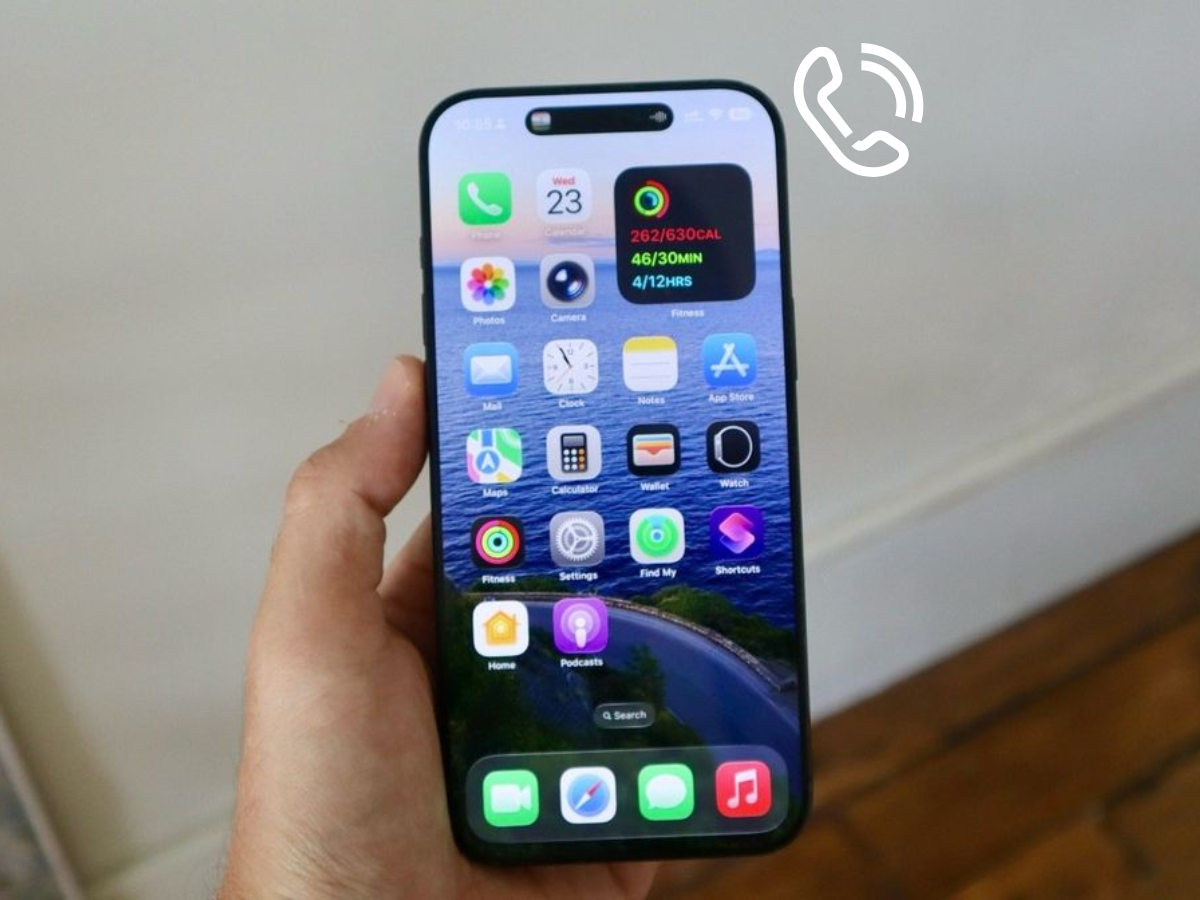
iOS 26 Adds Call Screening That Effectively Blocks Spam Calls
Description
iOS 26 includes a built-in call screening feature that can block or filter spam calls without silencing important ones.
Author
Arthur K

