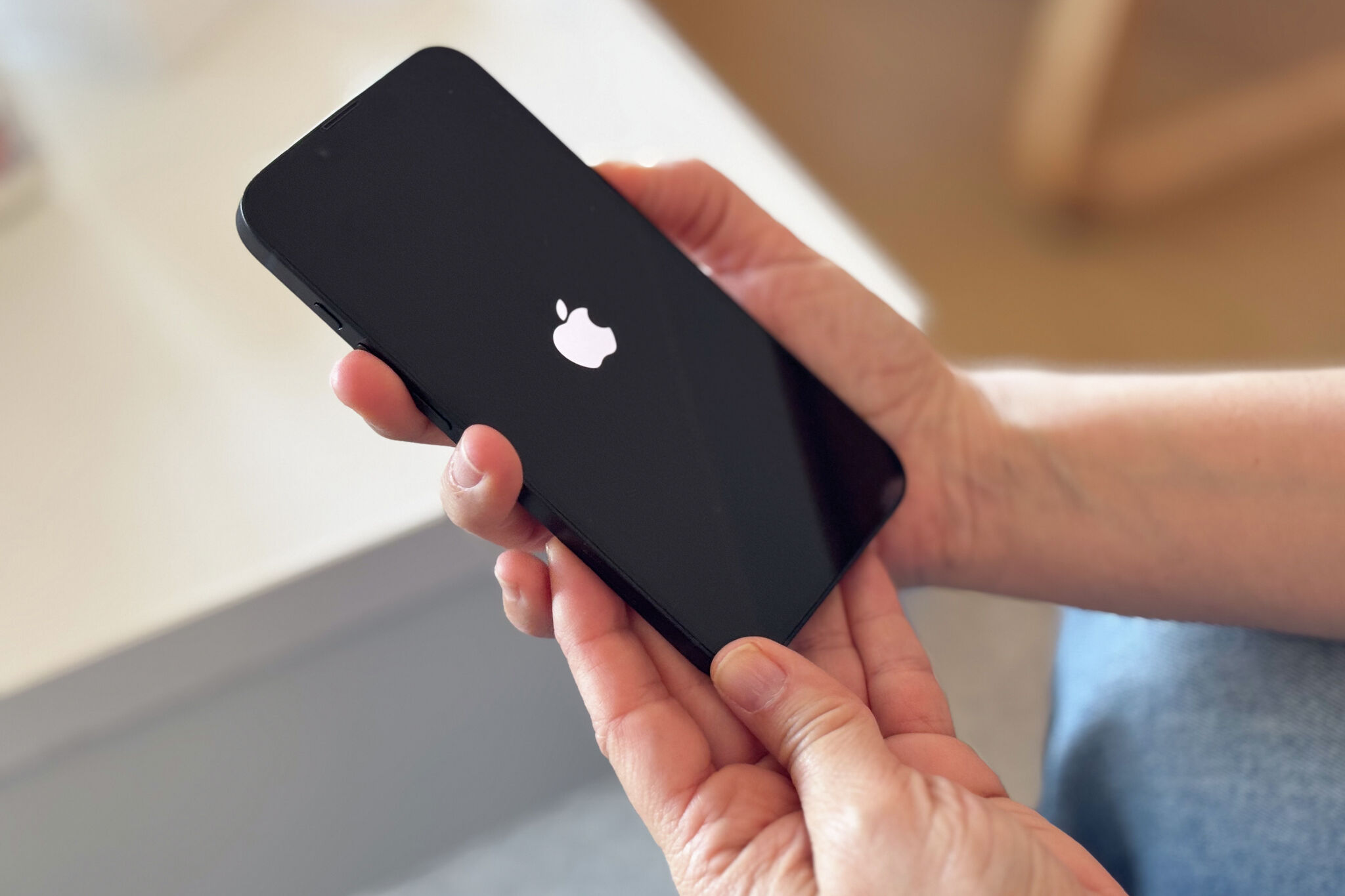
How to Enable Lost Mode on Your iPhone via iCloud
The Architecture of Lost Mode: Beyond the User Interface
In the high-stakes environment of mobile device management, Apple’s “Lost Mode” is often marketed as a consumer-friendly recovery tool. However, for those of us operating within the constraints of enterprise security or managing sensitive personal data, the abstraction of this feature hides a complex synchronization process between the Secure Enclave, iCloud identity services and the Find My network. When you trigger Lost Mode, you aren’t just sending a “ping”; you are initiating a remote state transition that locks the device at the firmware level, effectively severing its ability to communicate with anything other than Apple’s authentication servers. Understanding the potential for social engineering scams—where threat actors leverage the “provide a phone number” prompt to facilitate phishing—requires a shift from viewing this as a ‘feature’ to viewing it as a critical component of your personal threat model.
The Tech TL;DR:
- Lost Mode forces a hardware-level lock that requires a valid Apple ID credential to bypass, preventing unauthorized access to the local file system.
- The “contact information” input field is a known vector for social engineering; attackers may pose as “support” to phish your credentials once the device is marked as lost.
- Enterprise deployments should utilize Mobile Device Management (MDM) solutions to enforce Lost Mode policies rather than relying on manual iCloud web-based triggers.
The Threat Matrix: Lost Mode as a Social Engineering Vector
The workflow for enabling Lost Mode is straightforward: navigate to iCloud.com/find, authenticate, and flag the specific device. While the interface is designed for simplicity, the psychological component of the recovery process is where the architecture fails. When a device is placed in Lost Mode, the owner is prompted to enter a phone number where they can be reached. Here’s where threat actors capitalize on the user’s panic. By spoofing the caller ID to appear as “Apple Support” or a “Recovery Service,” attackers attempt to harvest the victim’s iCloud password under the guise of “verifying the device location.”

“The security of the Find My ecosystem relies on the assumption that the user can distinguish between legitimate system notifications and sophisticated phishing attempts. When a device is in a compromised or lost state, the user is cognitively primed to trust any communication that promises recovery.” — Anonymous Cybersecurity Researcher, specializing in Mobile Forensics.
To mitigate these risks, organizations should rely on managed protocols. If you are a business owner or a security lead, do not rely on manual consumer recovery. Instead, engage with vetted cybersecurity auditors to perform regular penetration testing on your mobile fleet policies. For those managing smaller inventories, reaching out to specialized mobile security and repair shops can provide the necessary oversight to ensure your device is locked down before it is ever misplaced.
Implementation: The API-Driven Recovery Workflow
For developers and sysadmins, interacting with Apple’s infrastructure requires an understanding of the underlying state management. While the consumer interface is a GUI, the backend service relies on a series of tokens that verify the device’s unique identifier (UDID) against the iCloud account’s primary key. If you are building a custom monitoring tool or auditing your own device’s status, you can interact with the device state via Apple’s private APIs, though caution is required to avoid rate-limiting or account flags.
# Example conceptual request structure for device state verification curl -X POST https://api.icloud.com/find/v1/device/status -H "Authorization: Bearer [YOUR_OAUTH_TOKEN]" -H "Content-Type: application/json" -d '{ "device_id": "YOUR_DEVICE_UDID_HERE", "command": "GET_STATUS" }'Comparing Recovery Architectures: Apple vs. Android
The efficacy of Lost Mode is often debated against the backdrop of Google’s “Find My Device.” While Apple’s approach is deeply integrated into the Secure Enclave, creating a near-impenetrable wall for the average user, Google’s platform has moved toward a decentralized, crowd-sourced BLE (Bluetooth Low Energy) mesh. The table below outlines the architectural differences in how these two platforms handle remote locks.

| Feature | Apple Lost Mode (iCloud) | Android Find My Device |
|---|---|---|
| Hardware Lock | Firmware-level (Secure Enclave) | Software-level (Android Framework) |
| Recovery Mechanism | iCloud Identity Services | Google Account / GMS |
| Network Protocol | Proprietary Apple Mesh | BLE-based Crowd-sourced Mesh |
The reliance on the Secure Enclave gives Apple a significant advantage in terms of hardware-backed data protection. However, this does not absolve the user from the necessity of managed IT infrastructure. When devices are lost, the human element—the phone number provided in the recovery message—remains the weakest link in the chain.
The Trajectory of Mobile Recovery
As we move toward a future of fully encrypted, decentralized device tracking, the role of human intervention in recovery will continue to diminish. The goal of future updates should be to remove the “phone number” field entirely, replacing it with an automated, encrypted challenge-response system that verifies ownership without exposing the user to direct communication with potential attackers. Until then, maintain strict operational security. If you suspect your device has been targeted, verify all communications through official channels and consult with professional security consultants to ensure your digital identity remains intact.
Disclaimer: The technical analyses and security protocols detailed in this article are for informational purposes only. Always consult with certified IT and cybersecurity professionals before altering enterprise networks or handling sensitive data.