How to Enable Earthquake Alerts on Android and iPhone: A Step-by-Step Guide
Smartphones as Frontline Seismic Sensors
Google’s Android Earthquake Alerts System and Apple’s integrated notification features now turn millions of mobile devices into a safety net. By leveraging internal accelerometers, these tools provide real-time warnings to users in the path of a tremor. The systems function as a distributed sensor network, allowing devices to detect ground motion and transmit data to a central processing center before broadcasting critical alerts.

The Mechanics of Android’s Pocket Seismograph
The Android system utilizes the accelerometer hardware found in almost all modern smartphones to detect P-waves—the faster, initial waves generated by an earthquake. According to Google, when a phone detects movement that could be seismic, it sends a signal to a central server along with the approximate location of the disturbance.
The server aggregates data from multiple nearby devices to confirm the event. If the system verifies a significant earthquake is occurring, it pushes an alert to other Android users in the affected area. This process turns the global base of Android devices into a crowdsourced seismograph network. Users can confirm the feature is active by navigating to their phone’s “Settings,” selecting “Safety & Emergency,” and ensuring “Earthquake Alerts” is toggled to the “On” position.
Enabling Government Alerts on iOS
While Apple does not operate an independent, global sensor network equivalent to Google’s in the same capacity, iPhone users can receive earthquake alerts through government-issued emergency notification systems integrated into iOS.
To ensure these are enabled, users must access “Settings” and select “Notifications.” By scrolling to the bottom of the list, users can toggle “Emergency Alerts” to the “On” position. This allows the device to receive Wireless Emergency Alerts (WEA) transmitted by local national authorities or geological agencies. In regions where official seismic agencies provide data, these alerts appear as high-priority notifications, often providing critical seconds for users to take cover.
Divergent Approaches to Disaster Response
The deployment of these alerts has highlighted a divergence in how mobile technology is utilized during natural disasters. Google’s system relies on the “pocket seismograph” model, where the user’s device acts as an active participant in the detection process. In contrast, the iPhone notification method primarily functions as a receiver for official government infrastructure.
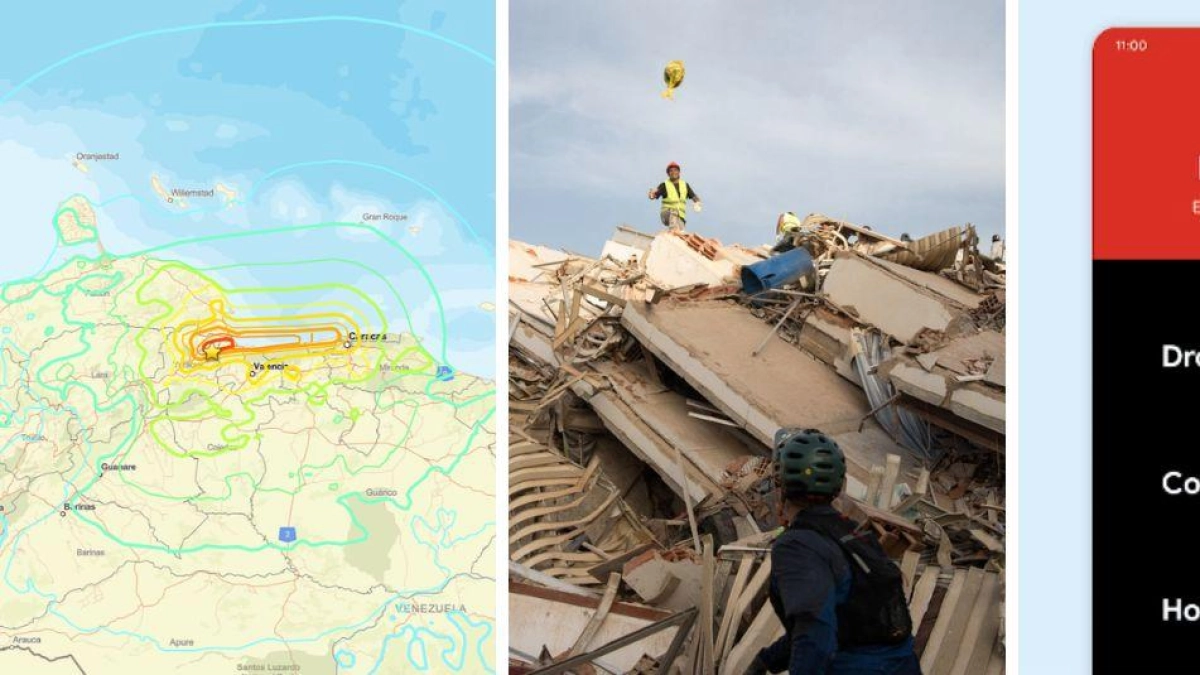
Data from recent seismic activity in Venezuela demonstrated the practical application of these systems, as millions of users received notifications via their mobile devices. While Google’s system provides a technological layer of detection, the efficacy of both Android and iPhone alerts remains tied to the quality of the local cellular network.
Authorities continue to monitor the reliability of these digital warnings as demand for early-warning integration grows among the public. No further updates regarding the expansion of these detection networks have been released by the respective technology firms.