How to Delete a WhatsApp Contact Without Leaving a Trace on Your Phone
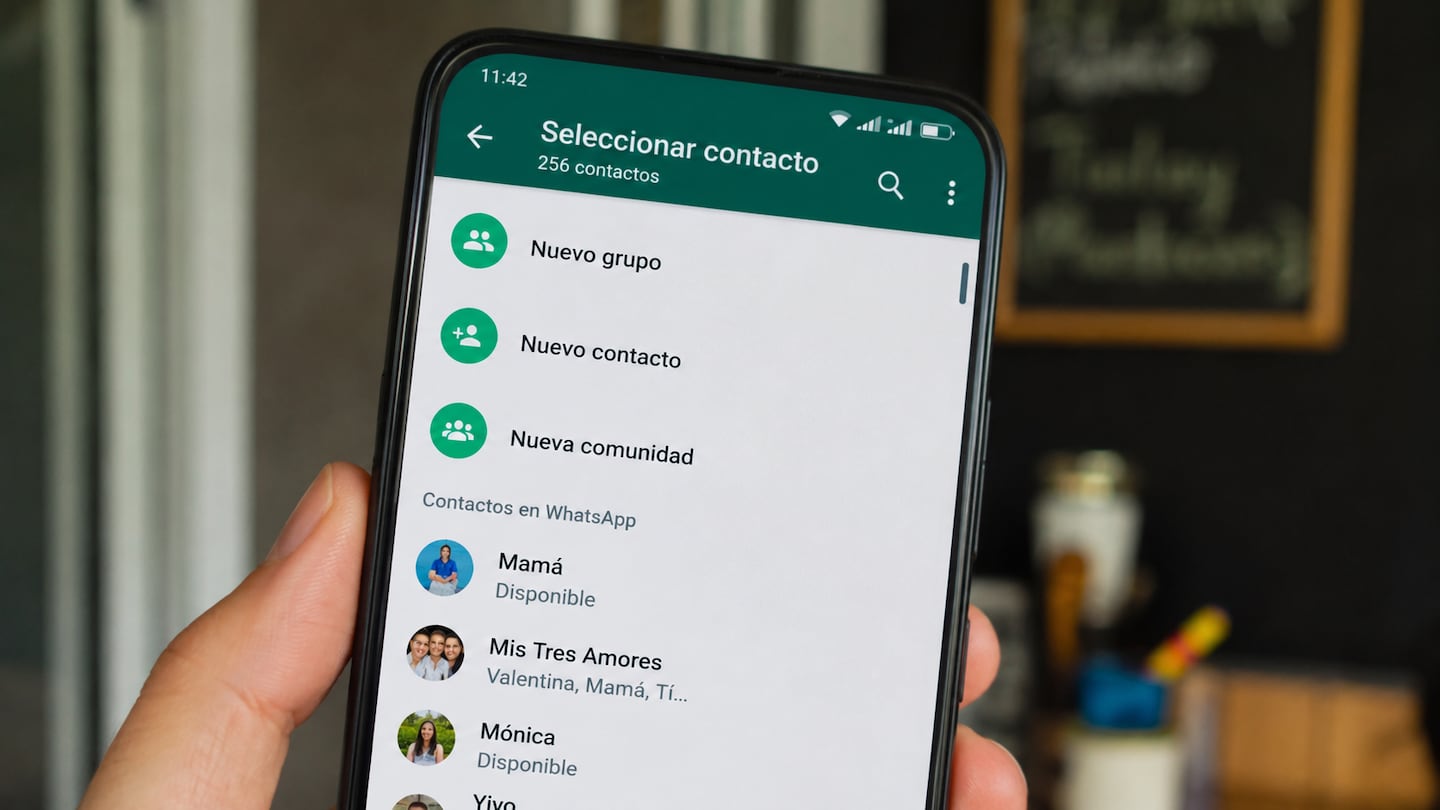
WhatsApp users seeking to remove a contact from their device must navigate a two-step process that distinguishes between local address book entries and the application’s internal database. Because WhatsApp synchronizes directly with the contact list stored on Android or iOS devices, deleting a name solely within the messaging application does not automatically purge the entry from the phone’s system memory.
To fully remove a contact without retaining a digital footprint on the device, the user must first access the phone’s native contact management application. Deleting the entry from the system’s address book acts as the primary command; once the entry is removed from the phone’s storage, the synchronization protocol triggers a refresh within WhatsApp. Upon the next update of the contact list—which occurs automatically or upon a manual refresh—the contact will no longer appear in the application’s interface.
Managing Existing Interaction History
Removing a contact from the address book does not automatically erase previous message threads or media shared between parties. Even after a contact is deleted from the phone’s directory, the chat history remains stored locally on the device or in cloud backups, depending on user settings. To ensure no record of the interaction remains, the user must manually delete the specific chat thread within the WhatsApp application settings.

For users who wish to prevent future contact without blocking the individual, the application requires manual oversight. If a user deletes a contact but the other party remains in possession of the user’s phone number, the individual may still be able to initiate a new conversation. WhatsApp’s privacy settings regarding “Last Seen,” “Online” status and profile photos are governed by the user’s configuration, which remains active regardless of whether the contact is saved in the address book.
Platform-Specific Technical Requirements
On both Android and iOS, the reliance on the system’s contact list is a core design feature of the application’s architecture. WhatsApp does not maintain an independent, server-side contact list separate from the device’s local storage. There is no “Delete from WhatsApp only” function that bypasses the need to edit the mobile device’s primary contact database.
Users who rely on cloud-based synchronization—such as iCloud for iOS or Google Contacts for Android—must ensure that the deletion propagates across all connected devices. If a contact is deleted on a smartphone but remains stored within a cloud-synced account, the entry may reappear on the device following an automated re-synchronization. To prevent this, users must verify that the contact has been removed from the cloud-linked account dashboard rather than relying solely on the device’s local interface.
WhatsApp continues to maintain its current privacy policy, which allows users to report or block accounts that violate terms of service, independent of whether those accounts are saved in the user’s contact list. The company has not announced any changes to its contact synchronization infrastructure or plans to implement a standalone contact management system within the application.