Google Updates Older Smart Speakers With 5 Performance Improvements
Google Audio and Media Streaming Firmware Version 3.79.550760 Rolling Out to Older Smart Speakers
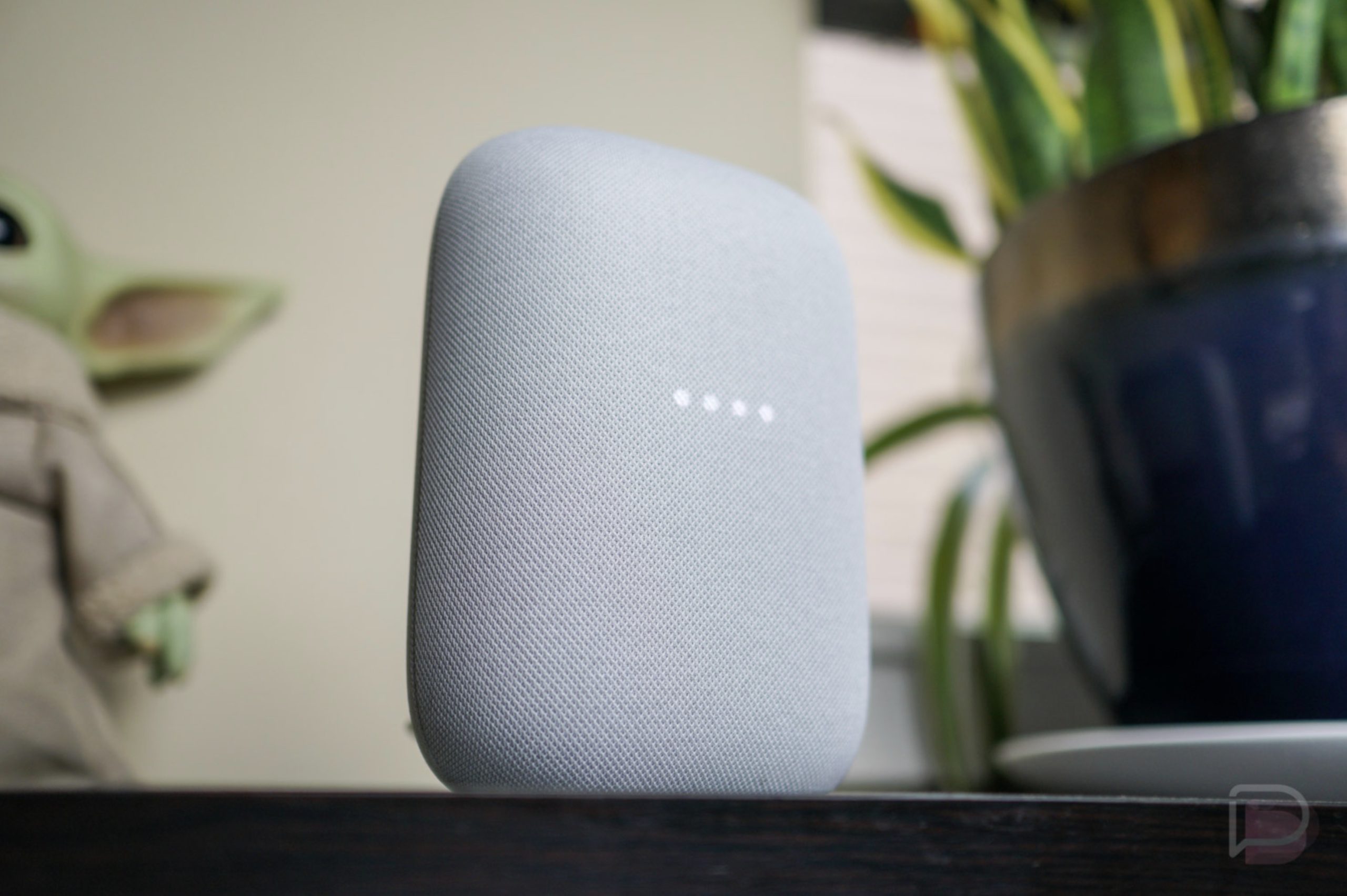
Google is rolling out firmware version 3.79.550760 to older smart speakers, bringing five distinct improvements focused on audio, connectivity, and performance, droid-life.com reported. The update targets hardware lines without built-in screens, specifically updating the Google Nest Audio, Nest Mini, Google Home Mini, and the original Google Home.
The Tech TL;DR:
- Firmware version 3.79.550760 targets older screenless Google smart speakers including the Nest Audio, Nest Mini, Home Mini, and original Google Home.
- The software package introduces five primary optimizations spanning audio streaming volume, Wi-Fi connectivity, Assistant entry, and smart home control.
- Updates are deploying in stages through the Google Home app preview program and automated overnight distribution channels.
Audio, Connectivity, and Smart Home Control Fixes
Because these legacy devices lack displays, hardware audio adjustments and smart home execution carry significant weight for daily reliability. According to the official changelog cited by droid-life.com, the software package addresses audio and media streaming parameters alongside baseline volume handling. Additional patches specifically target setup friction and persistent Wi-Fi connectivity failures that have affected older hardware configurations. Users can also expect refinements to the Google assistant entry experience alongside overall system performance and stability improvements.

Users Can Join the Preview Program for Early Updates
Google is managing this distribution through phased stages, meaning users cannot manually force the update via traditional commands. Owners wishing to check their current build status must go to individual device settings within the Google Home application. Alternatively, users can opt into testing the firmware early by joining the Preview Program. This can be accessed by opening the device page, selecting the settings gear in the top-right corner, opening Device information, and choosing Preview program where updates happen automatically at night. Deployment to the general production channel for all users is expected to take a few weeks.
Disclaimer: The technical analyses and security protocols detailed in this article are for informational purposes only. Always consult with certified IT and cybersecurity professionals before altering enterprise networks or handling sensitive data.