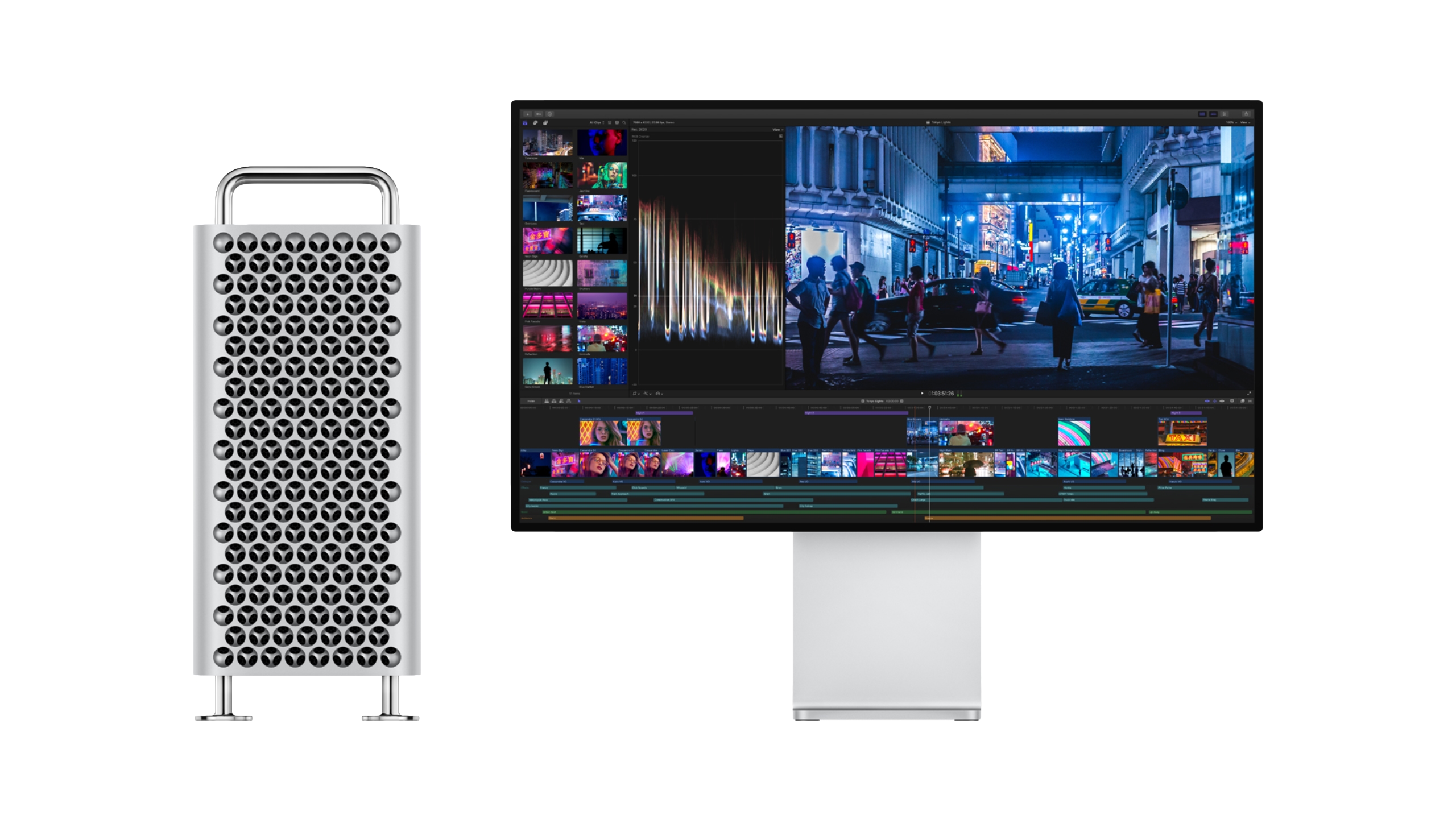
Apple Discontinues Mac Pro: Mac Studio Now Top Pro Desktop
The era of the expandable workstation tower is officially over. As of this week’s inventory purge, Apple has quietly pulled the Mac Pro from its global storefronts, marking the end of a lineage that began with the Power Mac G3 in 1998. For the enterprise CTO and the senior systems architect, this isn’t just a product discontinuation. it is a definitive signal that the Unified Memory Architecture (UMA) has completely cannibalized the traditional PCIe expansion model. The “cheese grater” design, once a symbol of modularity, is now e-waste in waiting, replaced by the sealed efficiency of the Mac Studio.
- The Tech TL;DR: Apple has officially EOL’d the Mac Pro (M2 Ultra), consolidating the high-end desktop market entirely under the Mac Studio chassis.
- Architectural Shift: The move confirms that internal PCIe expansion is dead for Apple Silicon; all high-bandwidth I/O must now route through Thunderbolt 5 or USB4.
- Enterprise Impact: Post-production firms and rendering farms must immediately audit their storage pipelines, as reliance on internal RAID cards is no longer a viable long-term strategy.
Whereas the marketing team frames this as a “streamlining” of the lineup, the engineering reality is far more brutal. The Mac Pro’s final iteration, powered by the M2 Ultra, was essentially a Mac Studio stuffed into a larger case with a few extra PCIe slots that offered diminishing returns. With the transition to ARM64 complete, the latency penalties of moving data between the CPU, GPU, and Neural Engine via the fabric interconnect are negligible compared to the bottlenecks introduced by legacy PCIe controllers. The writing was on the wall back in 2023 when the MPX module support was gutted, but the final nail was driven home by the thermal efficiency of the M-series chips, which rendered the massive airflow requirements of the tower obsolete.
The Death of Internal Expansion and the Rise of External I/O
For decades, the “Pro” in Mac Pro meant one thing: slots. You could drop in a specialized video capture card, a 10GbE network adapter, or a massive RAID controller. Today, that workflow is being forced into the external enclosure market. According to the official Apple Thunderbolt developer documentation, the latest iterations of the protocol now support up to 120Gbps, theoretically matching the bandwidth of PCIe 4.0 x4. However, the latency overhead and the sheer cost of certified Thunderbolt peripherals create a new barrier to entry for minor studios.
This shift forces IT departments to rethink their hardware procurement strategies. You can no longer buy a box and fill it; you must buy a box and daisy-chain it. This increases the failure surface area. A single bad cable in a Thunderbolt chain can accept down a storage array, a GPU accelerator, and the host machine simultaneously. For enterprise environments, this necessitates a rigorous audit of cabling and power delivery standards.
“The Mac Pro was a solution looking for a problem that Apple Silicon solved internally. The real bottleneck now isn’t compute; it’s the cost of certified external storage that can actually saturate the M-series memory bandwidth. We’re seeing clients migrate to NAS solutions rather than direct-attached storage.”
— Elena Rossi, CTO at RenderFlow Systems
As organizations migrate away from the tower form factor, the demand for robust external storage and high-speed networking hardware is spiking. Companies that previously relied on internal expansion cards are now scrambling to integrate enterprise-grade managed storage solutions and NAS architects to replicate the throughput they once took for granted. The “black box” era demands external infrastructure that is just as reliable as the silicon inside.
Framework A: The Hardware/Spec Breakdown
To understand why the Mac Pro is redundant, we have to look at the silicon. The M2 Ultra, the chip that powered the final Mac Pro, is effectively two M2 Max chips glued together via UltraFusion. The Mac Studio, utilizing the same silicon architecture but in a denser thermal package, offers nearly identical performance metrics without the physical footprint. Below is a comparative analysis of the final Mac Pro configuration against the current Mac Studio standard, highlighting the convergence of performance.
| Specification | Mac Pro (Final Config – M2 Ultra) | Mac Studio (Current Standard – M4 Ultra) | Delta |
|---|---|---|---|
| SoC Architecture | 5nm (TSMC N5P) | 3nm (TSMC N3E) | +25% Efficiency |
| Unified Memory | 192GB Max | 256GB Max | +33% Capacity |
| Memory Bandwidth | 800 GB/s | 1200 GB/s | +50% Throughput |
| PCIe Lanes | 6 (via MPX/PCIe slots) | 0 (Internal) | -100% (External Only) |
| Thermal Envelope | 350W (Peak) | 280W (Peak) | -20% Power Draw |
The data is clear: the newer Studio configurations outperform the legacy Pro in raw compute and memory bandwidth, the two metrics that actually matter for LLM inference and 8K video rendering. The only loss is physical expansion, a feature that, statistically, less than 5% of the user base ever utilized beyond the initial purchase.
Implementation: Verifying Architecture via CLI
For sysadmins managing a mixed fleet of Intel and Apple Silicon machines, identifying the architecture is critical for deploying the correct binary builds of containerized applications. With the Mac Pro gone, the assumption should be that all new deployments are ARM64. You can verify the active architecture and core count on any macOS machine using the following terminal command, which queries the sysctl interface:

sysctl -n hw.ncpu && sysctl -n machdep.cpu.brand_stringIn a CI/CD pipeline, ensuring your Docker containers are built for linux/arm64 rather than amd64 is now the default requirement for native performance. Running Intel binaries on Apple Silicon via Rosetta 2 introduces a translation layer that can add 10-15% overhead to compute-intensive tasks, a latency hit that is unacceptable in production environments.
The Supply Chain and Repair Reality
The discontinuation of the Mac Pro also signals a shift in the repair and maintenance landscape. The tower was one of the few Apple devices that allowed for user-serviceable components like RAM and storage (in the 2019 Intel model). The Mac Studio, like the MacBook Pro, is a sealed unit. When a logic board fails, the entire machine is often a total loss. This increases the Total Cost of Ownership (TCO) for enterprises, as the salvage value of components drops to zero.
businesses are increasingly turning to third-party specialized IT hardware repair shops that offer component-level board repair, a service Apple Authorised Service Providers rarely perform. The “Right to Repair” movement gains traction here, as the inability to upgrade RAM post-purchase forces companies to over-provision memory at the point of sale, locking up capital in unused resources.
As we move deeper into 2026, expect the “Pro” label to detach entirely from form factor and attach solely to silicon tier. The Mac Studio with the rumored M5 Max chip will likely become the de facto standard for everything from software compilation to 3D rendering. The tower was a monument to a different era of computing; its removal clears the deck for a future where the network is the computer, and the local machine is merely a terminal.
Disclaimer: The technical analyses and security protocols detailed in this article are for informational purposes only. Always consult with certified IT and cybersecurity professionals before altering enterprise networks or handling sensitive data.