
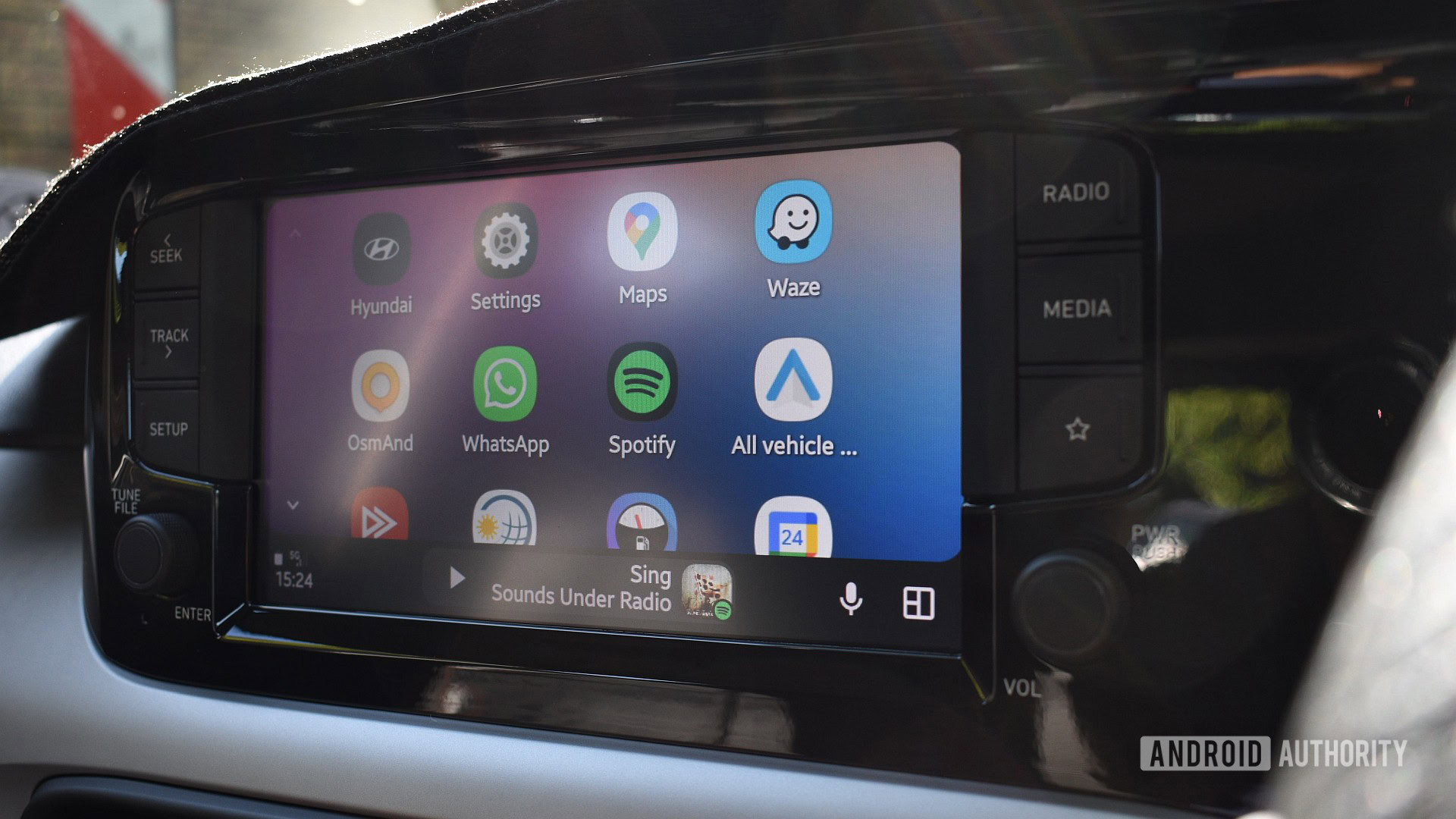
Android Auto Messaging Issue: What Google Workspace Users Need to Know
Published: 2026/01/11 03:36:19
Teh Problem: “Sorry, Ask Your Admin” Error
Android Auto users with Google Workspace accounts are currently experiencing a frustrating issue when attempting to reply to messages via voice command.Instead of composing and sending a response, users are met with an error message stating, “Sorry, but to do that you’ll have to ask your Google Workspace administrator.” This bug prevents hands-free messaging, significantly impacting safety and convenience while driving.
WhatS Causing the Issue?
The root cause of this problem remains unclear, but initial reports strongly suggest it’s isolated to users logged into Android Auto with a Google Workspace account – the business-focused version of Google’s services. Reports first surfaced last month and continue to emerge, indicating the issue hasn’t been resolved as of this week. While the exact technical reason is unknown, it appears to be a permission or configuration conflict within the Google Workspace ecosystem when interacting with Android auto’s messaging features.
Is This a Widespread Problem?
fortunately, this issue doesn’t affect all Android Auto users. The problem appears to be specific to those utilizing Google Workspace accounts. Individuals using personal Gmail accounts are, at this time, unaffected. this limits the scope of the problem, but it’s still a significant inconvenience for those within the impacted user base, particularly those who rely on voice commands for safe dialog while driving.
What is Google Workspace?
Google Workspace (formerly G Suite) is a collection of cloud computing,productivity and collaboration tools by Google for businesses and organizations.It includes popular apps like Gmail,Google Calendar,Google Drive,Google Docs,and Google Meet. Workspace accounts often have stricter administrative controls and security policies compared to personal Google accounts, which may be a contributing factor to this Android Auto issue.
What Can You Do?
Currently, there isn’t a definitive user-side fix for this problem. here’s a breakdown of potential steps:
- Contact Your IT Administrator: The error message explicitly directs users to contact their Google Workspace administrator. Your IT department may be able to adjust settings or implement a workaround.
- Use Alternative Messaging Methods: While inconvenient, consider using alternative methods for responding to messages while driving, such as pulling over to a safe location to manually type a response.
- monitor for Updates: Keep an eye on official Google support channels and Android Auto forums for updates on the issue and potential fixes.
- Check Android Auto and Google App Updates: Ensure both the Android Auto app and the Google app on your phone are updated to the latest versions. Sometimes, software updates include bug fixes that address these types of problems.
Potential Workarounds (Unconfirmed)
Some users have reported that temporarily switching to a personal Google account within Android Auto allows messaging to function normally. Though, this is not a permanent solution and may not be feasible for all users. It’s significant to note that this is an unofficial workaround and may have unintended consequences.
What’s Next?
Google is highly likely investigating the issue and working on a solution. Given the niche nature of the problem (affecting only Google Workspace users), it may not be a top priority, but the company is generally responsive to reported bugs. We will continue to monitor the situation and provide updates as they become available.The best course of action for affected users is to report the issue to their IT administrator and stay informed through official Google channels.
Key Takeaways
- A bug in Android Auto is preventing some Google Workspace users from replying to messages via voice command.
- the error message directs users to contact their IT administrator.
- The issue appears to be isolated to Google Workspace accounts and does not affect personal Gmail users.
- There is currently no confirmed fix, but users can monitor for updates and try potential workarounds.
