
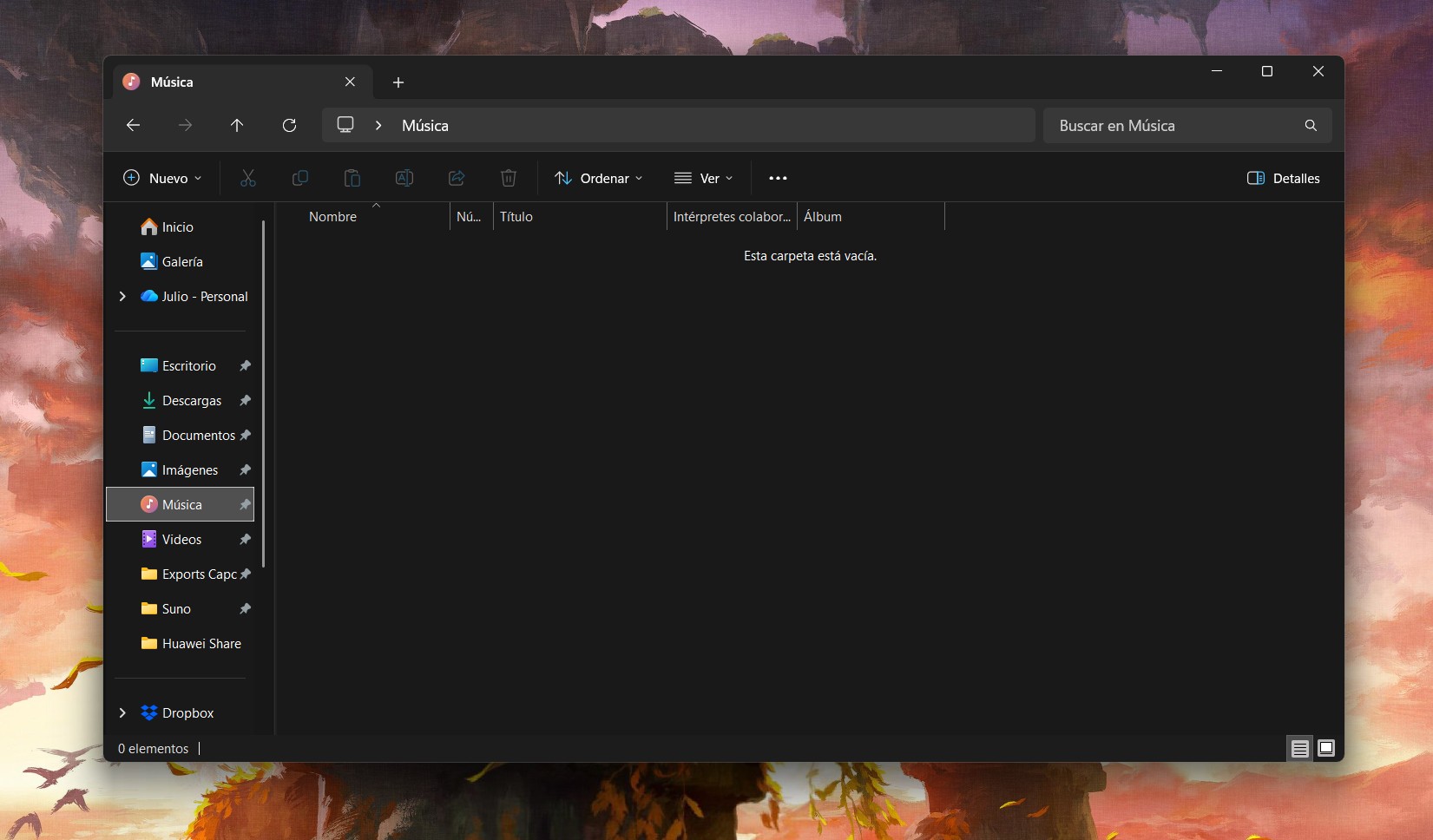
Windows 11 File Explorer to Receive Performance and Interface updates
redmond, WA – November 24, 2025 – Microsoft has acknowledged performance issues with Windows 11’s File Explorer and announced ongoing work to improve its speed and efficiency. The company detailed upcoming changes, including a preloading system designed to accelerate Explorer’s launch time, particularly on lower-spec hardware.
The preloading feature, mirroring optimizations already implemented in Microsoft Office applications like Word, utilizes background tasks to prepare File Explorer for quicker access. While the performance boost may be minimal on modern devices, Microsoft anticipates a important improvement for users with basic tablets and laptops. Users will have the option to disable preloading if they prefer to limit background processes, though Microsoft recommends keeping it enabled for faster startup times.
Beyond speed enhancements, Microsoft is streamlining File Explorer’s interface. The context menu is being redesigned to remove infrequently used actions, consolidating them into organized submenus. Options such as compressing to ZIP, copying file paths, and setting desktop backgrounds are among those being relocated. cloud service actions will also be grouped into a dedicated submenu, encompassing features like sending files to a phone or sharing via external providers.
These changes aim to create a clearer and more efficient File Explorer experience, prioritizing access to commonly used functions. While a specific release date for the updates hasn’t been announced, Microsoft confirms development is underway.
