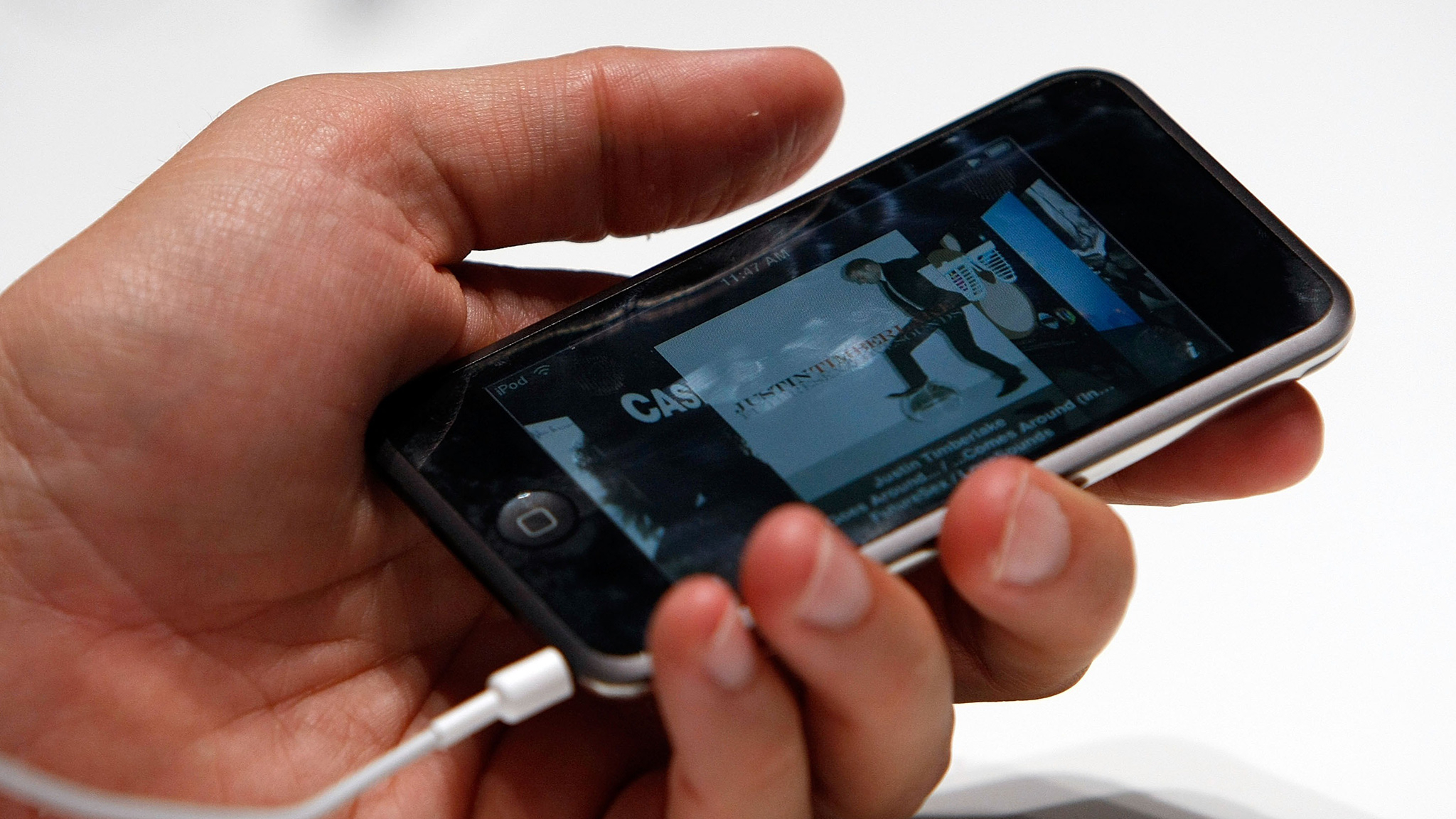
8 Tips to Speed Up Your iPod Touch
Computer Bild has published eight tuning tips aimed at squeezing more speed out of the iPod touch, a discontinued MP3 player that Apple no longer updates but that some users still prefer for activities such as jogging because it is smaller and lighter than an iPhone.
The German technology outlet notes that the device’s age means its iOS version is “strongly outdated” compared with current iPhone or iPad software, and that batteries in any unit bought today are inevitably old — “batteries are basically wearing parts, with their performance declining gradually from the day of their production” — with some second-hand devices arriving deeply discharged.
The outlet adds that batteries in iPod touch models are always old because Apple has not manufactured new variants of the media players with fresh batteries for years, and that intensive use accelerates the capacity loss.
To improve responsiveness, Computer Bild recommends closing unused apps via the physical Home button, which the iPod touch retains while newer iPhones and iPads rely on the AssistiveTouch function, and performing a restart by holding the power button until the slider appears, according to COMPUTER BILD.
Updating to the latest available iOS version may improve usability and perceived speed, but the outlet warns it can also slow down certain models; if an update degrades performance, a downgrade to an older iOS version is an option.
Reducing motion animations can be done in Settings under Accessibility > Motion by enabling “Reduce Motion.” Disabling Background App Refresh globally or for selected apps in Settings > General > Background App Refresh cuts CPU cycles and extends battery life.
Deleting rarely used apps frees resources, though Computer Bild cautions that removed apps may not be reinstallable if the installed iOS version is too old for current App Store requirements.
The outlet notes that users can trigger the deletion mode by pressing and holding any app icon on the Home screen until all icons begin to wiggle, then tapping the X symbol on apps they wish to remove and confirming with the “Delete” button. As a final step, reinstalling performance-critical apps that run sluggishly can clear corrupted data and restore speed.