
Windows 11 Update Highlights: New Accessibility Features, 25H2 Rollout, and UI Improvements
Microsoft is preparing to mandate the installation of Windows 11 version 25H2 for consumer PCs, marking a shift toward more aggressive update enforcement for its latest operating system.
The move comes as the company attempts to stabilize a release cycle that has been characterized by technical volatility. Microsoft recently issued emergency patches to resolve installation errors that prevented some users from updating their systems. Parallel to these stability efforts, the company is transitioning toward a “no-restart” update standard for monthly maintenance, aiming to reduce the disruption caused by traditional update cycles.
Accessibility and Interface Adjustments
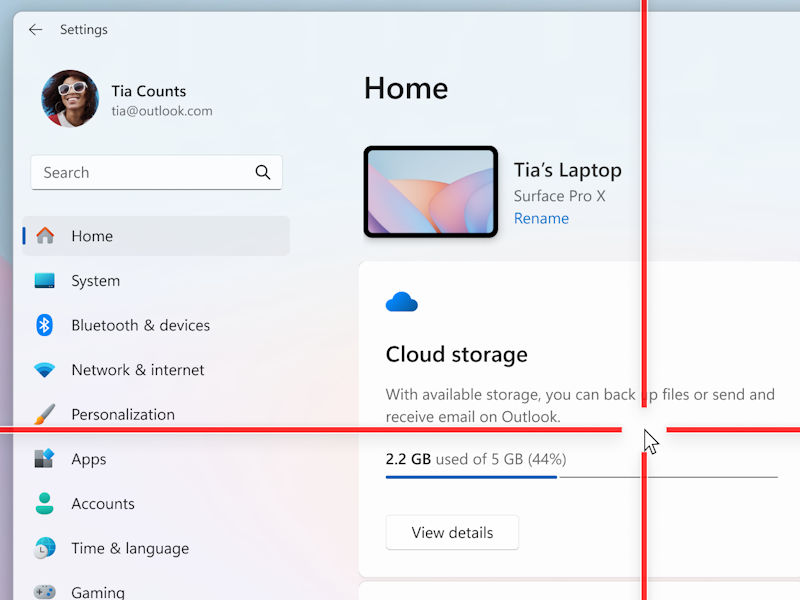
As part of its ongoing refinement of the Windows 11 user experience, Microsoft is introducing new accessibility features designed for users who frequently lose track of the mouse cursor. These updates focus on improving visual tracking and visibility, addressing a specific pain point for users with visual impairments or those utilizing high-resolution multi-monitor setups.
Institutional Response to System Instability
The push toward version 25H2 follows a period of internal acknowledgment regarding the “uncomfortable truths” of Windows 11’s deployment over the last five years. Reports indicate that Microsoft has recognized a pattern of inconsistency in the OS’s rollout and performance, leading to a declared commitment to improve the overall stability of the environment.
This strategic pivot is evidenced by the deployment of rapid-response patches to fix critical installation bugs, as the company seeks to ensure that the mandatory transition to the newer version does not result in widespread system failures or “bricked” hardware for the consumer base.
Microsoft has not yet provided a specific global timeline for the mandatory 25H2 rollout, though the transition is expected to be integrated into the standard Windows Update cadence.