Windows 11 NTFS Compression Reclaims 68GB of Laptop Storage
Windows 11 Drive Compression Recovers 68 Gigabytes Without Performance Lag
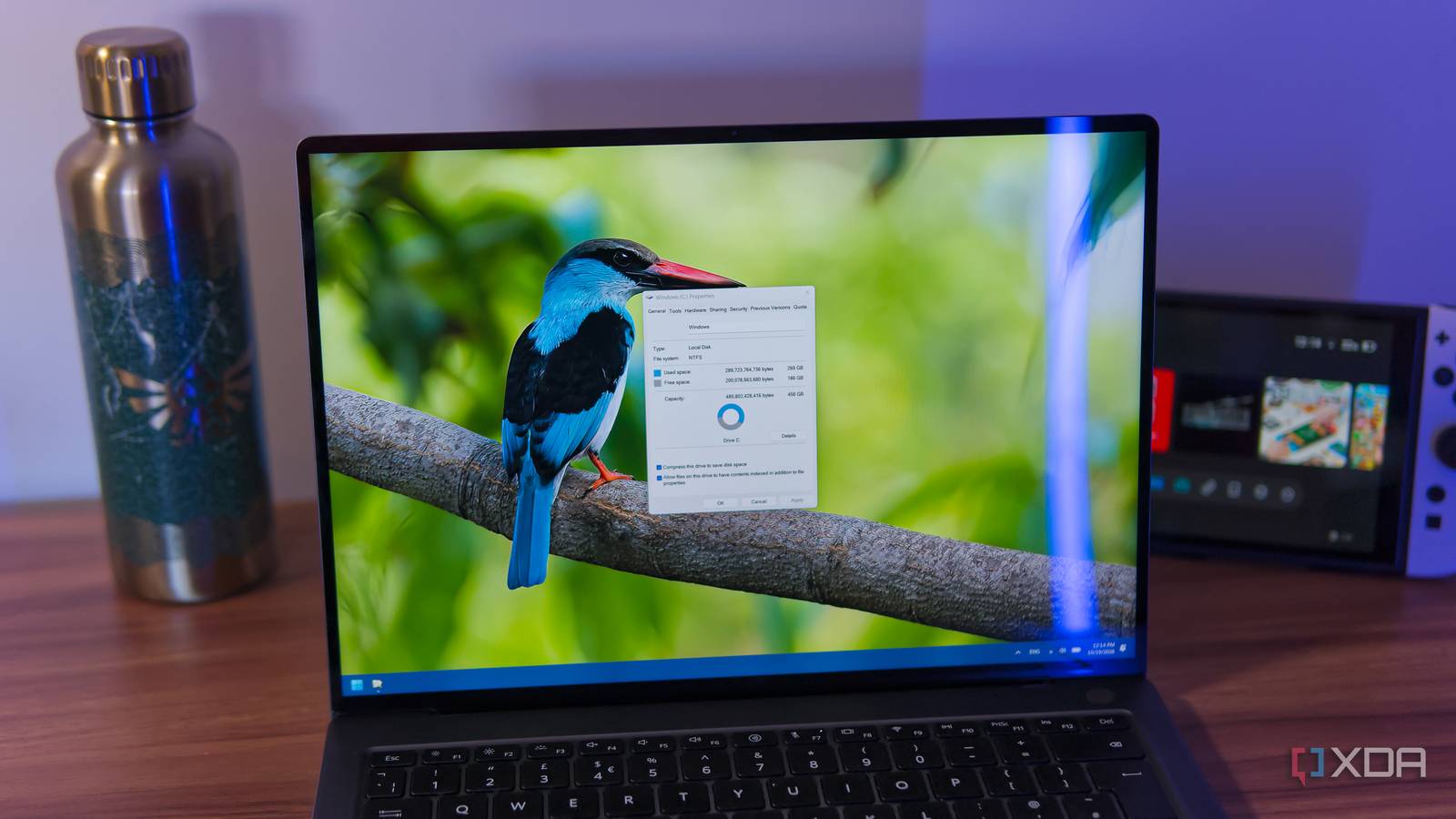
Running out of space on a laptop with 333GB of data in use led to testing Windows 11’s native NTFS drive compression feature, recovering 68GB of free space on the drive.
The Tech TL;DR:
- Windows 11’s built-in NTFS compression reduces file footprints behind the scenes without altering their appearance or usability.
- Enabling the feature on a drive holding 333GB took roughly two hours to complete and yielded 68GB of reclaimed storage.
- While CPU cycles handle the real-time decompression during file access, modern processors execute these routines fast enough to avoid noticeable loading delays.
How NTFS Compression Manages System Storage Behind the Scenes
Storage constraints present an ongoing challenge for computer users who opt for entry-level hardware tiers, particularly given current component pricing. Windows 11 includes a native file system optimization that mitigates this bottleneck through transparent NTFS compression. Unlike standard archive formats that require manual extraction before use, this file system attribute packs data into a compact state on the storage medium and unpacks it dynamically in memory whenever an application requests the file.
Enabling the tool requires navigating through File Explorer, opening the properties menu for a targeted drive formatted with NTFS, and selecting the option to compress contents for space savings. Processing large volumes of data requires patience. Initial system estimates projected a nine-hour completion window for a drive containing 333GB of active files, though the actual background process finished in approximately two hours.

CPU Compression Impacts Performance on Older Hardware
Every file written to the storage controller undergoes compression, while active reads trigger instantaneous decompression via the central processing unit. This architecture introduces a fractional computational tax on system resources. On contemporary hardware, processor cycles dedicated to these input-output routines remain negligible, allowing applications to launch without perceptible latency. However, older or resource-constrained configurations may experience noticeable slowdowns during heavy disk read-and-write operations.
Users concerned about system-wide responsiveness can bypass full-drive optimization and target specific directories instead. Navigating into advanced folder properties permits selective compression of archived documents, media libraries, or download directories, isolating performance-sensitive files from the routine.