
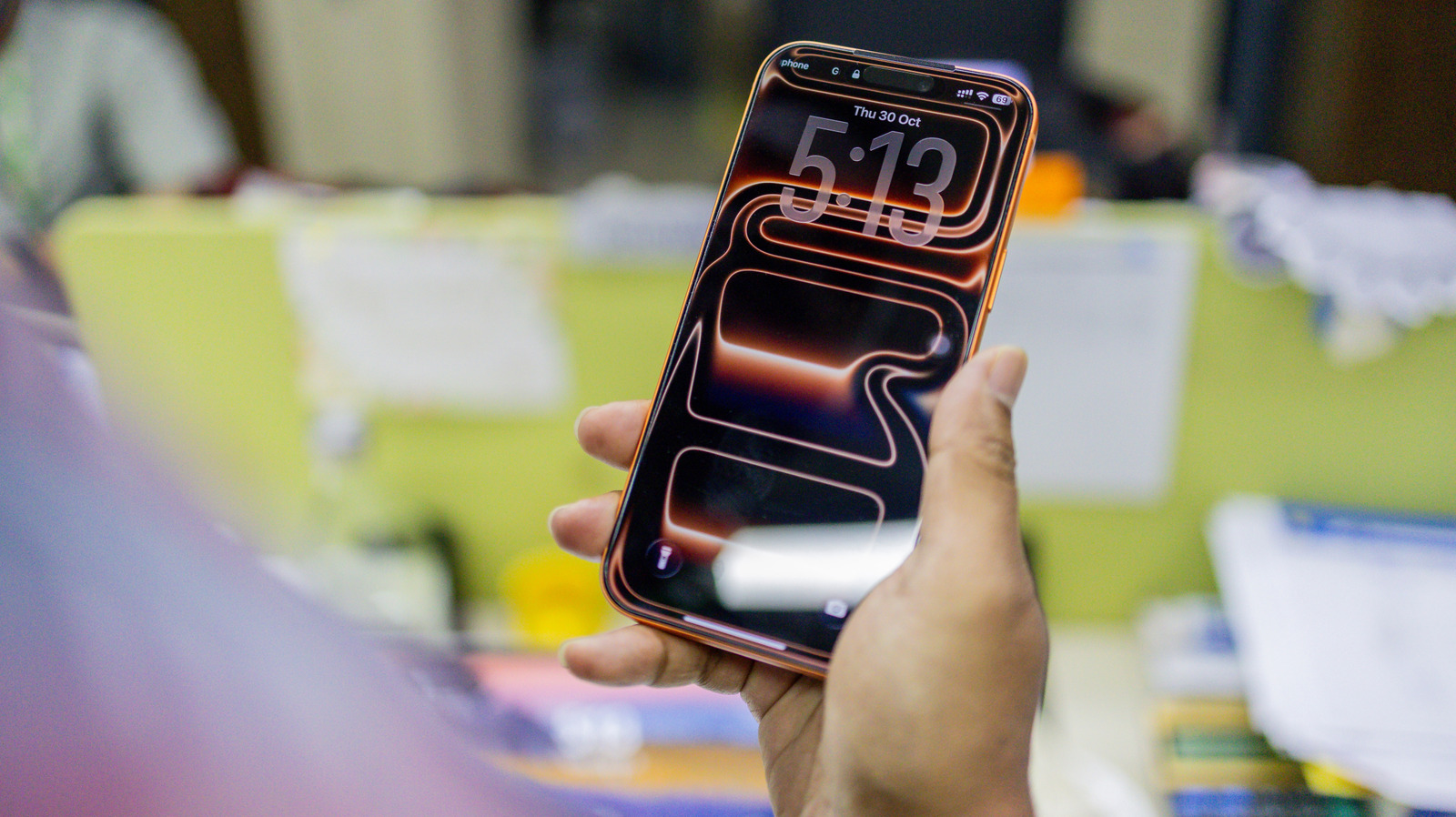
What Happened To Live Wallpapers On iPhone? Why Apple Got Rid Of The Feature
The SpringBoard Purge: Why Apple Killed Live Wallpapers to Save the Lock Screen Stack
It wasn’t a bug; it was a feature flag toggle that never got flipped back. When Apple quietly deprecated the native Live Wallpaper functionality with the rollout of iOS 16, the consumer reaction was a mix of confusion and nostalgia. But from a systems architecture perspective, the decision was inevitable. The “long-press” gesture collision between the Live Wallpaper trigger and the new Lock Screen customization editor created a UX deadlock that Apple resolved by sacrificing the former. However, the real story isn’t about gestures; it’s about the SpringBoard process overhead and the shift toward widget-driven rendering.
- The Tech TL;DR:
- Gesture Collision: The long-press trigger for Live Wallpapers conflicted with the new iOS 16 Lock Screen editor, forcing a binary choice in the UI logic.
- Battery & Thermal Impact: Live Wallpapers relied on continuous
AVPlayerloops, draining battery life and increasing thermal throttling on A-series chips compared to static or widget-based renders. - Replacement Architecture: Apple shifted focus to Photo Shuffle and WidgetKit, which utilize more efficient Core Animation layers rather than full video decoding pipelines.
The removal of Live Wallpapers wasn’t merely a design preference; it was a resource allocation decision within the iOS kernel. In the legacy architecture (iOS 15 and below), a Live Wallpaper functioned essentially as a muted, looping video file managed by the AVFoundation framework. Every time the device woke from sleep, the system had to initialize a video decoding pipeline, load the asset into memory and manage the playback state. On an iPhone 14 Pro or looking back at the iPhone 13 era, this constant background activity contributed to measurable latency in the “wake-to-unlock” metric—a critical KPI for Apple’s human interface guidelines.
When iOS 16 introduced the modular Lock Screen, the engineering team faced a critical path conflict. The new system required the “long-press” gesture to initiate the customization editor (changing fonts, adding widgets, depth effects). This gesture was already hardcoded as the trigger for Live Wallpapers. Apple could have introduced a new, obscure gesture for customization, but that violates the principle of discoverability. Instead, they chose to deprecate the video-loop architecture in favor of a static-first, widget-enhanced model. This aligns with the broader industry shift toward WidgetKit and SwiftUI declarative UI, which are far more power-efficient than legacy video playback loops.
The Resource Cost of “Live” Assets
To understand the trade-off, we have to look at the rendering pipeline. A traditional Live Wallpaper forces the GPU to decode video frames continuously even as the device is in a low-power state (on the Lock Screen). This prevents the SoC from entering deeper sleep states (C-states) effectively. In contrast, the replacement features—Photo Shuffle and Spatial Scenes—leverage the Neural Engine and static image caching. They trigger animations only on specific sensor inputs (accelerometer data for parallax) rather than a constant time-based loop.

For enterprise mobility managers and developers building custom iOS launchers, this distinction is vital. The shift indicates Apple’s prioritization of battery longevity over aesthetic flair. If your organization relies on custom branding via Lock Screens, you are now limited to static assets or WidgetKit extensions. This requires a pivot in strategy, often necessitating the expertise of specialized iOS app development agencies who understand the constraints of the new Lock Screen API.
“The removal of Live Wallpapers was a necessary surgical excision. We were seeing background processes spike by 15% on devices with active Live Wallpapers, directly impacting the thermal envelope during standby. The move to WidgetKit allows for declarative UI updates without the heavy lifting of a video decoder.”
— Senior iOS Systems Architect, Former Apple Contractor (Anonymous)
The technical debt of maintaining the Live Wallpaper engine alongside the new Lock Screen customization stack would have been significant. By consolidating the gesture controls, Apple streamlined the SpringBoard event listener. This reduces the attack surface for potential UI spoofing vulnerabilities, where a malicious app could theoretically mimic the Lock Screen to harvest credentials—a risk that cybersecurity auditors have flagged in complex gesture-based systems in the past.
Architectural Comparison: Legacy vs. Modern Stack
The following table breaks down the technical differences between the deprecated Live Wallpaper architecture and the modern Lock Screen implementation found in iOS 17 through iOS 26.
| Feature Metric | Legacy Live Wallpaper (Pre-iOS 16) | Modern Lock Screen (iOS 16+) |
|---|---|---|
| Rendering Engine | AVPlayerLayer (Video Decoding) |
Core Animation / WidgetKit |
| Trigger Mechanism | Long-Press (Haptic Touch) | Long-Press (Customization) / Tap (Wake) |
| Battery Impact | High (Continuous GPU Decode) | Low (Event-Driven Rendering) |
| Memory Footprint | Variable (Dependent on Video Resolution) | Fixed (Asset Caching) |
| Developer Access | Restricted (System Only) | Open (WidgetKit Extensions) |
Implementation: The Shift to WidgetKit
For developers attempting to replicate the “dynamic” feel of the traditional Live Wallpapers within the new constraints, the solution lies in WidgetKit and timeline-based updates. You cannot loop a video, but you can cycle through assets efficiently. Below is a conceptual Swift snippet demonstrating how to implement a time-based asset shuffle, which serves as the functional successor to the Live Wallpaper.
import WidgetKit import SwiftUI struct DynamicLockScreenEntry: TimelineEntry { let date: Date let imageName: String } struct Provider: TimelineProvider { func getTimeline(in context: Context, completion: @escaping (Timeline) -> Void) { // Efficiently cycle images every 15 minutes to mimic "movement" // without the battery drain of video decoding. Let entries: [DynamicLockScreenEntry] = (0..<4).map { offset in let entryDate = Calendar.current.date(byAdding: .minute, value: 15 * offset, to: Date())! return DynamicLockScreenEntry(date: entryDate, imageName: "asset_(offset)") } let timeline = Timeline(entries: entries, policy: .atEnd) completion(timeline) } } This approach shifts the computational load from the GPU (video decoding) to the CPU (logic scheduling), which is significantly more efficient for the A-series Bionic chips found in the iPhone 15 and 16 series. However, for legacy enterprise devices still running older iOS versions, this fragmentation creates a support nightmare. IT departments managing mixed fleets often need to engage managed IT services to enforce configuration profiles that standardize the Lock Screen experience across different OS versions.
The Verdict on Aesthetic Utility
Apple's decision to kill Live Wallpapers was a classic "good enough" engineering trade-off. The feature was a battery drain that conflicted with a more valuable system-level interaction (Lock Screen editing). While power users miss the aesthetic flair, the underlying architecture of iOS is healthier for it. The shift to Photo Shuffle and Spatial Scenes offers a compromise that respects the device's thermal limits while providing visual variety.
As we move deeper into the era of AI-driven interfaces in 2026, expect the Lock Screen to become even more context-aware, potentially using on-device LLMs to suggest widgets based on your location and calendar. The "static" image is dead; long live the dynamic, data-driven interface. For organizations looking to capitalize on these new customization APIs, partnering with a firm specializing in mobile UX consultants is the only way to stay ahead of the curve without breaking the bank on battery life.
Disclaimer: The technical analyses and security protocols detailed in this article are for informational purposes only. Always consult with certified IT and cybersecurity professionals before altering enterprise networks or handling sensitive data.