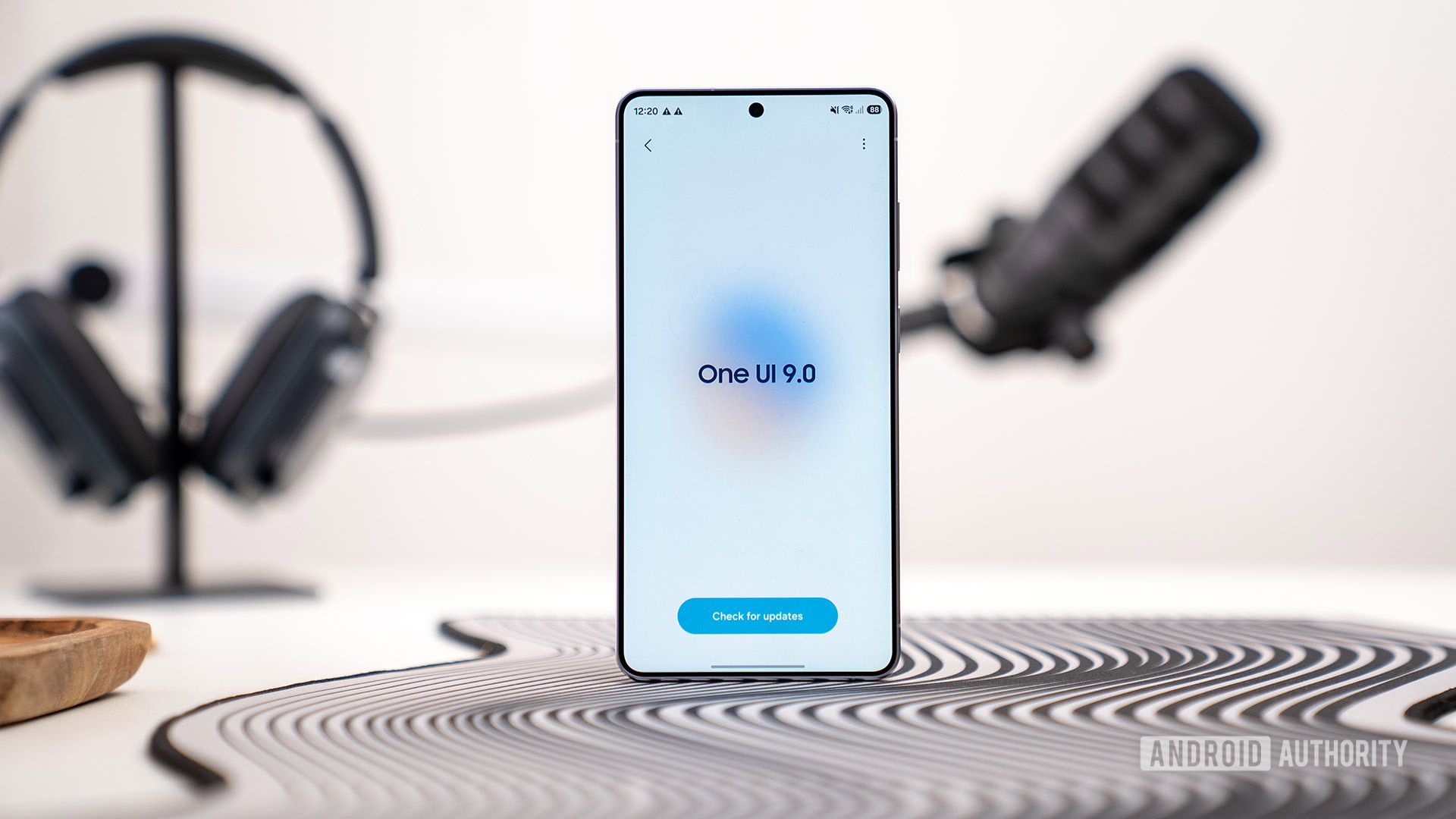
Samsung One UI 9 May Let You Block Internet Access for Distracting Apps
Samsung is shifting the battle against dopamine-driven feedback loops from the application layer to the network layer. By integrating network-level restrictions into One UI 9, the company is moving beyond the superficiality of app timers, attempting to solve the productivity crisis by treating distraction as a connectivity problem rather than a willpower one.
The Tech TL. DR:
- Network-Level Blocking: One UI 9 introduces “Network management for concentration,” which restricts internet access for specific app categories (social media, games, streaming) directly at the network level.
- Hardened Controls: The system incorporates PIN protection and scheduled Downtime, preventing users from easily bypassing restrictions during deep-work sessions.
- Hidden Deployment: The feature was identified within “Connectivity Labs,” a hidden Wi-Fi diagnostic menu accessible via the “Intelligent Wi-Fi” settings.
For the average user, “Digital Wellbeing” has historically been a suggestion—a polite notification that you have spent too much time on Instagram. For the power user or the enterprise architect, these UI-level overlays are trivial to bypass. The architectural shift here is significant: Samsung is essentially implementing a local, category-based firewall. By intercepting requests at the network level, the OS can drop packets for distracting services before the application even realizes it has been throttled.
This approach addresses a critical IT bottleneck: the “leakage” of productivity in hybrid work environments. When employees or students are tasked with high-cognitive-load work, the latency between a distracting impulse and the app’s response is nearly zero. By introducing a network-level barrier, Samsung creates a synthetic latency that breaks the reward cycle. For organizations managing large fleets of devices, this mirrors the logic used by managed IT service providers who implement DNS filtering to secure endpoints and maintain workforce focus.
The Architecture of Concentration: Network vs. Application Layer
Most productivity tools operate on the “Application Layer” (Layer 7 of the OSI model), relying on the OS to kill a process or display a blocking screen. This is fragile; a simple force-stop or a settings tweak often restores access. Samsung’s “Network management for concentration” appears to operate deeper in the stack. By leveraging the Connectivity Labs framework, the system can selectively restrict the device’s ability to route traffic to known CDNs (Content Delivery Networks) or IP ranges associated with “distracting” categories.


This shift suggests a move toward a more robust endpoint security model. If the OS can dynamically categorize and block traffic based on a “concentration” profile, it is effectively implementing a micro-firewall. However, this raises questions about how Samsung handles encrypted traffic (HTTPS/TLS). Since the device cannot easily inspect encrypted packets without a root certificate, the system likely relies on DNS filtering or app-specific UID (User Identifier) blocking within the Android kernel’s iptables or nftables framework.
“Moving restriction to the network level is the only way to truly combat the ‘infinite scroll’ architecture. When the block happens at the socket level, you aren’t fighting a UI element; you’re fighting the physics of the connection. It transforms the device from a consumption engine back into a tool.”
The Productivity Tech Stack: A Comparative Analysis
To understand where One UI 9 fits into the current ecosystem, we have to compare it against existing paradigms of distraction blocking. While third-party tools exist, they often require cumbersome VPN configurations or root access to achieve the same level of network control.
| Method | Enforcement Level | Bypass Difficulty | System Overhead |
|---|---|---|---|
| App Timers (Standard) | UI/Application | Low (Settings Toggle) | Negligible |
| DNS Filtering (NextDNS/Pi-hole) | Network/DNS | Medium (DNS Change) | Low |
| One UI 9 Network Mgmt | Kernel/Network | High (PIN/Schedule) | Low to Medium |
| MDM Policy (Enterprise) | System/Policy | Highly High (Admin) | Medium |
For developers and system administrators, the ability to enforce these rules via a PIN-protected schedule suggests a hybrid of consumer-grade ease and enterprise-grade enforcement. This is particularly relevant for firms deploying corporate-owned, personally-enabled (COPE) devices, where cybersecurity auditors often recommend strict application controls to prevent data exfiltration via social media apps.
Implementation Logic: Simulating Network-Level Blocking
While the internal Samsung implementation is proprietary, the underlying logic likely mirrors how a developer would use the Android Debug Bridge (ADB) to restrict network access for a specific package. If one were to manually simulate a “concentration mode” for a specific app (e.g., a social media app) via the shell, the command would look something like this:
# Using ADB to revoke network access for a specific app package adb shell cmd netpolicy set restrict-background true adb shell pm suspend [package.name.of.distracting.app] # Conceptually, a kernel-level block via iptables (requires root) iptables -A OUTPUT -m owner --uid-owner [app_uid] -j REJECTSamsung’s integrated solution streamlines this process, automating the UID identification and applying the rejection rule across specific categories (videos, games, social media) without requiring the user to enter a shell. This is a significant UX win, but from a technical standpoint, it is a deployment of standard Linux networking principles tailored for a consumer interface.
The Security Implications of “Connectivity Labs”
The fact that this feature was discovered in “Connectivity Labs” is telling. This hidden menu is typically used by engineers to debug Wi-Fi handoffs, signal strength, and packet loss. By placing the concentration tool here, Samsung is signaling that this is an experimental extension of the network stack. The primary risk with such deep integration is the potential for “over-blocking,” where critical system updates or security patches are inadvertently caught in a “concentration” filter.
the use of PIN protection indicates that Samsung recognizes the “internal adversary”—the user’s own impulse to disable the tool. This creates a closed loop of enforcement that is much harder to break than a simple “Ignore” button on a notification. For those managing complex digital environments, this level of control is often handled by specialized software agencies building custom productivity wrappers for enterprise hardware.
As we move toward a more fragmented attention economy, the OS is becoming the primary gatekeeper of cognitive resources. Samsung is no longer just competing on screen brightness or NPU teraflops; they are competing on the ability to curate the user’s mental state. If One UI 9 successfully implements network-level concentration, it sets a precedent for the OS to act as a cognitive firewall, shifting the responsibility of focus from the human to the kernel.
*Disclaimer: The technical analyses and security protocols detailed in this article are for informational purposes only. Always consult with certified IT and cybersecurity professionals before altering enterprise networks or handling sensitive data.*