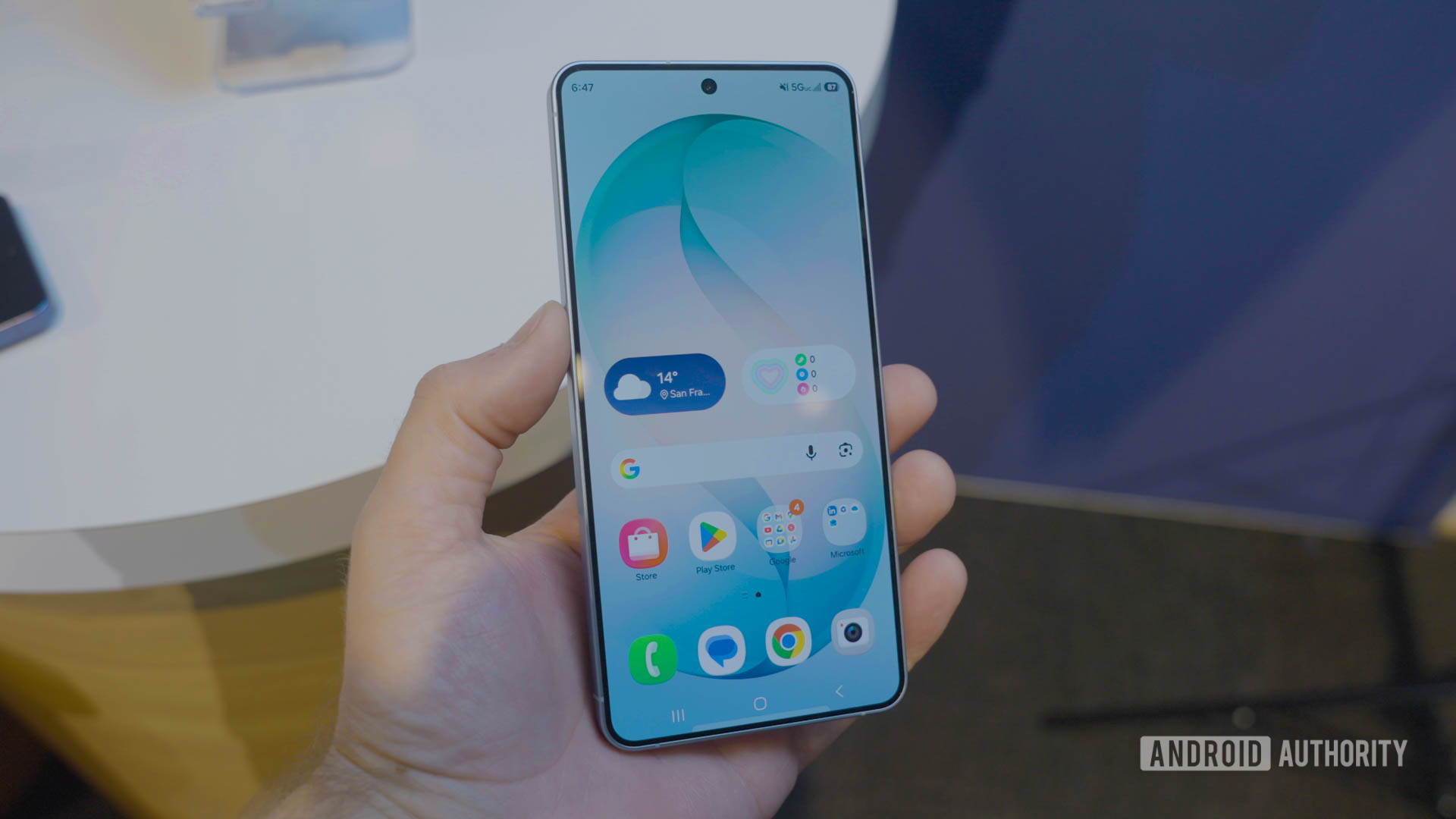
One UI 8.5 Linux Terminal Gets Graphical App Support and Expanded Storage
One UI 8.5 Linux Terminal: A Dev’s Dream or an Exynos Trap?
Samsung’s latest production push for One UI 8.5 has landed, and for the first time, the Linux Terminal feature on Galaxy devices feels less like a developer toy and more like a pocket workstation. However, this isn’t a universal upgrade. It is strictly gated behind Exynos silicon, leaving Snapdragon users in the cold while Samsung attempts to normalize containerized Linux environments on mobile. For the sysadmin watching from the sidelines, this represents a significant shift in mobile endpoint capabilities, but it introduces new latency variables and security surface areas that demand immediate scrutiny.
The Tech TL;DR:
- GUI Support Enabled: One UI 8.5 finally decouples the terminal from CLI-only constraints, allowing graphical Linux apps like GIMP to render via the Android compositor.
- Storage Ballooning: The rigid disk resize slider is gone; the container now dynamically claims available shared storage, removing the need for manual partition management.
- Hardware Gating: Despite Android 16 QPR2 underpinnings, this feature remains exclusive to Exynos chipsets, creating a fragmentation headache for enterprise device fleets.
The core of this update lies in Android 16 QPR2, which Google initially rolled out to Pixel devices. Samsung’s implementation in One UI 8.5 mirrors these changes but adds a layer of proprietary optimization for their Exynos SoCs. The most critical architectural shift here is the move from a static container size to dynamic storage ballooning. Previously, developers had to pre-allocate disk space—a rigid constraint that often led to “disk full” errors during package installation or compilation tasks. Now, the terminal container behaves more like a standard Linux mount point, expanding into the device’s shared storage pool as needed. This eliminates a major friction point for deploying development environments on the proceed.
However, the user experience is not without its regressions. In a move that suggests a rushed QA cycle, the toggle for enabling the Linux Terminal has vanished from the Developer Options menu in this build. Instead of a simple UI switch, administrators and power users are now forced to enable the feature via Android Debug Bridge (ADB) commands. This creates a significant bottleneck for IT departments managing large fleets of Galaxy devices. You cannot simply push a policy; you must script the enablement process.
“Running a full graphical Linux stack on a mobile SoC introduces significant thermal and memory pressure. While the storage ballooning is a welcome quality-of-life improvement, the lack of Snapdragon support suggests deep kernel-level driver dependencies that Samsung isn’t ready to open-source yet.”
— Dr. Elena Rostova, Senior Mobile Security Researcher at OpenKernel Labs
For those tasked with deploying this across an organization, the reliance on ADB means you need robust mobile device management (MDM) protocols. If your current IT infrastructure lacks the capability to script ADB commands at scale, you are looking at a manual deployment nightmare. This is exactly the kind of operational friction where organizations typically engage specialized managed IT service providers to bridge the gap between consumer hardware and enterprise deployment standards.
The Implementation Reality: Enabling via ADB
Since the UI toggle is missing, the only reliable method to activate the Linux environment on One UI 8.5 is through the shell. Below is the requisite command sequence to enable the feature and verify the container status. Note that this requires a PC-side ADB installation and USB debugging enabled on the target device.
adb shell pm grant com.samsung.android.linuxterminal android.permission.WRITE_SECURE_SETTINGS adb shell settings set secure linux_terminal_enabled 1 adb shell am start -n com.samsung.android.linuxterminal/.MainActivity Once active, the terminal supports graphical applications by leveraging the Android graphics stack. This is not full hardware acceleration in the traditional desktop sense; it relies on translation layers that can introduce input lag. For text-based development or lightweight scripting, the latency is negligible. For heavy GUI work, the experience remains bound by the thermal throttling limits of the mobile SoC.
Security Implications and Attack Surface
Introducing a persistent Linux environment with root-level access to shared storage fundamentally changes the security posture of the device. The “storage ballooning” feature means the Linux container can theoretically access the DCIM, Downloads, and Android data folders. While convenient for file transfer, this blurs the sandbox boundaries that Android relies on for isolation. A compromised Linux package could potentially exfiltrate user photos or access sensitive app data stored in shared directories.
Enterprises adopting this feature for field engineering or DevOps tasks must treat these devices as semi-trusted endpoints. The risk profile is higher than a standard Android phone but lower than a fully unlocked bootloader device. To mitigate this, security teams should consider engaging cybersecurity risk assessment firms to audit how these Linux containers interact with corporate data on the network. Standard mobile security policies may not cover the specific vectors introduced by a running Debian or Ubuntu instance on the handset.
Tech Stack Matrix: One UI Terminal vs. Alternatives
How does Samsung’s native implementation stack up against the established alternatives in the mobile Linux space? The following matrix breaks down the architectural differences.
| Feature | One UI 8.5 Native Terminal | Termux (F-Droid) | Cloud IDE (e.g., GitHub Codespaces) |
|---|---|---|---|
| Kernel Access | Limited (Containerized) | Userspace Only (No Root) | Remote (Full Root on VM) |
| GUI Support | Native (One UI 8.5+) | Requires XServer/X11 Setup | Browser-Based |
| Storage Access | Shared (Ballooning) | Sandboxed (/data/data) | Cloud Storage Sync |
| Latency | Low (Local Execution) | Low (Local Execution) | High (Network Dependent) |
While Termux remains the gold standard for flexibility due to its massive community package repository, Samsung’s native solution offers a more integrated experience for GUI apps without the need for complex X11 forwarding configurations. However, for heavy compilation tasks, the thermal constraints of a phone still make cloud-based development environments a superior choice for performance-critical workflows.
The exclusion of Snapdragon devices remains the most puzzling aspect of this rollout. Given that Qualcomm chips generally offer superior GPU performance for graphical rendering, the limitation suggests a software licensing issue or a specific kernel module dependency within the Exynos driver stack that hasn’t been ported. Until Samsung addresses this fragmentation, CTOs managing mixed-device fleets should hesitate to standardize on this feature.
As mobile hardware continues to converge with desktop capabilities, the line between “phone” and “computer” will continue to blur. One UI 8.5 is a step toward that future, but it currently feels like a beta test restricted to a specific silicon vendor. For developers willing to tinker, it’s a powerful tool. For the enterprise, it’s a security variable that needs containment.
Disclaimer: The technical analyses and security protocols detailed in this article are for informational purposes only. Always consult with certified IT and cybersecurity professionals before altering enterprise networks or handling sensitive data.