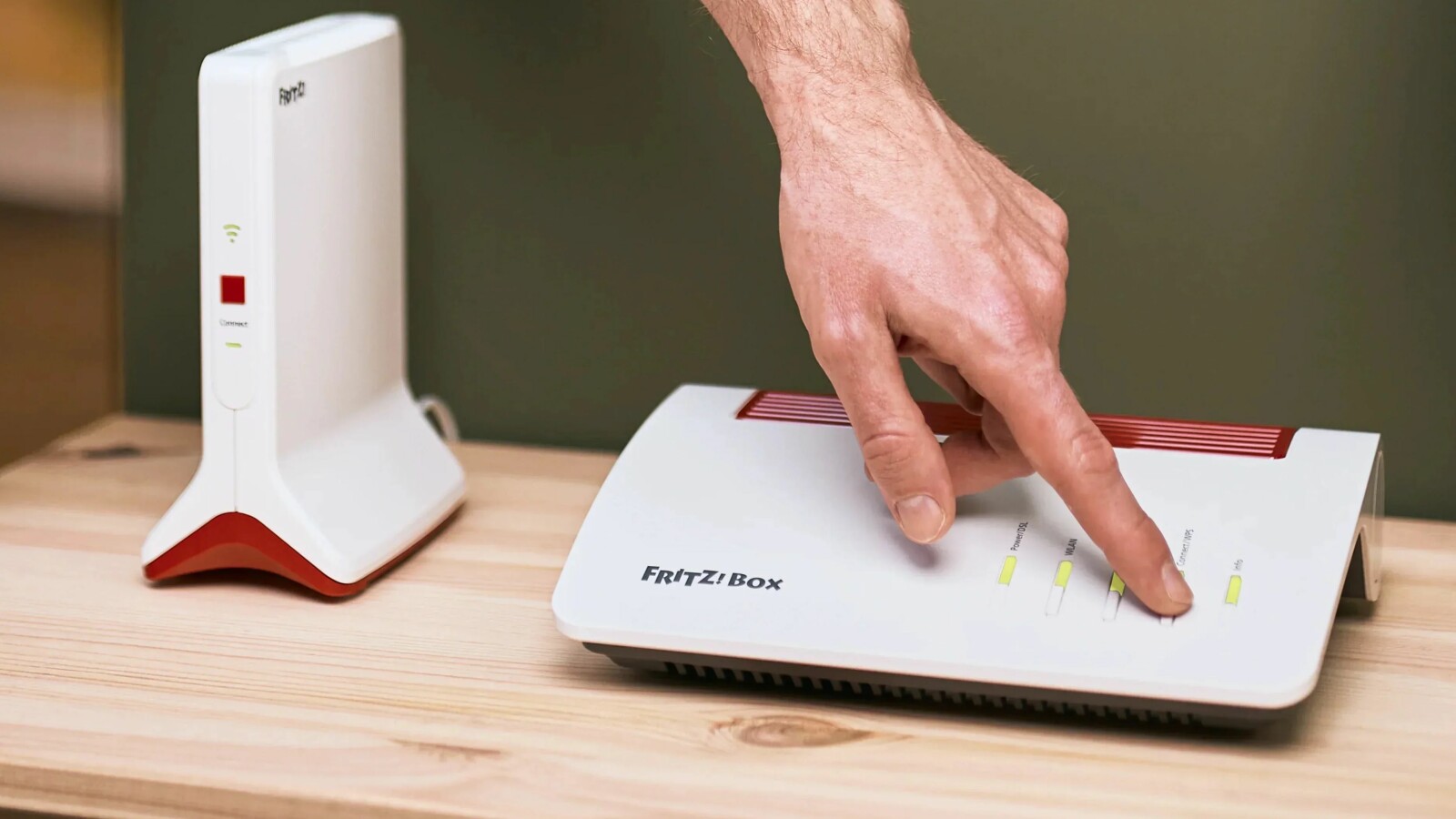
Old FRITZ!Box Without Updates: 3 Security Settings You Must Enable Now
Older FRITZ!Box routers that no longer receive manufacturer updates face security risks, though users can mitigate vulnerabilities by adjusting three settings on their devices.
Checking Router Support Status
AVM supplies security updates for its WLAN routers over a period of several years, but support eventually ends for older hardware models. When support stops, the manufacturer no longer patches security vulnerabilities on those devices. Owners can check their currently installed FRITZ!OS version by logging into the router interface and going to the overview or system section next to the model name, or by reviewing the product status page on the official website. Older models affected by the end of update guarantees include the FRITZ!Box 7430, 7580, 7582, 7360, 3490, and 4020.
Support ends primarily because older hardware components, memory limitations, and outdated chipsets cannot process increasingly modern communication protocols. While security standards require active protection, losing manufacturer updates does not always demand an immediate hardware purchase. Users can reduce external and local risks by modifying three core settings within the router interface.
Configuring Three Protective Settings
The first step involves disabling remote access and MyFRITZ! shares to minimize risks originating from the internet. Users open the router interface, go to internet settings under shares, select the FRITZ!Box services tab, and clear the checkboxes for HTTPS internet access and MyFRITZ! internet access.
The second adjustment stops local attacks across the wireless network by strengthening encryption and turning off WPS. Within the WLAN security menu, administrators must switch the encryption protocol to WPA2 plus WPA3 or WPA2 CCMP, and then deselect the active WPS checkbox.
The final adjustment applies the last available firmware and automates future updates. Under the system update menu, users select the third auto-update tier to receive notifications about new firmware versions and install them automatically.
When to Replace an Unsupported Router
These configuration changes reduce the attack surface against both local and internet threats, but they do not provide total protection or replace manufacturer patches. The Federal Office for Information Security recommends replacing a router as soon as regular security updates stop, given that the device acts as the central node for all connected internet-enabled hardware in a home network.
Users must replace their routers if a public security vulnerability emerges for a model that no longer receives updates, if the hardware relies on severely outdated security standards lacking WPA2 and WPA3 support, or if the router serves as the central hub for sensitive systems like home offices, online banking, and smart home networks. Consumers requiring replacement hardware can purchase devices individually or obtain them directly through provider tariff changes that include rental routers.