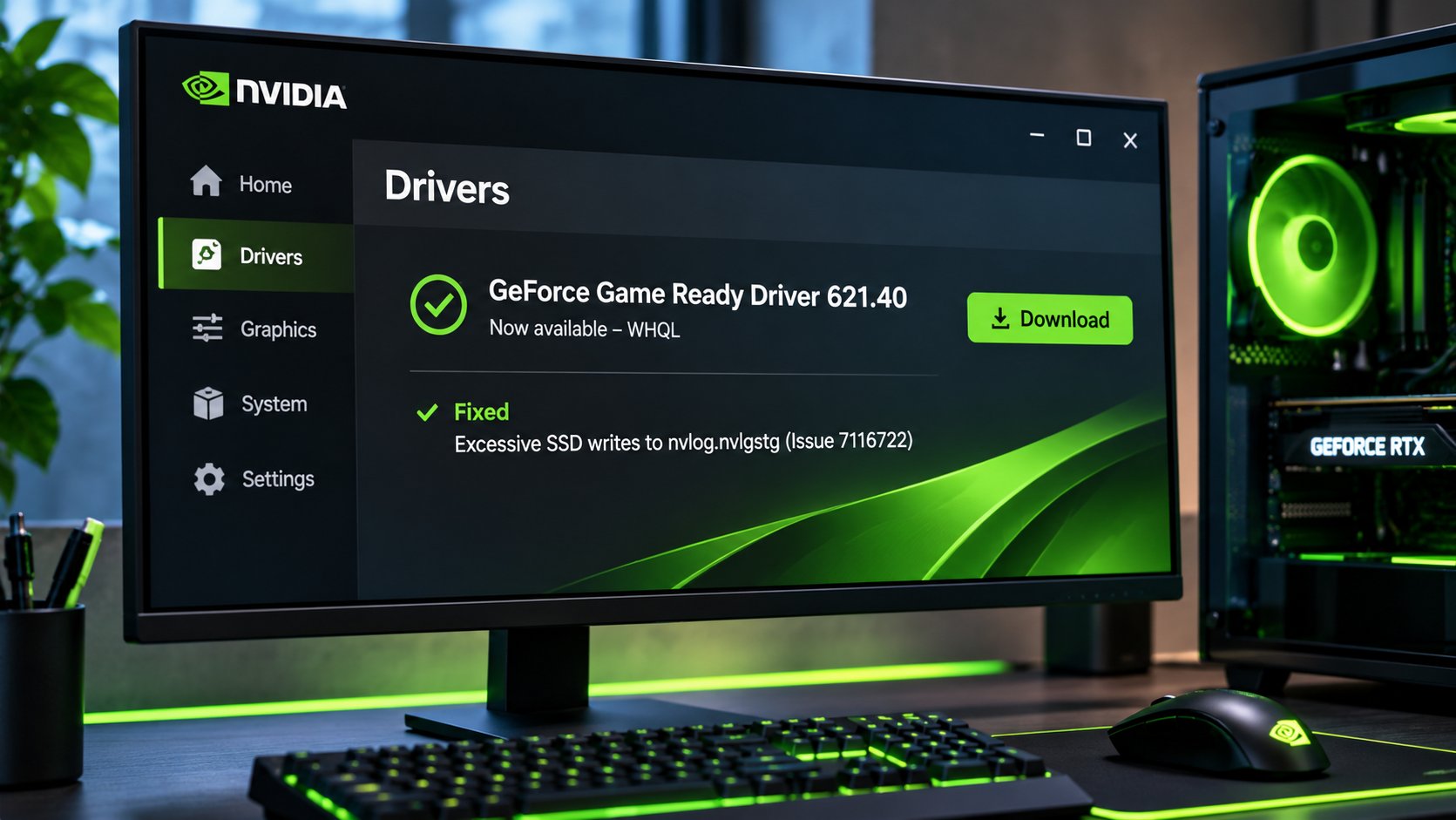
Nvidia Releases GeForce Driver 621.40 to Fix SSD-Writing Bug After Hotfix Reduced But Did Not Eliminate Writes
Nvidia released GeForce Game Ready Driver 621.40 on Nov. 24 with a fix for a bug that caused the NVDisplay.Container.exe process to write gigabytes of data to an SSD log file while PCs sat idle. The WHQL-certified update follows a Nov. 20 hotfix that reduced but did not eliminate the writes for some users.
Nvidia released GeForce Driver 621.40 to fix the SSD-writing bug identified as issue 7116722.
Reports of excessive disk activity surfaced after Nvidia issued drivers 621.14 and 621.24 earlier in November, TechRepublic reported. The background process wrote to a file named nvlog.nvlgstg, with some users measuring write volumes approaching 30 GB per hour, according to PC Gamer’s investigation cited by TechRepublic.
Which GPUs are affected?
The GeForce RTX 4090 is among the cards with documented reports. An Nvidia representative said the original issue did not affect GeForce RTX 50-series cards, although some owners subsequently reported similar disk activity. Nvidia has not published a complete model-by-model list of affected hardware.
Did the first hotfix work?
Version 621.35, released Nov. 20, appeared to lower the write rate at first. In one test on an RTX 4090, logging activity was minimal after the update, but after roughly nine hours of idle time the process had written 40.85 GB while the SSD’s own counters recorded about 36 GB of additional writes, TechRepublic reported. The outlet noted the result came from a single system, not a controlled multi-GPU test.
What does the new driver change?
Driver 621.40 includes the correction identified in Nvidia’s release notes as issue 7116722. The fix also appears in the Studio Driver 621.40 and RTX Enterprise driver releases. The 621.40 branch supports GeForce RTX 20-, 30-, 40-, and 50-series cards, but TechRepublic cautioned that the compatibility list should not be mistaken for a list of confirmed affected GPUs.
How can users verify the fix?
TechRepublic outlined a four-step check: confirm the installed driver version in the Nvidia app or via nvidia-smi; open Resource Monitor (resmon) and watch the Disk tab for sustained writes by NVDisplay.Container.exe to nvlog.nvlgstg while the system is idle; re-check after several hours of idle time because the earlier hotfix initially appeared successful before writes returned; and compare the SSD’s total host-write counters with a drive-monitoring utility to distinguish actual drive writes from process-reported activity.
Fix extends to Studio and Enterprise driver branches
The same fix identified as issue 7116722 in the Game Ready release notes appears across all three driver families.
Each branch supports Windows 10 and Windows 11, the outlet noted. Organizations that standardize on Studio or Enterprise drivers can therefore apply the correction without switching to the Game Ready channel.
How to confirm the installed driver version
Users can open the Nvidia app and check the Drivers section, or run nvidia-smi from Command Prompt if the utility is installed.
This change means administrators should rely on the app or the command-line tool for version checks.
What if the writes continue?
Users should record the driver version, GPU model, and observed activity before reporting the problem to Nvidia. Rolling back to driver 621.01 has reduced writes for some, but TechRepublic warned that rolling back can remove later fixes or introduce compatibility problems, especially on newer hardware. Disabling Nvidia services or editing undocumented registry settings is not recommended because those changes can interfere with graphics features and complicate troubleshooting.
Organizations managing multiple Nvidia-equipped PCs should test the new driver on a representative system before wider deployment, TechRepublic reported, noting that driver compatibility problems have previously led to paused Windows updates on certain hardware configurations.