
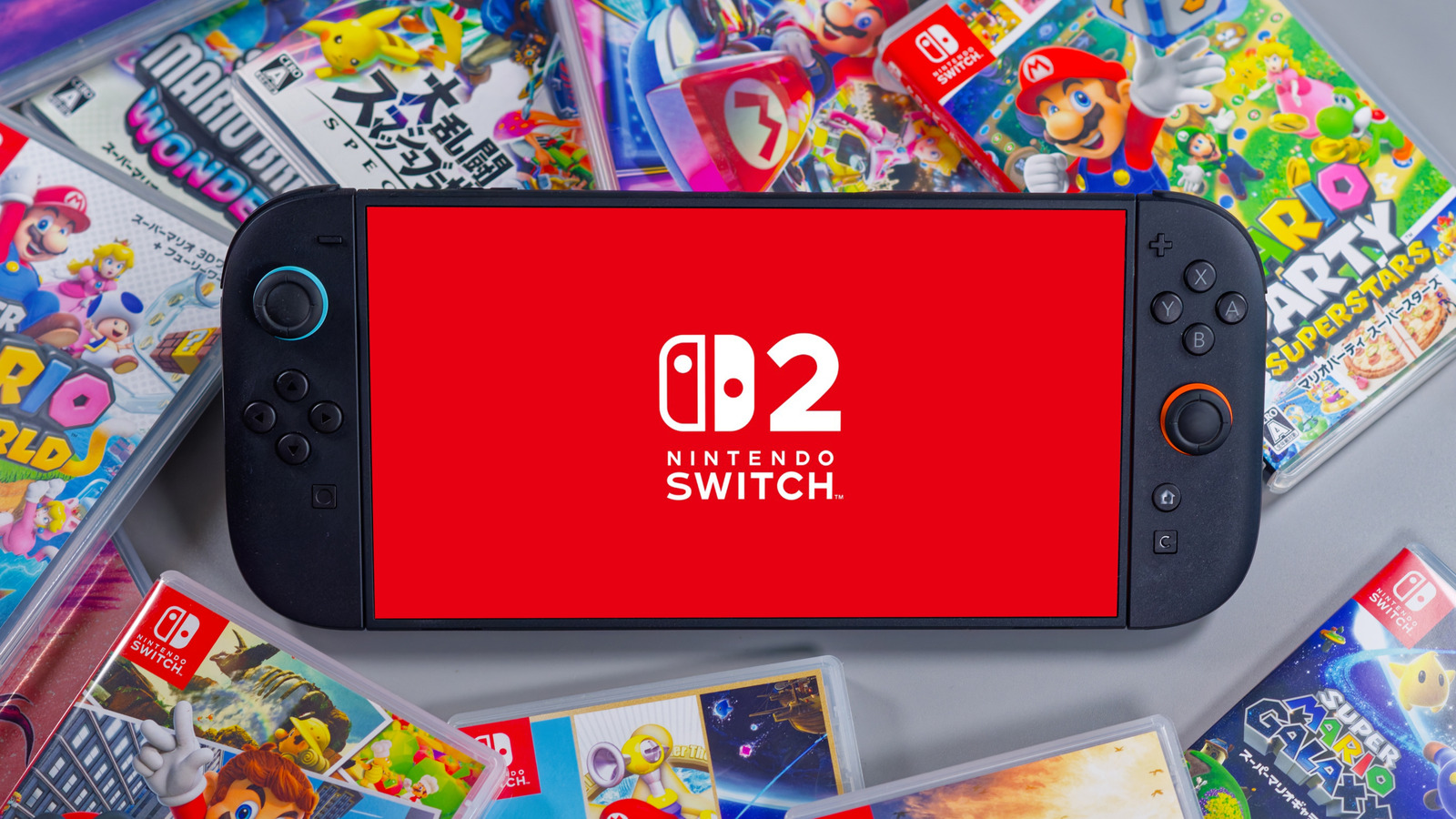
Nintendo Switch 2: How to Use Handheld Mode Boost for Better Gaming
Nintendo Switch 2 owners now have the option to significantly enhance the visual performance of original Switch titles, thanks to a new update released this week. The 22.0.0 system update introduces “Handheld Mode Boost,” a feature designed to unlock performance levels previously only achievable when the console is docked.
The original Nintendo Switch featured a 720p display in handheld mode. The Switch 2, however, boasts a 1080p handheld resolution. Handheld Mode Boost allows select original Switch games to upscale to 1080p when the feature is activated, leveraging the newer console’s improved hardware to deliver a sharper image and better overall performance.
The feature is not automatically enabled and must be manually activated within the Switch 2’s system settings. Users can find the setting under System Settings, then System and finally Nintendo Switch Software Handling. There, they can toggle Handheld Mode Boost on or off.
However, the performance gains come at a cost. Enabling Handheld Mode Boost increases power consumption, resulting in reduced battery life. The feature essentially emulates docked mode, introducing some compatibility issues. Touchscreen functionality may be disabled in games running with Handheld Mode Boost enabled, as It’s not typically supported in docked mode.
Users of Joy-Con 2 controllers will also find that the system treats them as a single Nintendo Switch 2 Pro controller when the boost is active. This can disrupt gameplay for titles that rely on individual Joy-Con functionality. Nintendo recommends using a third-party Switch 2 controller or the official Switch 2 Pro controller to avoid these issues.
The update also includes stability improvements and additional features, such as more detailed storage information and the ability to add notes to friend profiles.