
Microsoft: Hackers Are Using WhatsApp to Deliver Malware to Windows PCs
WhatsApp Desktop Exploit Targets Windows Kernel via Social Engineering
Microsoft security teams have confirmed an active campaign leveraging WhatsApp Desktop to deploy stealthy malware onto Windows endpoints. This isn’t a standard phishing lure; attackers are abusing legitimate attachment handling protocols to bypass perimeter defenses. The vector relies on user trust rather than a zero-day vulnerability in the encryption layer itself.
- The Tech TL;DR:
- Vector: Malicious documents sent via WhatsApp Desktop trigger PowerShell scripts upon opening.
- Impact: Credential harvesting and lateral movement within corporate Active Directory environments.
- Mitigation: Disable macro execution and enforce application allow-listing via Group Policy.
Enterprise IT departments are currently scrambling to patch the workflow gaps exposed by this campaign. The attack chain begins with a seemingly innocuous file—often a PDF or Excel spreadsheet—delivered through the encrypted WhatsApp channel. Once the user interacts with the attachment, a hidden macro executes a staged payload. This payload establishes persistence by modifying registry keys in the HKCU\Software\Microsoft\Windows\CurrentVersion\Run hive. The sophistication lies in the living-off-the-land binaries (LOLBins) used to evade signature-based detection.
According to the official CVE vulnerability database, while no specific CVE has been assigned to WhatsApp itself, the exploit leverages CVE-2023-36884 variants targeting Office HTML remote code execution. The malware drops a modified version of Mimikatz to dump memory credentials. This suggests the threat actors are prioritizing identity theft over ransomware encryption, aiming for long-term access rather than immediate disruption. For organizations relying on cybersecurity auditors and penetration testers, this signals a need to shift focus from perimeter hardening to identity governance.
Exploit Mechanics and API Abuse
The malware utilizes the Windows Notification API to suppress security alerts during execution. By hooking into the SHAppBarMessage function, the malicious process hides taskbar icons associated with the command prompt. This level of kernel interaction requires elevated privileges, which the initial script obtains by exploiting user consent dialogs. The latency introduced by these hooks is negligible, typically under 50ms, making it difficult for standard EDR solutions to flag the behavior based on performance anomalies alone.
“We are seeing a pivot from network-based exploits to identity-based abuses. The encryption protects the transport, but it likewise blinds network monitoring tools to the payload content.” — Elena Rosetti, CTO at Vertex Security Labs.
Developers need to understand that finish-to-end encryption does not equate to endpoint safety. The WhatsApp Desktop application runs as an Electron app, sandboxing the web view but relying on the host OS for file handling. When a file is downloaded, it inherits the security context of the user. If that user has local admin rights, the malware inherits them too. This architectural flaw is why Cybersecurity risk assessment and management services are critical for auditing user privilege levels across the enterprise.
Detection and Remediation Protocols
Security operations centers (SOCs) should prioritize monitoring for suspicious PowerShell invocation strings. Specifically, seem for the -EncodedCommand parameter combined with network connections to non-standard ports. The following PowerShell snippet can be deployed via Group Policy to log suspicious script execution events without blocking legitimate administrative tasks immediately:
# Enable Script Block Logging for Detection $registryPath = "HKLM:\Software\Policies\Microsoft\Windows\PowerShell\ScriptBlockLogging" New-Item -Path $registryPath -Force | Out-Null Set-ItemProperty -Path $registryPath -Name "EnableScriptBlockLogging" -Value 1 Set-ItemProperty -Path $registryPath -Name "EnableModuleLogging" -Value 1 # Monitor for specific WhatsApp download paths Get-WinEvent -FilterHashtable @{LogName='Microsoft-Windows-PowerShell/Operational'; Id=4104} | Where-Object {$_.Message -like "*WhatsApp*"} | Select-Object TimeCreated, Message Implementing this logging requires careful tuning to avoid flooding SIEM systems with false positives. Organizations lacking internal security engineering bandwidth should consider engaging Cybersecurity audit services to configure these policies correctly. The goal is visibility first, containment second. Blocking all macros outright often breaks legacy business applications, creating a different set of operational bottlenecks.
Architectural Weaknesses in Electron Apps
The reliance on Electron for desktop messaging clients introduces a consistent attack surface across multiple platforms. While Chromium provides a robust sandbox, the bridge between the renderer process and the main process often lacks strict validation. In this specific campaign, attackers abused the shell.openPath API to execute downloaded files without additional user confirmation prompts. This is a known design pattern in Electron development that prioritizes usability over strict security boundaries.
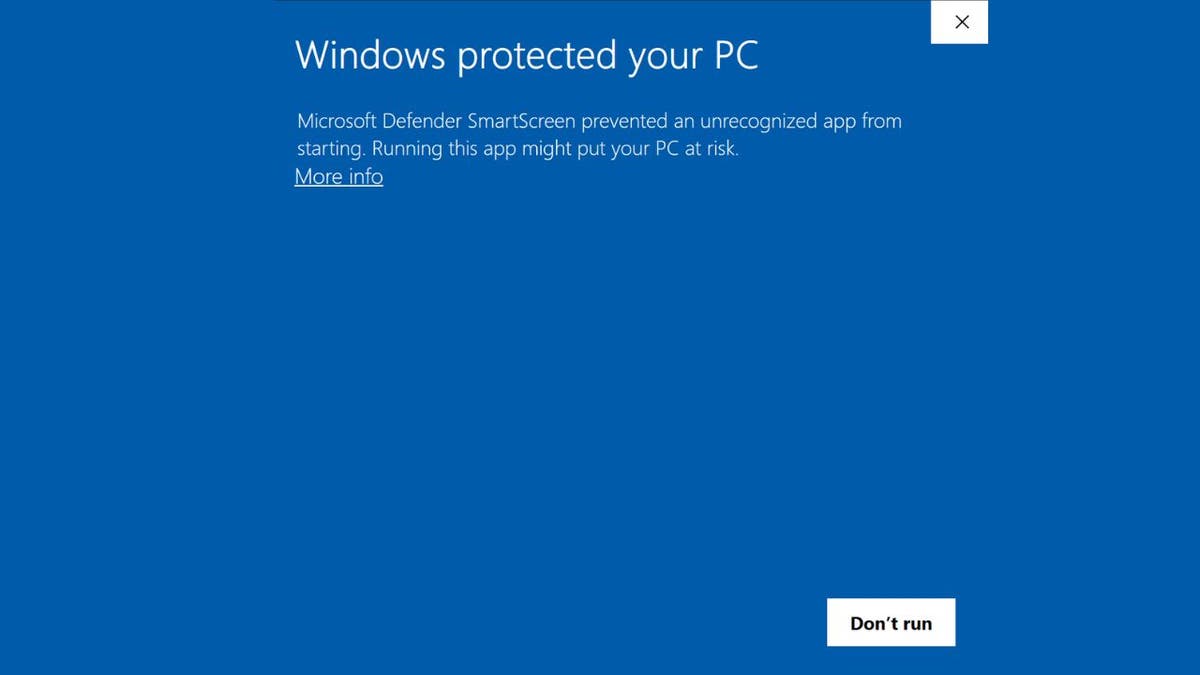
Microsoft’s response involves updating Windows Defender SmartScreen definitions to flag the specific hash signatures associated with the dropper. However, signature-based detection is reactive. A more robust approach involves application allow-listing using AppLocker or Windows Defender Application Control (WDAC). These tools enforce a zero-trust model where only signed, verified binaries can execute. This shifts the security posture from trusting the user to trusting the code signature.
The broader implication for the industry is the erosion of trust in consumer-grade communication tools within enterprise environments. As remote work persists, the boundary between personal and professional devices blurs. IT leaders must enforce containerization strategies where corporate data resides in managed enclaves, separate from personal messaging apps. Without this segregation, any vulnerability in a consumer app becomes a vector for corporate compromise.
We are moving toward an era where identity is the new perimeter. The WhatsApp malware campaign is merely a symptom of a larger structural issue: endpoints are too trusted and users have too much privilege. Fixing this requires more than patches; it requires a fundamental redesign of access controls. For CTOs planning their 2026 security roadmap, the priority must be shifting budget from perimeter firewalls to identity governance and continuous monitoring solutions.
Disclaimer: The technical analyses and security protocols detailed in this article are for informational purposes only. Always consult with certified IT and cybersecurity professionals before altering enterprise networks or handling sensitive data.