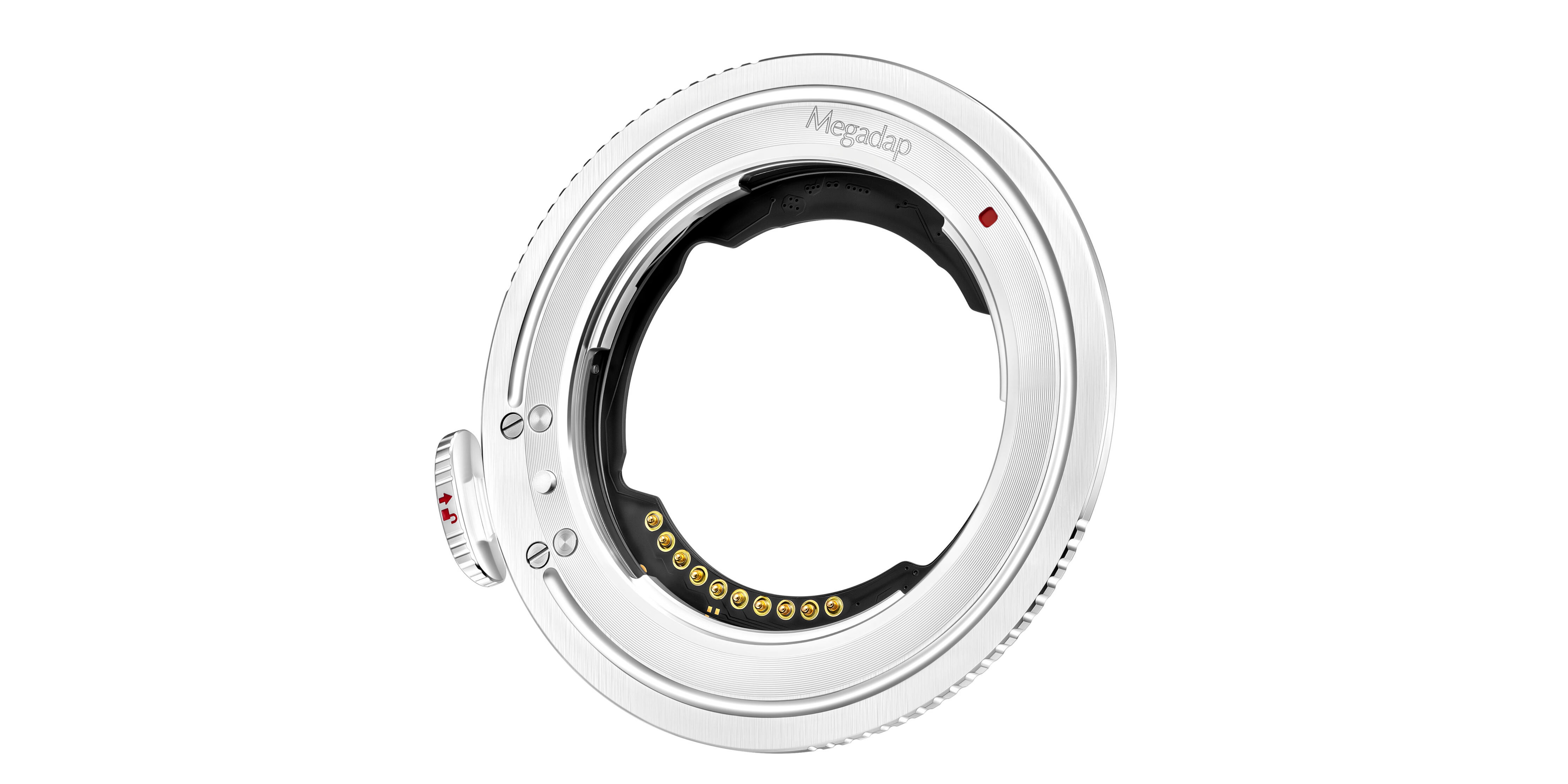
Megadap Updates ETZ21 Adapters to Improve Z5IIC Compatibility
Megadap released firmware version 2.07 for its electronic lens mount adapters enabling Sony E-mount lenses to function on Nikon Z-mount camera bodies, Newsshooter reported. The new software package targets the ETZ21, ETZ21 Pro, and ETZ21 Pro+ adapters, addressing reported compatibility hurdles and startup latency.
The Tech TL;DR:
- Megadap released firmware version 2.07 for ETZ21, ETZ21 Pro, and ETZ21 Pro+ adapters.
- The update fixes compatibility blockages preventing certain lenses from working on the Nikon Z5IIC.
- Installation requires copying the unzipped .bin file directly to the root directory of a camera-formatted memory card.
Firmware 2.07 Improves Autofocus Speed and Lens Communication
The update specifically optimizes autofocus speed when powering on the camera system and aims to maintain operational stability across changing environmental conditions. Newsshooter reported that firmware 2.07 directly fixes an operational block where certain zoom lenses failed to communicate with the Nikon Z5IIC body.
Step-by-Step Installation Procedure for Megadap Adapters
Updating the adapter requires access to a computer and a standard SD memory card reader. Users must download the installation archive from the official Megadap support portal and extract the compressed package to isolate the raw binary file.
# Correct file deployment structure on the SD card root
E:
└── MEGAPAD.BIN
The extracted file must retain its designated binary format, and operators must transfer the unzipped .Bin file directly into the primary root directory of the memory card. Placing the installation file inside a nested subfolder prevents the camera’s internal operating system from locating the update routine during the menu check.
Once the file transfer finishes, the memory card goes into the camera body with the adapter and lens physically attached. Operators navigate to the setup menu, select the [Settings Menu] followed by [Firmware Version], and initiate the installation sequence using the on-screen prompts. Powering down the device immediately after the completion message finishes the process.
Which Adapter Models Are Compatible with Firmware 2.07?
-
Which adapter models are compatible with firmware 2.07?
The update applies to the Megadap ETZ21, ETZ21 Pro, and ETZ21 Pro+ Sony E to Nikon Z electronic mount adapters.
-
What should I do if the camera does not recognize the firmware file?
Verify that the unzipped
.Binfile sits directly in the root directory of the memory card rather than inside any folder or sub-directory.
Disclaimer: The technical analyses and security protocols detailed in this article are for informational purposes only. Always consult with certified IT and cybersecurity professionals before altering enterprise networks or handling sensitive data.