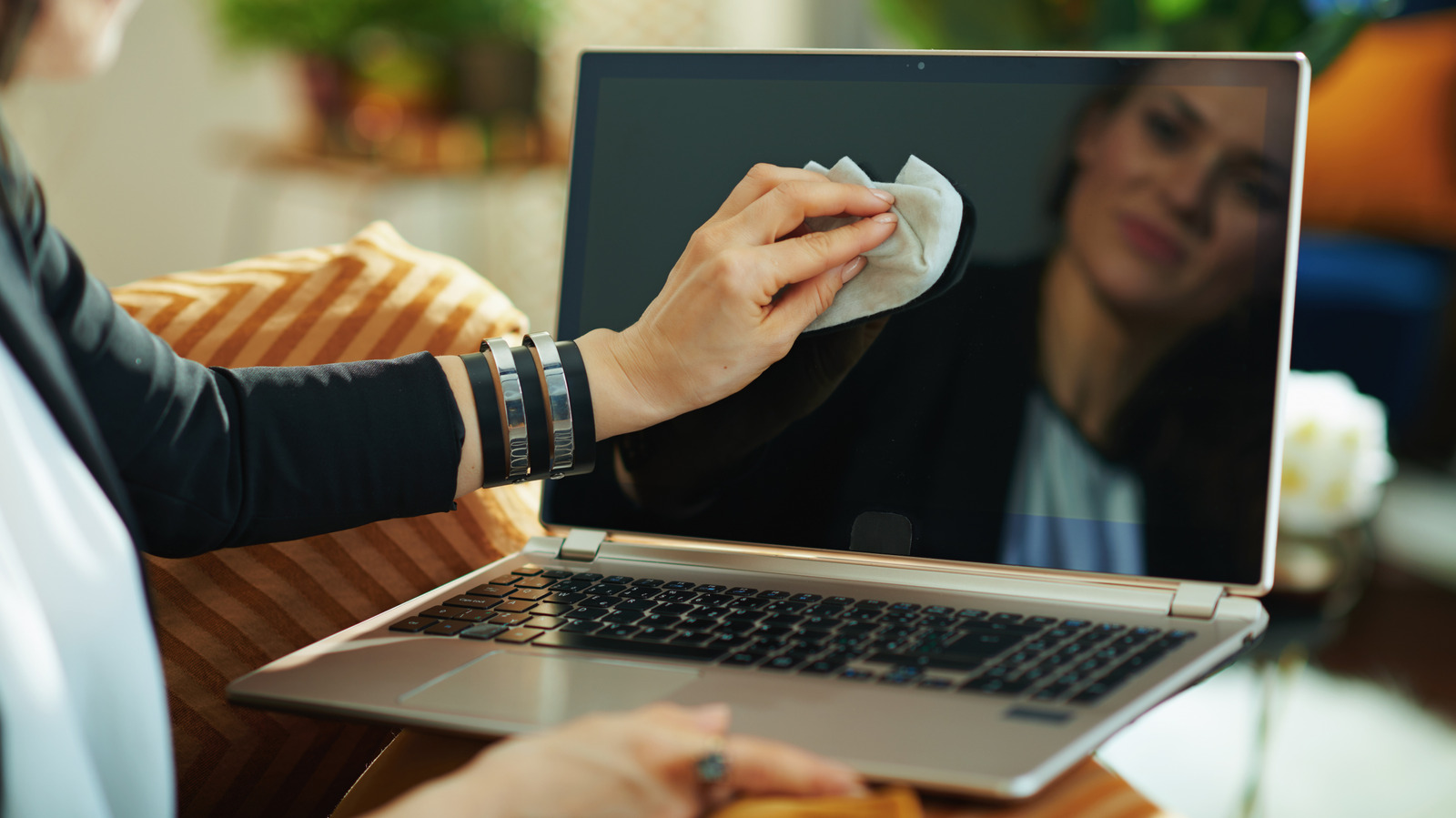
Is It Safe to Use Alcohol Wipes on Your Laptop Screen? Manufacturer Guidance Explained
Laptop manufacturers offer conflicting guidance on using alcohol-based wipes to clean screens, creating confusion for users attempting to remove fingerprints and smudges safely.
While some companies permit specific alcohol solutions, others warn that harsh chemicals can permanently damage delicate display coatings.
Apple maintains the most permissive policy among major manufacturers. According to its support documentation, users may gently clean displays using a 70 percent isopropyl alcohol wipe, a 75 percent ethyl alcohol wipe, or a Clorox Disinfecting Wipe.
Other manufacturers impose stricter limitations to avoid damaging anti-reflective or oleophobic layers. Dell recommends using a microfiber cloth moistened with a solution of 70 percent isopropyl alcohol and 30 percent water, while Lenovo suggests a 50-50 mix of isopropyl alcohol and distilled or deionized water for stubborn marks. HP also advises a 70 percent isopropyl alcohol and 30 percent water solution for disinfection, explicitly warning that ammonia and other chemicals can permanently damage LCD screens.
Microsoft takes a more restrictive approach for its Surface devices. The company specifies that users should clean screens with a soft, lint-free cloth dampened with water or an isopropyl alcohol solution of 70 percent or less, but it cautions against using disinfectant wipes, glass cleaners, or other chemical agents.
Alcohol concentration matters as much as its specific chemical makeup. BGR reported that while a 70 percent solution is often acceptable when authorized by the manufacturer, higher concentrations—such as 91 percent or 99 percent—can be detrimental to screen adhesives and protective coatings. Some commercially available wipes may contain additives like perfumes or moisturizers that leave unwanted residue on displays.
| Manufacturer | Recommended Cleaning Agent |
|---|---|
| Apple | 70% isopropyl, 75% ethyl, or Clorox wipes |
| Dell | 70% isopropyl alcohol and 30% water |
| Lenovo | Water or 50% isopropyl alcohol and 50% water |
| Microsoft | Water or 70% or less isopropyl alcohol |
Apple notes that its warranty and AppleCare Protection Plans do not cover damage caused by liquids. To avoid accidents, users should shut down their laptop and unplug the device before wiping the screen gently with a dry microfiber cloth.
If a user chooses to use wipes, BGR suggests selecting screen-specific options labeled as monitor or electronic cleaner kits. These products are typically free of additives and ethyl alcohol.

According to BGR, general alcohol wipes often perform poorly for screen cleaning. While 70% isopropyl alcohol can be safe if a manufacturer permits it, wipes containing higher concentrations or additives like perfumes and moisturizers may leave residue.
Lenovo warns that while some disinfecting wipes are safe for its computers, medical-grade wipes can cause discoloration or affect device functionality. For most other devices, BGR recommends checking the specific manufacturer’s website for guidance.
Regardless of the manufacturer, industry guidance generally discourages spraying any liquid directly onto a device. Experts recommend powering down the laptop and applying the cleaning solution to a microfiber cloth first to prevent fluid from seeping into the internal circuitry.
Users should prioritize water for routine maintenance. If residue remains, a second dry cloth can be used to remove any leftover moisture, ensuring the screen is completely dry before the lid is closed.