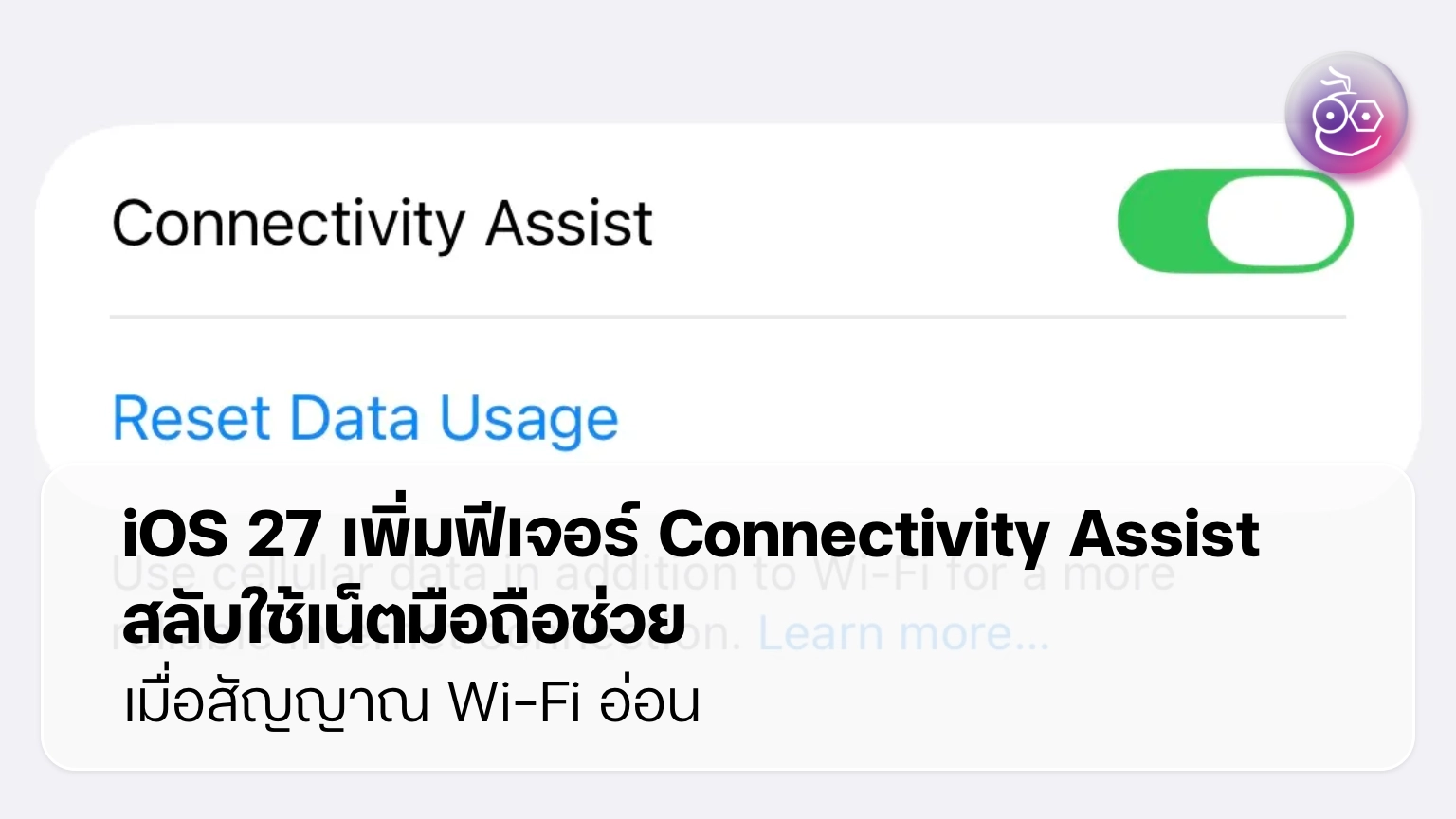
iMoD: iOS 27 Adds Connectivity Assist to Switch to Cellular When Wi-Fi Weakens
Apple has introduced a new Connectivity Assist feature in iOS 27 designed to bridge the gap between cellular data and patchy Wi-Fi networks, according to iMoD.
The tool steps in automatically when a Wi-Fi connection slows down or becomes unstable, bringing in cellular data to keep internet traffic moving without interruption.
According to support documents from Apple, the system kicks in when Wi-Fi signals weaken or fail entirely in common trouble spots like backyards, driveways, coffee shops, airports, and sports stadiums. It works by detecting poor Wi-Fi and intelligently blending cellular data to maintain a steady connection.
The feature solves frequent connection hiccups that happen when leaving a house and heading out to a vehicle. iPhones often cling to weak indoor Wi-Fi signals during the transition, which previously caused playback failures in Apple Music or route searches in Apple Maps.
Users can manage the tool through the device settings. The feature can be toggled by opening the Settings app, tapping the Wi-Fi menu, and scrolling down to switch Connectivity Assist on or off.
Apple said that users can turn off Connectivity Assist for specific networks if a particular router setup requires a constant, uninterrupted Wi-Fi connection. The tool also stays inactive during international roaming, when the phone is set to Low Data Mode, or while running certain third-party audio and video streaming apps.
Turning on Connectivity Assist may increase cellular data consumption. Users can monitor their data usage through carrier apps and websites, or directly inside the Settings app on the iPhone, as 9to5Mac reported.