Google Drive Ransomware Detection Now Generally Available – 14x More Infections Detected
Google Drive’s AI-powered ransomware detection is now generally available to all users, the company announced Tuesday, with a newly refined artificial intelligence model capable of detecting 14 times more infections than during its initial beta phase.
The rollout follows an initial beta release in September 2025, offering the feature to Google Workspace customers. Google stated the updated system can identify a wider range of ransomware encryption types and do so more quickly. “Compared to when the feature was in beta, we are now able to detect even more types of ransomware encryption and are able to do it faster,” Google said in a blog post. “Our latest AI model is detecting 14x more infections, leading to even more comprehensive protection.”
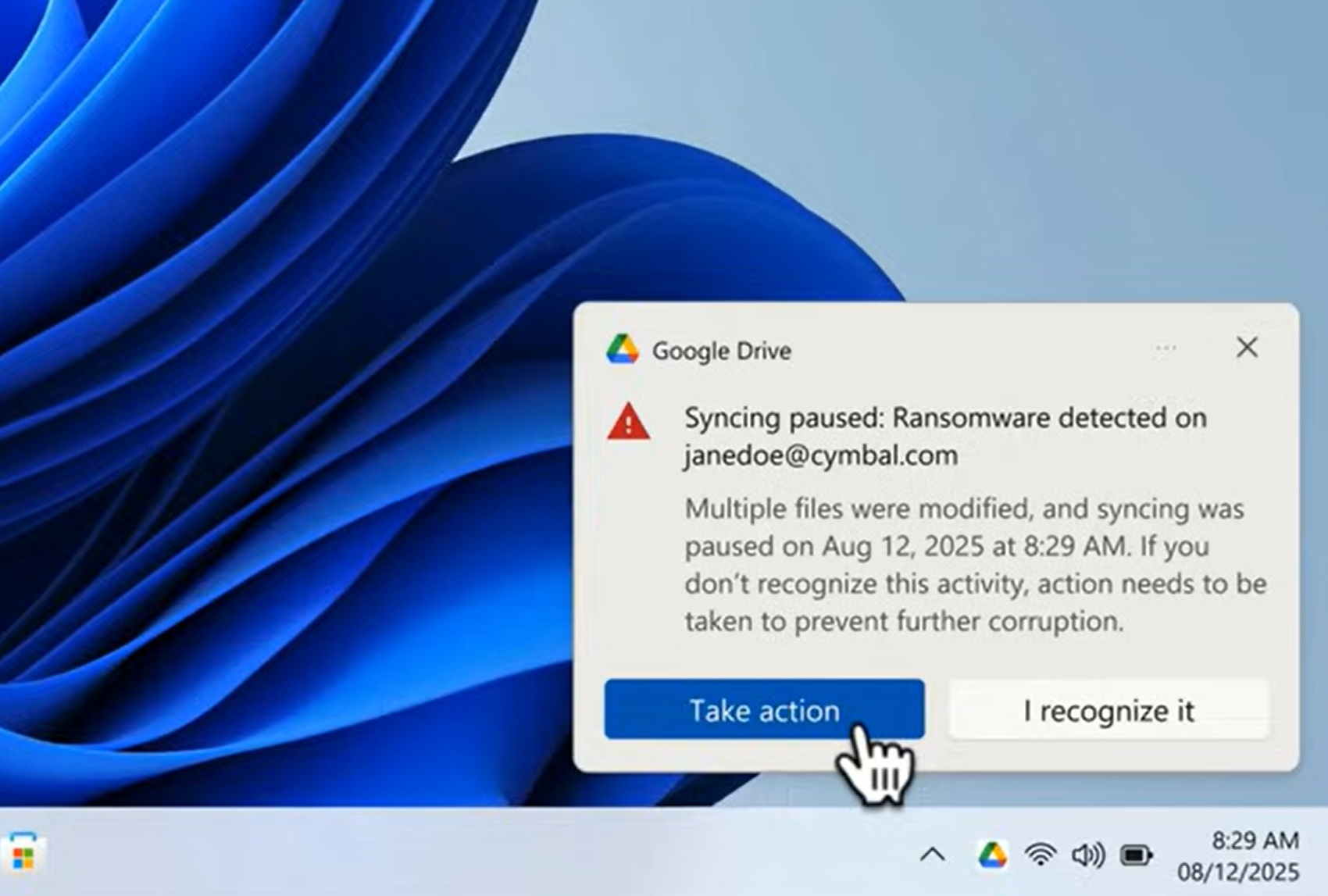
The AI-driven ransomware detection in Google Drive works by automatically pausing file syncing when a potential ransomware attack is identified. Affected users receive a notification on their computer, while administrators are alerted through the security center in the Admin console, and both users and administrators receive notification emails.
File restoration capabilities are also available to all Google Workspace customers, Workspace Individual subscribers, and users with personal Google accounts. Users can restore files to a previous version in Drive, selecting and restoring multiple files from before the ransomware infection occurred. All files changed in the past 25 days, including those in “My Drive” and “Shared with me” folders, as well as files on internal or external shared drives, can be restored.
The ransomware detection feature is enabled by default for users within an organization, but administrators can toggle it on or off at the organizational unit (OU) level through the Admin console, specifically under Apps > Google Workspace > Settings for Drive and Docs > Malware, and Ransomware. Admins will receive an email and an alert in the Alert center if ransomware is detected for their users.
Drive file restoration is also enabled by default and can be managed through the Admin console at Apps > Google Workspace > Settings for Drive and Docs > Drive file restoration. Google notes that the latest version of Drive for desktop (v.114 or later) must be installed for the detection to function correctly; older versions will pause syncing but won’t provide detection notifications.
While native Workspace documents like Google Docs and Sheets are not vulnerable to ransomware, and ChromeOS has not experienced a ransomware attack, Google acknowledged that ransomware remains a significant threat to other file formats and desktop operating systems. The company’s enhanced Google Drive for desktop aims to address this risk by automatically stopping file syncing and enabling straightforward file restoration.
The ransomware detection feature is available for Business Standard and Business Plus subscribers, Enterprise Standard and Enterprise Plus users, Education Standard and Education Plus institutions, and Frontline Standard and Frontline Plus customers.