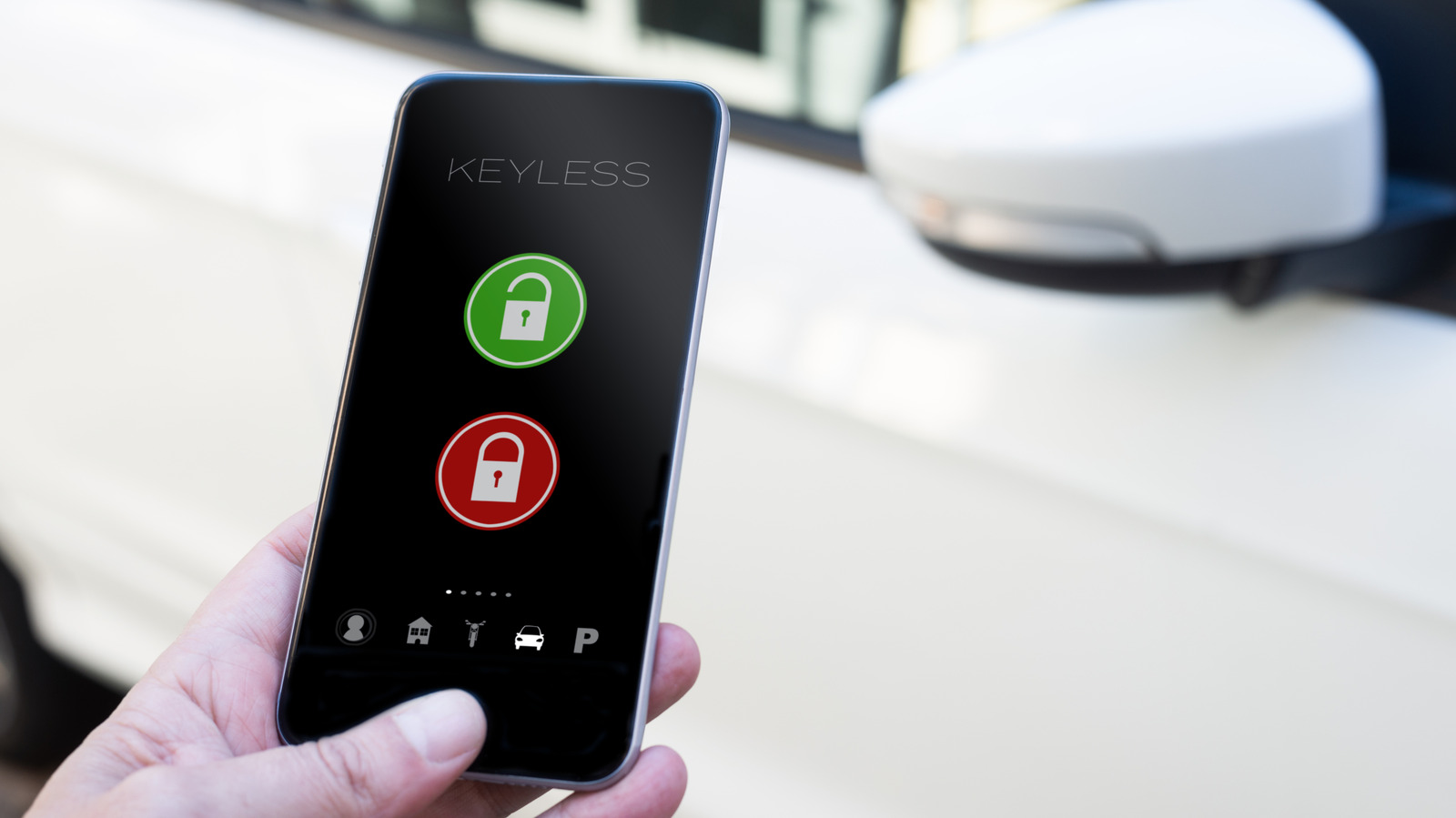
GM Digital Car Keys Arrive for 2027 Models in December 2026
Starting in December 2026, owners of the 2027 Cadillac Escalade, Escalade IQ, IQL, Chevrolet Suburban, Tahoe, and GMC Yukon and Yukon XL can add a digital key to Apple Wallet or Google Wallet and unlock and start their vehicles with an iPhone, Apple Watch, Samsung Galaxy, or Google Pixel phone. The 2026 Cadillac Vistiq, Optiq, and Lyriq have been supported since September and October. General Motors announced the two-phase rollout, stating that future models will be added and announced in the “what’s new” section of the mobile vehicle apps GM announcement.
Which vehicles are eligible and when does support begin?
GM splits the rollout into two waves. The first wave, active since September and October 2026, covers the 2026 Cadillac Vistiq, Optiq, and Lyriq. The second wave begins in December 2026 for the following 2027 models:
- Cadillac Escalade, Escalade IQ, IQL
- Chevrolet Suburban, Tahoe
- GMC Yukon, Yukon XL
According to GM’s schedule, the December date is when owners of these 2027 vehicles can start adding digital keys to their devices. The automaker says the rollout will continue across additional vehicles in the future, with updates appearing in the “what’s new” section of the MyCadillac, My Chevy, and My GMC apps slashgear.comtechrepublic.com.
How do I set up a digital key on my phone?
You need three things before you start: the brand-specific mobile app (MyCadillac for Cadillac, My Chevy for Chevrolet, My GMC for GMC), an eligible digital wallet installed (Apple Wallet on iOS, Google Wallet on Android), and the physical key fob near the OnStar-connected vehicle. GM provides a full list of compatible devices in its original announcement.
- Sign in to the vehicle app (register first if you do not have an account).
- Ensure the physical key fob is inside or near the vehicle.
- On an EV, tap the “Set up your vehicle” card and choose “Add key to device wallet.” On a gas model, select “Add key to device wallet” directly from the Home screen. If neither appears, go to Vehicle Info > Settings > Keys > Add key.
- Follow the on-screen prompts until the key appears in your wallet app.
- Leave the fob inside, step out, and test locking, unlocking, and starting the car with only your phone.
Bluetooth or ultra-wideband must be enabled on the phone for the key to communicate with the vehicle slashgear.comfirstandgeek.com.
What devices and software versions are compatible?
GM lists specific hardware requirements for ultra-wideband proximity features. The SE, XR, and “e” iPhone models are excluded.
- iPhone: iPhone 11 or newer running iOS 26.
- Apple Watch: Series 6 or newer, or Apple Watch Ultra.
- Google Pixel: Pixel 6 Pro or newer Pro or Fold model on the latest Android version; Pixel Watch 2 or newer.
- Samsung Galaxy: Galaxy S21+ 5G or newer, Note20 or newer, or Galaxy Z Fold/Z TriFold models.
The vehicle must be OnStar-connected with the physical fob present during pairing techrepublic.comfirstandgeek.com.
How does sharing work and what permissions can I set?
GM says the system allows easy sharing of keys with additional devices via AirDrop or messages. Owners can share a key with up to seven additional compatible devices. Cadillac specifically lets owners grant lock and unlock access without allowing the recipient to start the vehicle. Owners can revoke shared access at any time, and OnStar can deactivate a key if a connected device is lost or stolen techrepublic.comfirstandgeek.com.
What should I verify before relying solely on my phone?
Test the digital key with the physical fob out of range to confirm the phone or watch can lock, unlock, and start the vehicle independently. Review shared-key permissions before sending — some keys may open doors but not start the engine. Keep the physical fob available for dealer service visits, as Cadillac recommends. If pairing fails or the key starts the vehicle but will not unlock the door, ask a Cadillac dealer about GM service bulletin PIT6566, which addresses an over-the-air software mismatch on affected Lyriq, Optiq, and Vistiq vehicles. For vehicles with a key card, locate the tap spot before you need it techrepublic.comfirstandgeek.com.
Where will future model announcements appear?
GM states that as additional vehicles gain support, the announcements will appear in the “what’s new” section of the respective mobile vehicle apps (MyCadillac, My Chevy, My GMC). No specific future models or dates beyond the December 2026 wave have been disclosed slashgear.comtechrepublic.com.
GM Rolls Out Digital Car Keys for 2027 Models in December, 2026 Models Earlier