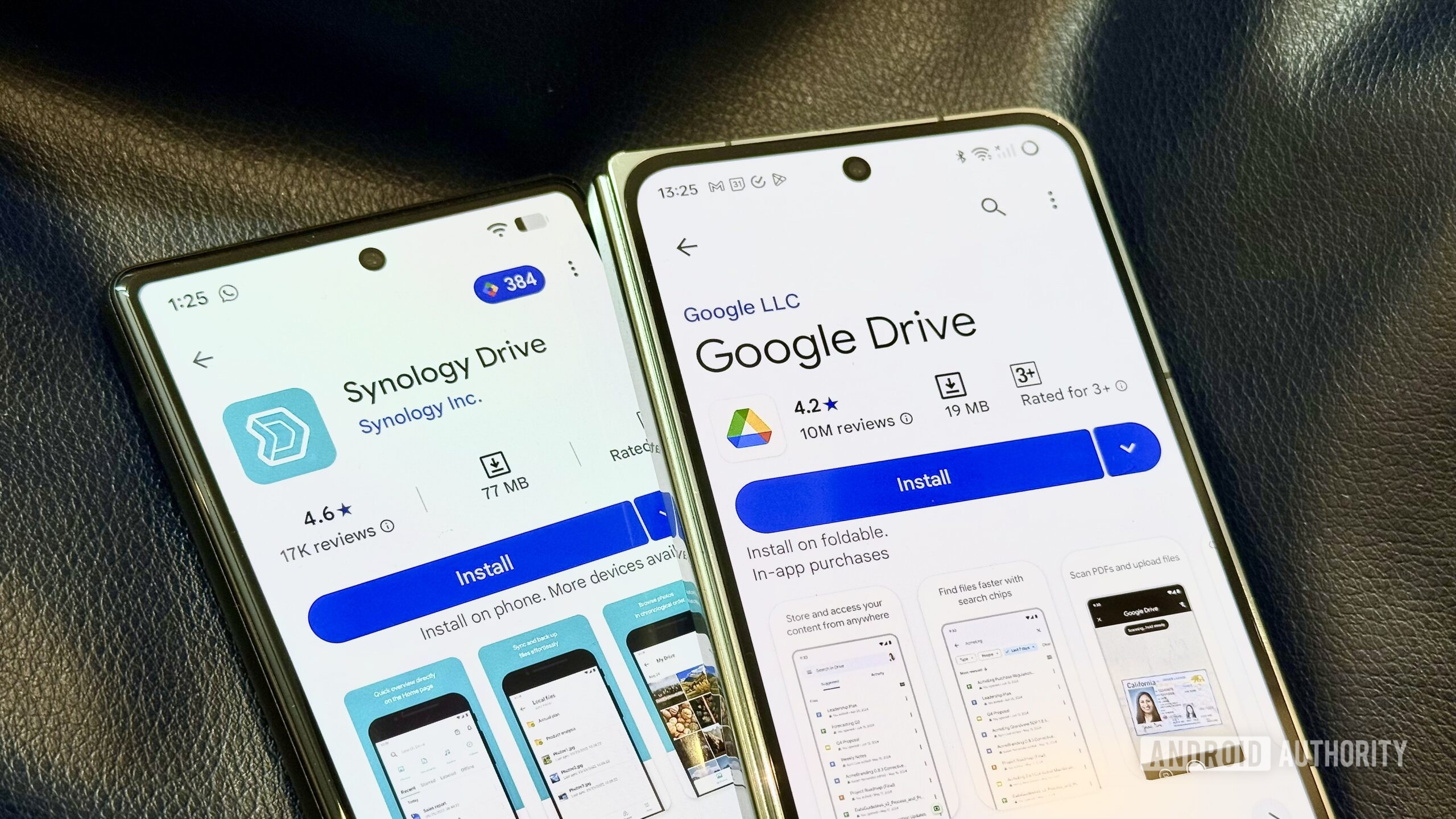
Do I Still Need a NAS? A Month-Long Experiment
The long-standing debate between local sovereignty and cloud convenience just hit a practical inflection point. A recent experiment involving the total decommissioning of a home NAS in favor of a Google Drive and portable SSD hybrid suggests that for a significant portion of the workforce, the “local storage” requirement is becoming a legacy habit rather than a technical necessity.
The Tech TL;DR:
- Cloud Dominance: Google Drive’s interface and accessibility are outweighing the raw throughput of local NAS for day-to-day workflows.
- The Hardware Bridge: Portable SSDs are filling the latency gap for high-bandwidth tasks, rendering the “always-on” home server redundant for mobile professionals.
- NAS Pivot: Modern NAS units, like the Asustor AS5402T, are shifting toward SSD caching to compete with the perceived speed of local flash storage.
For years, the architectural argument for Network Attached Storage (NAS) rested on two pillars: speed and uptime. The logic was simple: avoid the WAN bottleneck and eliminate dependency on a third-party provider’s availability. However, the reality of 2026 is that the “convenience tax” of cloud storage has plummeted. When the interface is polished and the ecosystem is ubiquitous, the friction of managing a local Linux-based file system becomes a liability.
The bottleneck isn’t just about Mbps; it’s about the workflow. Google Drive allows for instant link sharing and seamless cross-device synchronization that makes enterprise-grade NAS software feel clunky by comparison. For the average power user, the risk of an internet outage is a theoretical edge case, while the friction of a poorly optimized NAS UI is a daily reality.
The Tech Stack & Alternatives Matrix
When evaluating the transition from a local hardware stack to a SaaS model, the trade-offs shift from CAPEX (buying the drives) to OPEX (monthly subscriptions). For those still clinging to local iron, the market has bifurcated into “basic” and “power user” tiers.

| Feature | Local NAS (e.g., Asustor AS5402T) | Cloud (Google Drive) | Hybrid (SSD + Cloud) |
|---|---|---|---|
| Throughput | High (LAN speed/SSD Cache) | Variable (WAN dependent) | Extreme (Local NVMe) |
| Uptime | Independent of Internet | Dependent on ISP/Google | Local access for critical files |
| UX/UI | Technical/Enterprise-y | Polished/Consumer-centric | Mixed |
| Deployment | Manual Hardware Setup | Instant Provisioning | Plug-and-Play |
For those requiring high-performance local overhead, the Asustor AS5402T represents the current benchmark for power users, leveraging an SSD cache to mitigate the inherent latency of spinning platters. On the other end of the spectrum, the QNAP TS-233 serves basic archival needs. But as the Android Authority experiment demonstrates, if you have a portable SSD in your pocket, the necessitate to maintain a 2-bay server in your closet evaporates for most non-mission-critical workloads.
The SSD Variable: Beyond the HDD Legacy
The industry is seeing a decisive shift away from traditional Hard Disk Drives (HDDs). Per data from IT PRO, HDD shipments peaked in 2010 and have been in a steady decline as SSD prices drop and capacities scale. The primary advantage of integrating SSDs into a NAS—whether as a primary volume or a cache—is the elimination of seek-time latency and a massive increase in IOPS.
Compatibility is no longer the hurdle it once was. Most modern NAS chassis support both 3.5-inch and 2.5-inch form factors, meaning the transition to an all-flash array is a matter of budget rather than engineering. This shift is critical for content creators who cannot afford the stutter of a mechanical drive during high-resolution video scrubbing.
However, moving data to the cloud introduces a different set of risks, specifically around data sovereignty and encryption. Organizations migrating away from local hardware often uncover themselves needing [cybersecurity auditors] to ensure that their cloud-based file structures maintain compliance and that sensitive endpoints are properly secured against unauthorized access.
Implementation: Automating the Hybrid Sync
For developers who refuse to choose between the two, the solution is a programmatic sync. Using a tool like rclone, you can treat Google Drive as a mounted filesystem, effectively creating a bridge between your local SSD and the cloud. This allows you to maintain local speed for active projects while offloading the archival burden to Google’s infrastructure.
# Example: Syncing a local project folder to Google Drive via rclone # First, configure the remote: rclone config # Then, execute a sync to ensure the cloud mirrors the local SSD rclone sync /mnt/portable_ssd/projects gdrive:Backup/projects --progress --transfers 4 --checkers 8 --drive-chunk-size 64MThis approach solves the “uptime” problem by keeping active assets on local flash storage while leveraging the cloud for redundancy and collaboration. For enterprises scaling this model across hundreds of endpoints, the complexity of managing these syncs often necessitates the help of [managed service providers] to automate deployment and monitor for sync failures.
The Architectural Verdict
The “NAS vs. Cloud” debate is effectively over for the generalist. The combination of high-capacity portable SSDs and polished cloud APIs has hollowed out the middle market for home servers. Unless you are running a home lab for containerization, hosting your own Kubernetes clusters, or dealing with datasets too massive for consumer cloud tiers, the overhead of maintaining local hardware is a diminishing return.
We are moving toward a “stateless” user experience where the hardware is merely a thin client for a distributed data layer. The NAS isn’t dead, but it has been relegated to a niche tool for those who prioritize absolute control over convenience. As we see more integration of NPUs and edge computing, the local storage device will likely evolve into a specialized compute node rather than a simple file dump.
If your current infrastructure is still relying on legacy HDD arrays that throttle your productivity, it may be time to audit your stack. Whether you migrate to a hybrid SSD model or a full cloud transition, ensuring your data pipeline is optimized is the only way to avoid the inevitable latency bottleneck.
Disclaimer: The technical analyses and security protocols detailed in this article are for informational purposes only. Always consult with certified IT and cybersecurity professionals before altering enterprise networks or handling sensitive data.