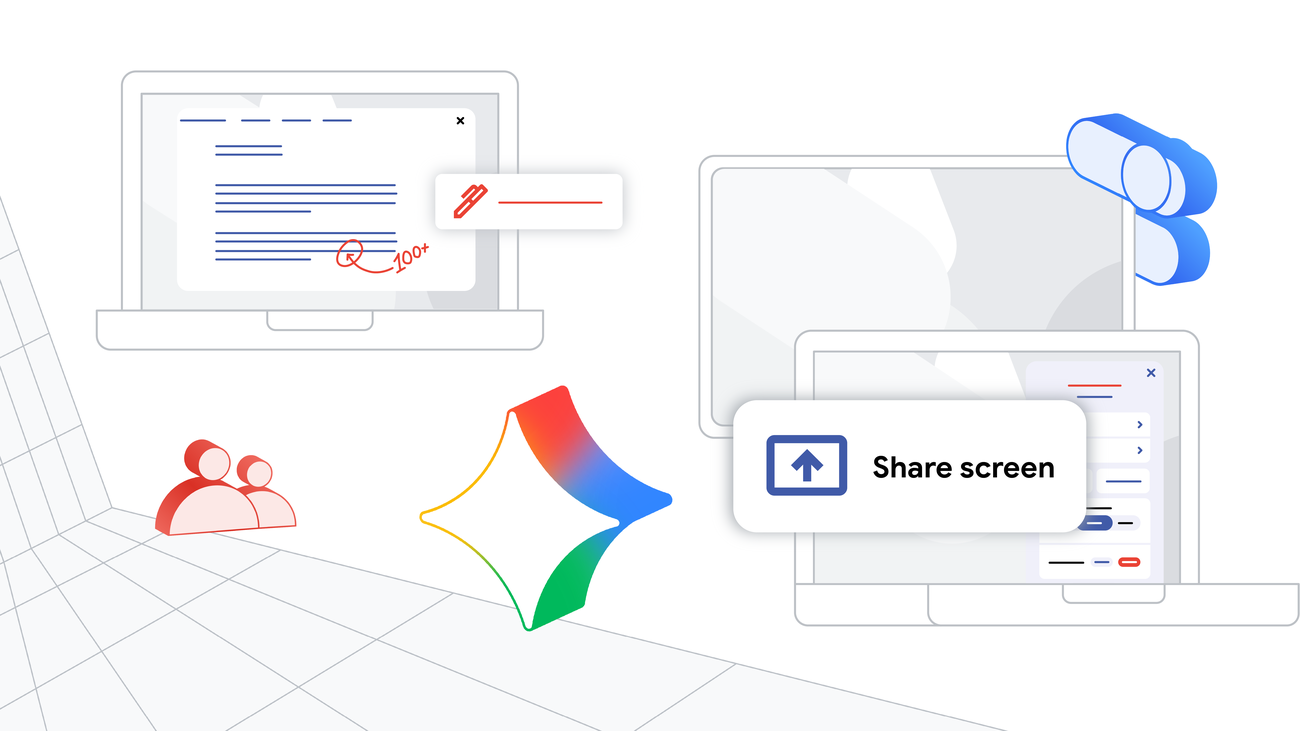
ChromeOS Class Tools: New Screen Sharing & Annotation
Google Class Tools Enhance Classroom Engagement with New display App and Collaboration Features
Google is bolstering its suite of educational tools with importent updates to Class tools, a feature set designed to empower teachers and enhance student engagement in managed Chromebook environments. These enhancements, available with a Google Workspace for Education Plus subscription, introduce a dedicated display app, teacher-led screen sharing, and screen annotation capabilities, promising a more dynamic and collaborative learning experience. https://blog.google/outreach-initiatives/education/class-tools-chromebook/
The Evolving Landscape of Classroom Technology
The integration of technology in education has accelerated dramatically in recent years, driven by the need for flexible learning models and tools that cater to diverse student needs. Chromebooks, in particular, have become a mainstay in many classrooms due to their affordability, security, and ease of management. However,simply providing devices isn’t enough. Effective classroom technology requires tools that facilitate meaningful interaction, streamline instruction, and provide teachers with the control they need to maintain a focused learning environment.
Google’s Class tools directly addresses these needs. Initially launched with features like content sharing and screen locking, it provides teachers with real-time control over student Chromebooks, ensuring students remain on task during lessons and assessments. the latest updates build upon this foundation, expanding functionality and fostering a more interactive classroom dynamic.
Introducing the Class Tools Display App: Bridging Devices for Seamless Learning
The centerpiece of the recent update is the class tools display app. This application extends the functionality of Class tools beyond individual Chromebooks to encompass a wider range of devices commonly found in modern classrooms – student Chromebooks, teacher Chromebook Plus devices, and classroom displays. https://blog.google/outreach-initiatives/education/class-tools-chromebook/
This integration allows teachers to effortlessly mirror screens between devices. Imagine a scenario where a student has developed a notably insightful solution to a problem. With the display app, the teacher can instantly share that student’s screen with the entire class, turning a moment of individual brilliance into a collective learning opportunity. Conversely,teachers can easily project their own screens to demonstrate concepts,guide students through complex tasks,or present lessons in a visually engaging format.
Benefits of Screen Mirroring in the Classroom
* Enhanced Collaboration: Facilitates peer-to-peer learning by showcasing student work and encouraging discussion.
* Real-Time Demonstrations: allows teachers to provide immediate, visual guidance on assignments and projects.
* Increased Engagement: Captures student attention by presenting content on a larger, shared display.
* Accessibility: Supports diverse learning styles by providing a visual portrayal of concepts.
* Troubleshooting Support: Enables teachers to quickly identify and address student difficulties by viewing their screens remotely.
The ability to seamlessly switch between sharing a teacher’s screen and a student’s screen fosters a more dynamic and inclusive learning environment, moving away from a customary, lecture-based model towards a more collaborative and student-centered approach.
Empowering teachers with Screen Annotation Tools
Alongside the display app,Google has introduced screen annotation capabilities within Class tools. This feature allows teachers to draw, highlight, and write directly on their shared screen, providing real-time feedback and emphasizing key information.
This functionality is particularly valuable for:
* Clarifying Complex Concepts: Teachers can visually break down intricate ideas by annotating diagrams, charts, or equations.
* Providing Targeted Feedback: Highlighting specific areas of student work allows for precise and constructive criticism.
* Guiding Students Through Tasks: Step-by-step annotations can demonstrate the correct approach to solving problems or completing assignments.
* Enhancing Lesson Delivery: Adding visual cues and emphasis to presentations keeps students focused and engaged.
The annotation tools are designed to be intuitive and easy to use, allowing teachers to focus on instruction rather than struggling with technology. This feature transforms the shared screen into a dynamic whiteboard, fostering a more interactive and engaging learning experience.
Beyond the Basics: Maximizing the Potential of Class Tools
While the core features of Class tools are powerful on their own, their true potential lies in how they are integrated into a broader pedagogical strategy. here are some ways educators can leverage these tools to create a more effective and engaging learning environment:
* Interactive Problem Solving: Have students share their screens while working through problems,allowing the teacher to provide real-time guidance and feedback using the annotation tools.
* Peer Review and Feedback: Facilitate peer review sessions by having students share their work and provide constructive criticism using screen annotations.
* Showcase Student Creativity: Encourage students to present their projects and ideas to the class using screen sharing, fostering a sense of ownership and pride.
* Differentiated Instruction: Share different content or provide individualized support to students based on their needs using targeted screen sharing and annotation.
* Gamified Learning: Use screen sharing and annotation to create interactive games and challenges that reinforce learning concepts.