Are Expensive HDMI Cables Worth It? When to Splurge vs. Save
When upgrading home theater hardware or workstation displays, consumers frequently confront a wall of retail packaging pushing premium HDMI cords priced upwards of $100 per foot, contrasted against budget options costing mere dollars. According to audioholics.com, digital signal transmission relies strictly on binary data integrity: when an HDMI cable carries a signal properly, it delivers the complete information payload without requiring exorbitant investments. Jeff Park, Senior Technical Manager for HDMI Licensing, LLC, explains in reporting by digitaltrends.com that because the interface transmits purely digital signals, performance is binary and uncompromising. Whether deploying a budget cable or a boutique option, users receiving compliant data streams will experience identical fidelity.
The Tech TL;DR:
- Digital Binary Reality: According to Jeff Park of HDMI Licensing, LLC (via digitaltrends.com), picture and audio quality do not scale with price if both cables meet identical specification requirements.
- The Bandwidth Threshold: High Speed HDMI cables rated for 18 Gbps (HDMI 2.0) comfortably support modern 4K content at 60 frames per second without requiring hardware replacements.
- Physical Constraints: Cable failure presents as unmistakable signal dropout, sparkles, or frozen frames; length and manufacturing precision remain the only valid criteria for selecting upgraded wiring.
Decoding HDMI Speed Ratings and Bandwidth Limits
Understanding whether a cable justifies its footprint requires examining underlying specification standards rather than marketing terminology. As detailed by digitaltrends.com, HDMI cables operate under strict certification tiers overseen by licensing bodies. The legacy Standard Speed rating was designed for early 720p and 1080i high-definition transitions. Following specification updates, High Speed HDMI cables doubled throughput capacities. Originally capped at approximately 10.2 Gbps under older signaling methods, optimized High Speed architectures handle up to 18 Gbps under the HDMI 2.0 specification. This bandwidth threshold easily accommodates 4K video streams at 60 frames per second, validating that existing compliant inventory requires no immediate reinvestment.
For systems experiencing hardware bottlenecks or signal degradation over extended architectural layouts, network administrators and AV integrators frequently rely on specialized infrastructure diagnostics.
Evaluating the Physical Limits and Manufacturing Realities of Copper
While digital data is immune to degradation along short runs, physical architecture dictates performance ceilings over distance. Audioholics.com highlights length as the primary enemy of HDMI signal propagation. For standard three-to-six-foot runs, undamaged cables built to basic specifications perform reliably. However, physical attenuation impacts longer configurations, particularly distances reaching 25 feet or more. To combat signal drop-off across extended runs, manufacturers deploy active components. As noted by digitaltrends.com, active HDMI cables like Monoprice’s Redmere incorporate integrated active electronics on one or both connector ends to actively boost signal integrity.

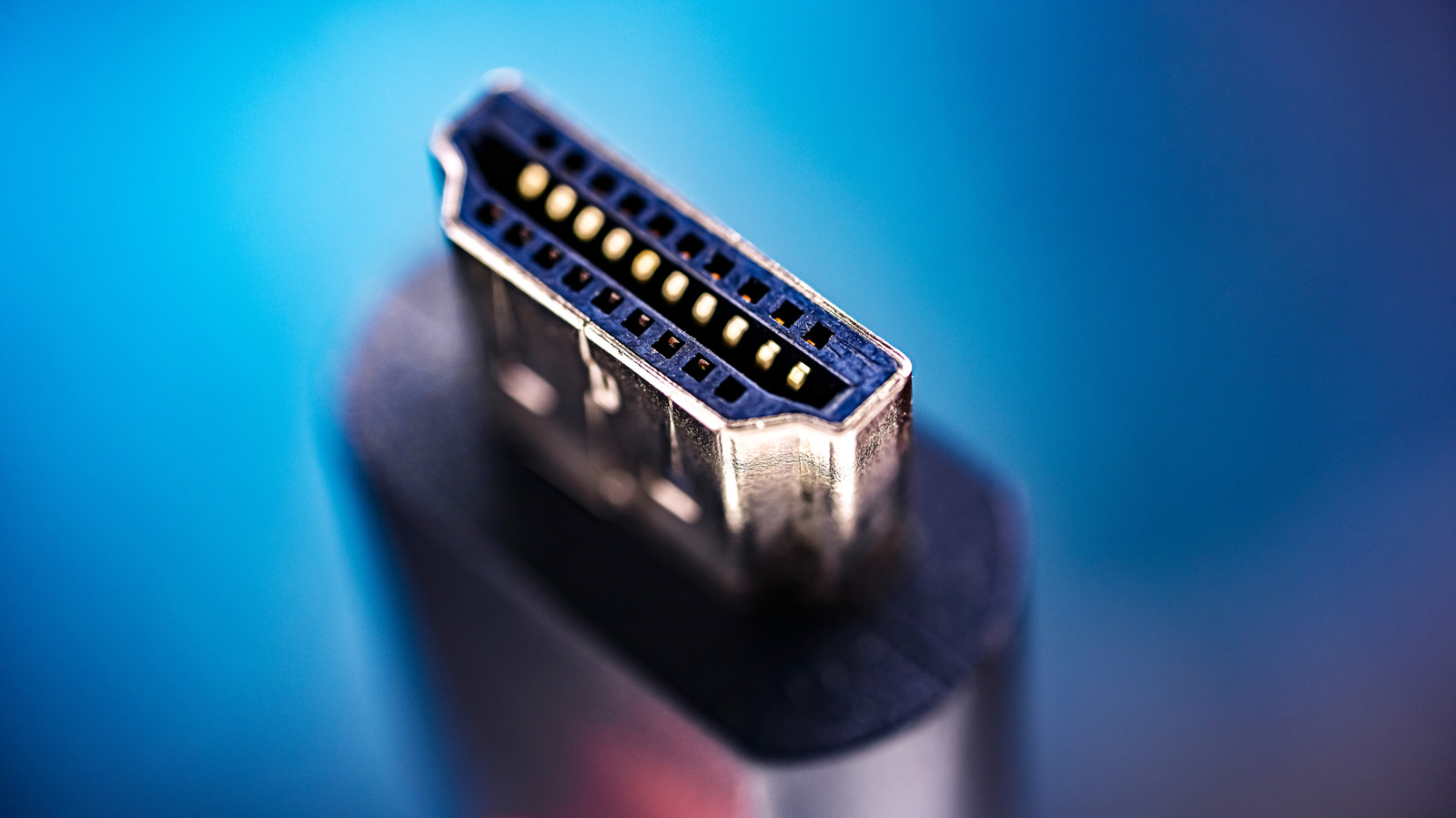
Manufacturing tolerances also introduce variance across mass-produced wiring. Jeff Park notes that producing a flawless 19-pin configuration across thousands of units introduces complex scaling challenges, leaving the market susceptible to counterfeit alternatives that omit vital internal conductors. Retailers and compliance teams actively police supply chains to prevent uncertified components from entering consumer ecosystems.
Implementation: Verifying Signal Integrity via Diagnostic Tooling
When troubleshooting intermittent display dropouts or handshake failures in enterprise environments, engineers must isolate physical layer faults from protocol-level errors.
#!/bin/bash
# Check EDID and display connection status via kernel DRM subsystem
echo "Checking Direct Rendering Manager (DRM) connector states..."
for connector in /sys/class/drm/card*-*; do
    if [ -f "$connector/status" ]; then
        status=$(cat "$connector/status")
        name=$(basename "$connector")
        echo "Port $name: $status"
        if [ "$status" = "connected" ]; then
            cat "$connector/edid" | hd -n 128 | head -n 1
        fi
    fi
done
Future-Proofing Your Signal Chain Without Breaking the Budget
Navigating the retail cable market requires separating engineering necessities from aesthetic ornamentation. As audioholics.com emphasizes, expensive boutique cables often charge premium rates for visual additions such as colored nylon netting and polished metal connectors rather than improved signal conductors. Reputable manufacturers like Blue Jeans Cable utilize scientifically engineered components that pass rigorous bandwidth stress tests at a fraction of the cost of luxury brands. When evaluating future upgrades, system architects should prioritize official certification labels and physical build quality over inflated retail pricing.
Disclaimer: The technical analyses and security protocols detailed in this article are for informational purposes only. Always consult with certified IT and cybersecurity professionals before altering enterprise networks or handling sensitive data.