
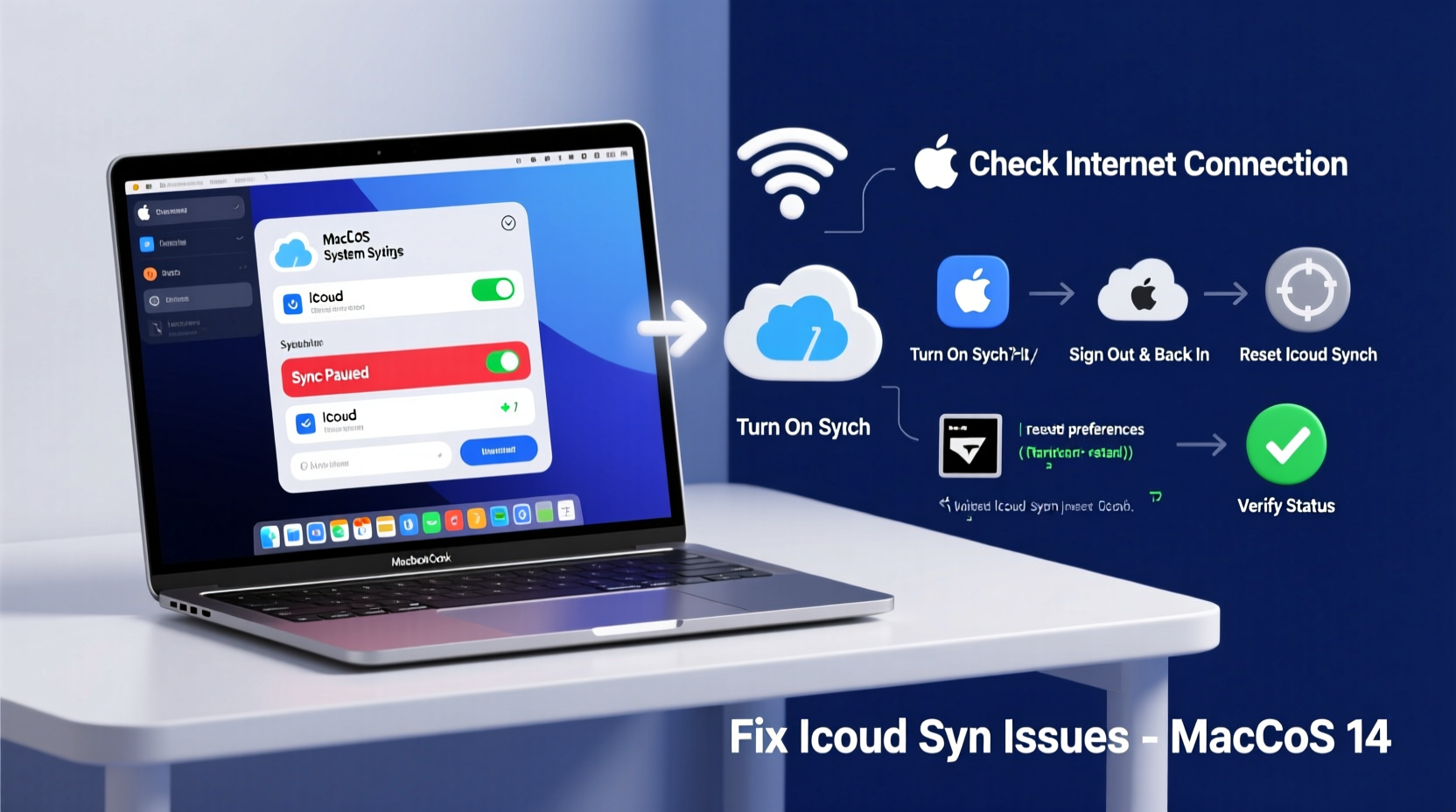
Apple Releases iOS 26.4.1 to Fix Critical iCloud Syncing Issues
Apple just pushed iOS 26.4.1 into production, and while the PR focuses on a “fix” for iCloud syncing, the real story is the silent shift in how Stolen Device Protection (SDP) is handled for enterprise-managed fleets. For those of us tracking the intersection of MDM (Mobile Device Management) and hardware-backed security, this is a significant pivot from “opt-in” to “forced compliance.”
The Tech TL;DR:
- Automatic Enforcement: Stolen Device Protection is now enabled by default for devices under Enterprise Supervision, removing the manual user-toggle bottleneck.
- iCloud Sync Patch: Resolves a critical race condition in the iCloud daemon that caused intermittent data loss across third-party apps.
- Security Hardening: Tightens the biometric lockout window, leveraging the Secure Enclave to prevent unauthorized passcode changes in unfamiliar locations.
The core friction in enterprise mobility has always been the gap between security policy and user behavior. CTOs demand a hardened perimeter, but employees disable security features because they “get in the way.” By automating Stolen Device Protection, Apple is effectively removing the human element from the security equation. However, this creates a novel bottleneck: the “lockout loop.” When a device triggers the security delay in a non-trusted location, the administrative overhead for IT departments spikes. This is why organizations are increasingly relying on managed service providers to handle the triage of locked-out executive devices without compromising the root of trust.
The Post-Mortem: Analyzing the Blast Radius of the iCloud Sync Bug
Before diving into the SDP automation, we have to address the iCloud syncing failure that necessitated this point release. According to reports surfacing on Apple’s Developer Documentation and community threads on Stack Overflow, the issue stemmed from a synchronization conflict between the local SQLite database and the cloud-side state. In high-latency environments, the sync engine would occasionally drop packets, leading to “ghost” deletions in third-party apps that relied on CloudKit.
“The sync issue wasn’t just a UI glitch; it was a failure in the atomic commit process of the iCloud daemon. For enterprises running custom CRM integrations via iOS, this meant actual data corruption at the edge.” — Marcus Thorne, Lead Security Researcher at ZeroDay Labs
From an architectural standpoint, the fix in 26.4.1 implements a more robust checksum validation before the local state is overwritten. This reduces the risk of data loss but introduces a marginal increase in battery drain during heavy sync cycles—a classic trade-off between consistency and performance.
Threat Model: Biometric Latency and the Secure Enclave
The automation of Stolen Device Protection is a direct response to the rise of “shoulder surfing” and social engineering attacks where adversaries coerce users into revealing passcodes. SDP leverages the device’s NPU (Neural Processing Unit) and the Secure Enclave to determine if the device is in a “familiar location” using a combination of GPS and known Wi-Fi SSIDs. If the device is in an unrecognized area, the system enforces a one-hour time delay before allowing critical security changes (like changing the Apple ID password).
For the developer crowd, So the LocalAuthentication framework is now more aggressive. If you are building enterprise apps that require high-privilege access, you necessitate to account for the fact that the user may be physically unable to authenticate certain changes for an hour. This isn’t a software bug; it’s a hardware-level security gate.
To verify if a device has SDP active via a shell (for those using semi-tethered environments or specialized auditing tools), you can query the configuration profiles, though Apple keeps the specific SDP flags obfuscated. A typical check for MDM compliance would look like this:
# Checking for the presence of the StolenDeviceProtection restriction in the managed profile profiles -P | grep "StolenDeviceProtection" # Example cURL to verify MDM enrollment status for a specific device UUID curl -X GET "https://mdm.enterprise.com/api/v1/devices/DEVICE_UUID/compliance" \ -H "Authorization: Bearer YOUR_ACCESS_TOKEN" \ -H "Content-Type: application/json"The Enterprise Trade-off: Security vs. Availability
While the move to automatic SDP is a win for SOC 2 compliance and general endpoint security, it creates a “denial of service” risk for the finish-user. If a VP of Sales is traveling in a foreign city and needs to change their credentials urgently, they are now at the mercy of a hard-coded timer. This is where the “Security vs. Usability” paradox hits hardest.
Companies that haven’t audited their mobile endpoint strategy are finding themselves blindsided. We are seeing a surge in firms hiring specialized cybersecurity auditors to map out these “lockout scenarios” and ensure that recovery keys are stored in a secure, off-device vault. The goal is to maintain end-to-end encryption without creating a scenario where the company is locked out of its own hardware.
iOS 26.4.1 vs. Android 16 Enterprise (The Security Matrix)
How does this stack up against the competition? While Google’s “Theft Detection Lock” uses AI to sense the physical motion of a device being snatched, Apple’s approach is more rooted in geospatial trust and hardware-backed delays.
| Feature | iOS 26.4.1 (Enterprise) | Android 16 (Enterprise) |
|---|---|---|
| Activation | Automatic via MDM | User-defined / Admin Policy |
| Trigger | Unfamiliar Location | AI Motion Detection |
| Hardware Root | Secure Enclave (ARM) | Titan M2 / StrongBox |
| Recovery | 1-Hour Security Delay | Remote Lock/Wipe |
The Android approach is more reactive (detecting the theft in progress), whereas Apple’s approach is preventative (making the stolen device useless for credential theft). For a CTO, the Apple model is more predictable for compliance auditing, while the Android model offers a more “magical” (though potentially fallible) user experience.
As we move toward a world of pervasive AI-driven attacks, the “trust nothing, verify everything” mantra is moving from the server room to the pocket. The automation of SDP is a signal that Apple no longer trusts the user to be the primary security administrator. For those managing massive fleets, the immediate priority is updating your MDM policies and ensuring your help desk is trained on the new lockout workflows. If your current internal team is overwhelmed by the shift to these more restrictive protocols, it may be time to engage enterprise IT consultants to streamline your deployment pipeline.
Disclaimer: The technical analyses and security protocols detailed in this article are for informational purposes only. Always consult with certified IT and cybersecurity professionals before altering enterprise networks or handling sensitive data.