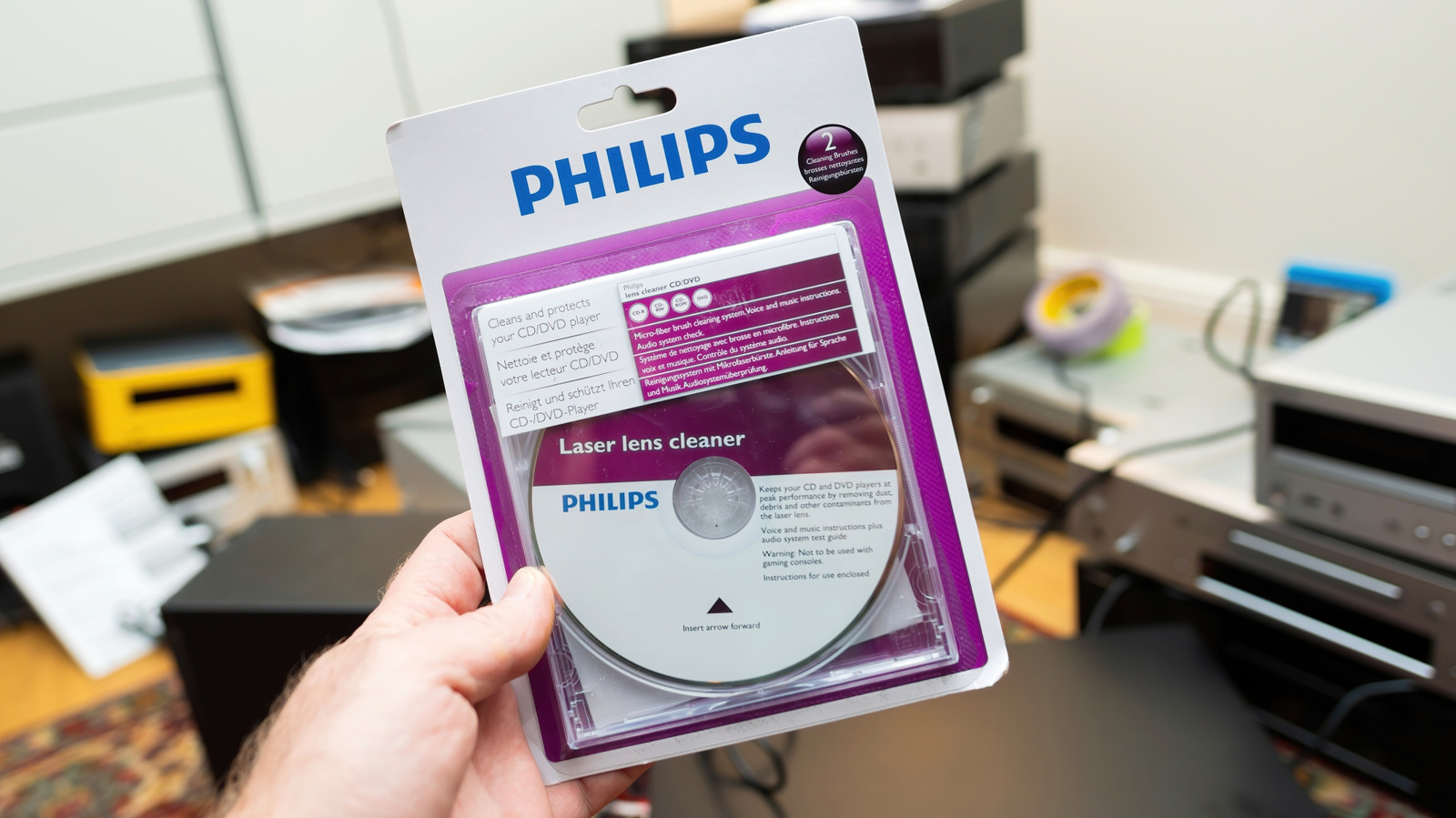
Annual Lens Cleaning Recommended for Blu-ray and DVD Players
To maintain a DVD or Blu-ray player’s optical performance, use a specialized lens cleaning kit once a year or when playback errors like skipping and freezing occur. These kits utilize a disc with integrated brushes to remove accumulated dust, providing a low-cost, preventative maintenance solution for optical hardware.
The Tech TL;DR:
- Maintenance Interval: Panasonic recommends an annual cleaning, though frequency should scale based on device usage patterns.
- Diagnostic Indicators: Persistent playback failures, audio-visual drops, or increased load times often signal a dirty optical lens.
- Hardware Safety: Manual internal cleaning carries significant risk to delicate laser assemblies and electrical components and should only be attempted if manufacturer documentation explicitly permits.
Annual Lens Maintenance Requirements
Optical disc players rely on a laser beam focused through a lens to read binary data from the physical medium. Over time, environmental dust and debris settle on this lens, causing bit-read errors that manifest as skipping or freezing during playback. Panasonic, which maintains a history in optical disc technology, advises users to perform a maintenance cycle approximately once a year.
The necessity for cleaning may accelerate based on environmental factors or mechanical usage. If your device displays playback errors or suffers from reduced fidelity in audio or picture output, cleaning the lens is the primary troubleshooting step. Long seek times when loading media are also technical indicators that the laser assembly is struggling to maintain a consistent read speed due to surface obstruction.
Implementing Lens Cleaning Kits
For most users, a dedicated lens cleaning kit is the safest mechanism to restore performance. These kits, typically priced between $8 and $20, consist of a specialized disc equipped with soft bristles on its surface. When the player initializes the disc, the brushes physically sweep the lens to dislodge particulate matter.
Before deployment, ensure the kit is compatible with the specific optical drive architecture of your player. Once inserted, execute the cleaning cycle by pressing play and following the specific instructions provided by the kit manufacturer. This process is generally non-invasive and avoids the risks associated with hardware disassembly.
Perform Manual Lens Cleaning with Approved Solvent
When a brush-based cleaning disc fails to resolve data-read issues, a more granular manual cleaning may be required using a cleaning swab and an approved solvent. This process requires absolute precision. First, disconnect the player from the power supply and allow internal capacitors to discharge, as power supply units often retain a charge even after the cable is removed.
After removing the outer chassis, locate the optical disc assembly. Use only cleaning materials explicitly approved in your player’s service manual, as improper solvents can degrade the specialized coatings on the lens. If your manufacturer’s documentation does not provide instructions for manual cleaning or explicitly warns against opening the casing, you should defer to a professional repair technician.
Disc-Level Troubleshooting
Playback failure is not always a lens issue; it is often a result of damaged or dirty physical media. Fingerprints, grease, and dust on the disc surface interfere with the laser’s ability to track data, leading to the same read errors caused by a dirty lens.
To clean a disc, hold it by the outer edge and use a dry, clean microfiber cloth.
Wipe in a straight line from the center toward the outer edge. Circular wiping motions can trap particles, potentially scratching the circular data tracks and causing permanent read errors. If the disc features deep physical scratches, commercial disc repair machines can sometimes polish the protective plastic layer. However, these machines are not guaranteed to restore data integrity and are often prohibitively expensive for individual use.
Hardware Maintenance Outlook
The longevity of physical media playback hardware remains dependent on the physical state of the optical laser assembly and the integrity of the discs themselves. While basic cleaning protocols are well-documented, the susceptibility of these devices to internal power supply risks and delicate component damage means that professional intervention remains the most reliable path for complex hardware failures.