Android Auto Bug Shows Black Screen in Google Maps, Mostly Ford Owners Report
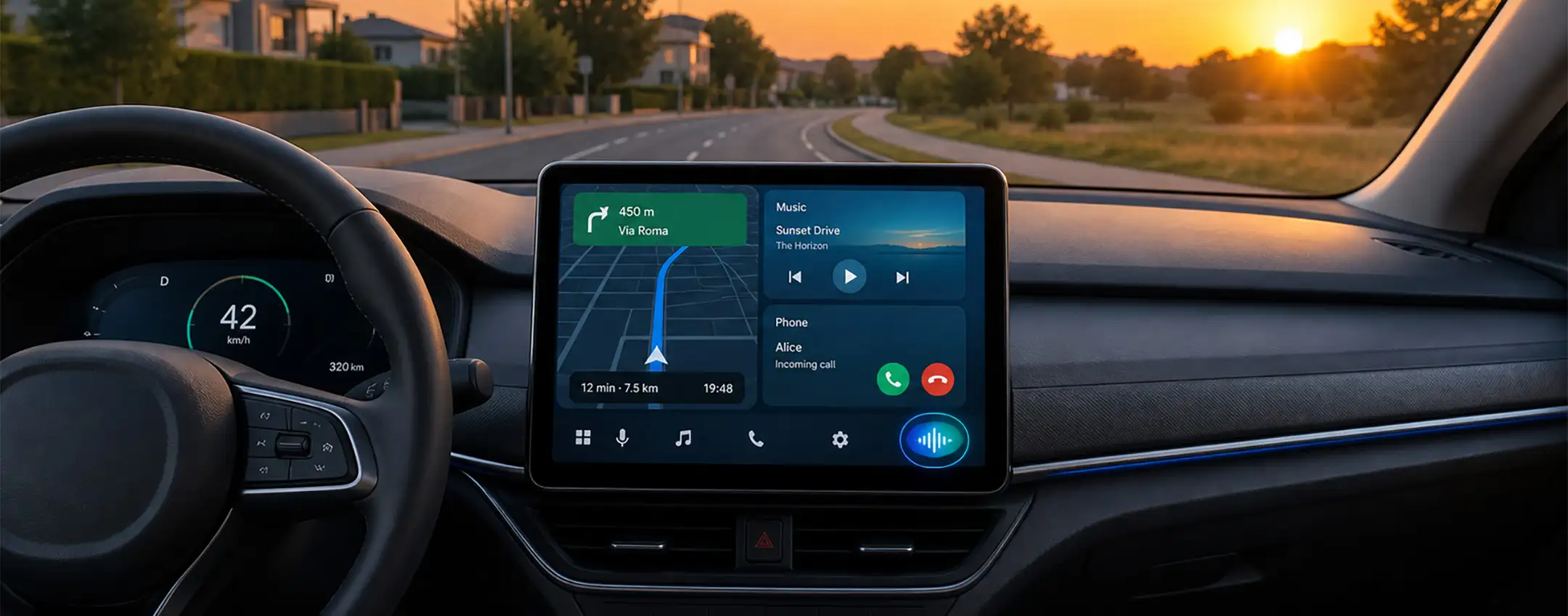
A bug in Android Auto is preventing Google Maps from loading for some drivers, replacing the map display with a black screen, according to reports collected by Telefonino.net, TuttoAndroid.net, Android Authority, and SmartWorld.
- Google Maps fails to load at Android Auto startup, showing a black screen or partial black bar.
- Most reports come from Ford vehicle owners, though other brands may be affected.
- Workarounds include waking the phone, toggling vehicle zone lighting, or clearing app caches.
- Google has not acknowledged the issue or provided a fix.
Random failure at startup
Drivers report that Google Maps either fails to appear immediately when Android Auto launches or disappears mid-use, leaving a completely black screen or a black bar covering part of the display, Telefonino.net reported.
The behavior appears random, with no consistent trigger identified across reports. In some cases the entire map area disappears, leaving a fully black screen, while in others a black bar occupies only a portion of the display, according to Telefonino.net and SmartWorld.

Ford vehicles prominent in complaints
A majority of the reports gathered so far come from owners of Ford vehicles, including a 2023 Ford Focus cited by Android Authority, though it remains unclear whether the issue is exclusive to Ford or simply overrepresented in early complaints, TuttoAndroid.net and SmartWorld reported.
Specific phone models, Android Auto versions, and Google Maps versions involved have not been documented in the reports. TuttoAndroid.net said that there are not enough reports to determine if the problem affects only Ford vehicles or other makes as well.
Temporary workarounds shared by users
Affected drivers have identified several temporary fixes, none of which resolve the underlying cause, according to the outlets. One Reddit user, u/AL-H, told Telefonino.net that tapping the smartphone screen to wake it restored the map. Another driver reported to Android Authority that switching to the vehicle’s zone lighting menu and then returning to Android Auto cleared the black screen.
Clearing the cache for both Google Maps and Android Auto, then restarting the phone, has also been cited as effective for the partial black bar variant, SmartWorld reported. To clear an app cache on Android, users can go to Settings, then Apps, select the app, and tap “Storage and cache,” SmartWorld reported.
Telefonino.net described these as temporary solutions that do not address the root cause. SmartWorld also cautioned that Waze recently had a bug hiding turn-by-turn directions on Android Auto, so it may not be a reliable alternative.
App update links provided by outlets
Readers looking to reinstall or update the affected apps can follow direct links to the Google Play Store listings for Android Auto and Google Maps, TuttoAndroid.net reported, according to Tuttoandroid. Selecting “Installa” performs a first-time installation while “Aggiorna” applies any pending update for users who already have the apps installed, the outlet noted.
Both store pages are reachable through badges embedded in the coverage, allowing drivers to ensure they are running the latest builds while waiting for a permanent fix, TuttoAndroid.net added.
Google has not commented
Google has not confirmed the bug or announced a fix. Android Authority said it has reached out to the company for comment and will update its coverage when a response is received.