Android Auto Bug Causes Google Maps Black Screen, Mainly for Ford Owners
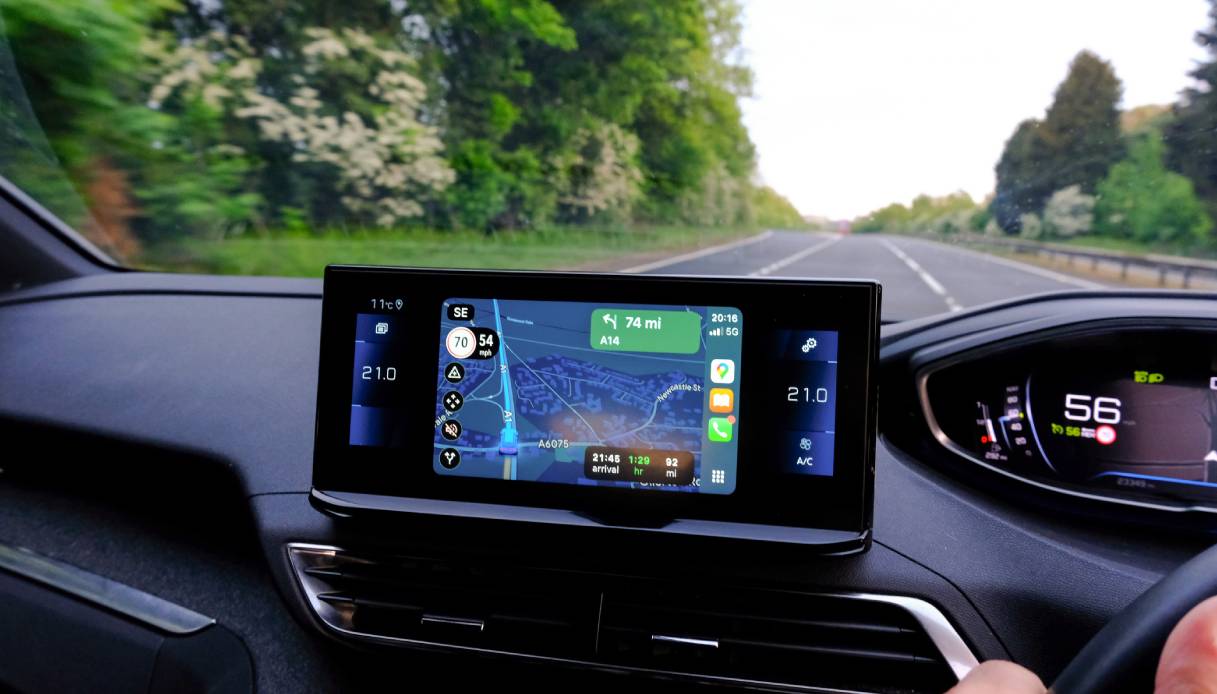
Android Auto users are reporting a bug that prevents Google Maps from loading, leaving a black screen on the vehicle's infotainment display instead of the map, according to Smartworld.
The issue has been documented across Reddit forums and technology outlets in recent days, with a majority of complaints coming from owners of Ford vehicles, though it remains unclear whether the problem is exclusive to that brand.
According to reports gathered by Android Authority, Libero, Smartworld, and TuttoAndroid, the malfunction manifests in several ways. Some drivers see a completely black screen immediately upon launching Android Auto. Others encounter a black bar covering only a portion of the map, while some report the map disappearing entirely after initially loading correctly. The trigger appears to be random, and no specific version of Google Maps or Android Auto has been identified as the cause.
The total number of affected users is unknown. TuttoAndroid reported that on a 2023 Ford Focus, the app can load incorrectly and present either a black bar occupying part of the screen or the entire map area disappearing to leave a black screen, while a third scenario shows the correct behavior.
Models of phones and vehicles involved, as well as the specific app versions affected, have not been identified in the reports.
While most reports originate from Ford owners — including one user citing a 2023 Ford Focus — the sources emphasize there is insufficient evidence to confirm a compatibility issue with Ford’s infotainment systems specifically. Other vehicle brands may also be affected. Google has not issued a public statement on the bug. Android Authority confirmed it has contacted the company for comment but had not received a response as of publication.

In the absence of an official fix, affected users have shared temporary workarounds on Reddit. One driver reported that simply tapping the smartphone screen to wake the device restored the map on the car display. Another described switching to the vehicle’s native infotainment screen — specifically the “zone lighting” control panel — and then returning to Android Auto as a successful reset. A more involved method involves clearing the cache for both Google Maps and Android Auto via the phone’s settings menu under “Apps” and “Storage,” followed by a phone restart.
To clear an app’s cache on Android, go to Settings, then Apps, select the app, and tap “Storage and cache.” Users note this method can resolve the partial black bar issue, though the problem may recur over time.
All sources caution that any troubleshooting should be performed while the vehicle is stationary. Drivers who use Waze as an alternative should know that Waze recently had a bug hiding directions on Android Auto, so it may not be a reliable substitute at this time.
Specific symptoms documented on Ford Focus
TuttoAndroid reported that on a Ford Focus, Google Maps can load incorrectly in two distinct ways. A black bar may occupy part of the display, or the entire map area can disappear to leave a completely black screen.
The same outlet said that it is not yet possible to determine whether the issue affects only Ford vehicles or extends to other brands, as there are not enough reports to draw a conclusion. Android Authority and other sources similarly stressed that no specific phone models, vehicle models, or app versions have been identified across the complaints.
Google contacted but has not responded
Android Authority confirmed it has reached out to Google for comment on the malfunction and had not received a reply at the time of publication. Libero and Smartworld independently reported the same lack of response from the company.
Until Google releases a patch, drivers are advised to check the Google Play Store for updates to both Google Maps and Android Auto, according to Libero. To update Android Auto, open its Play Store page and tap “Install” or “Update”; the same steps apply to Google Maps via its Play Store listing.