
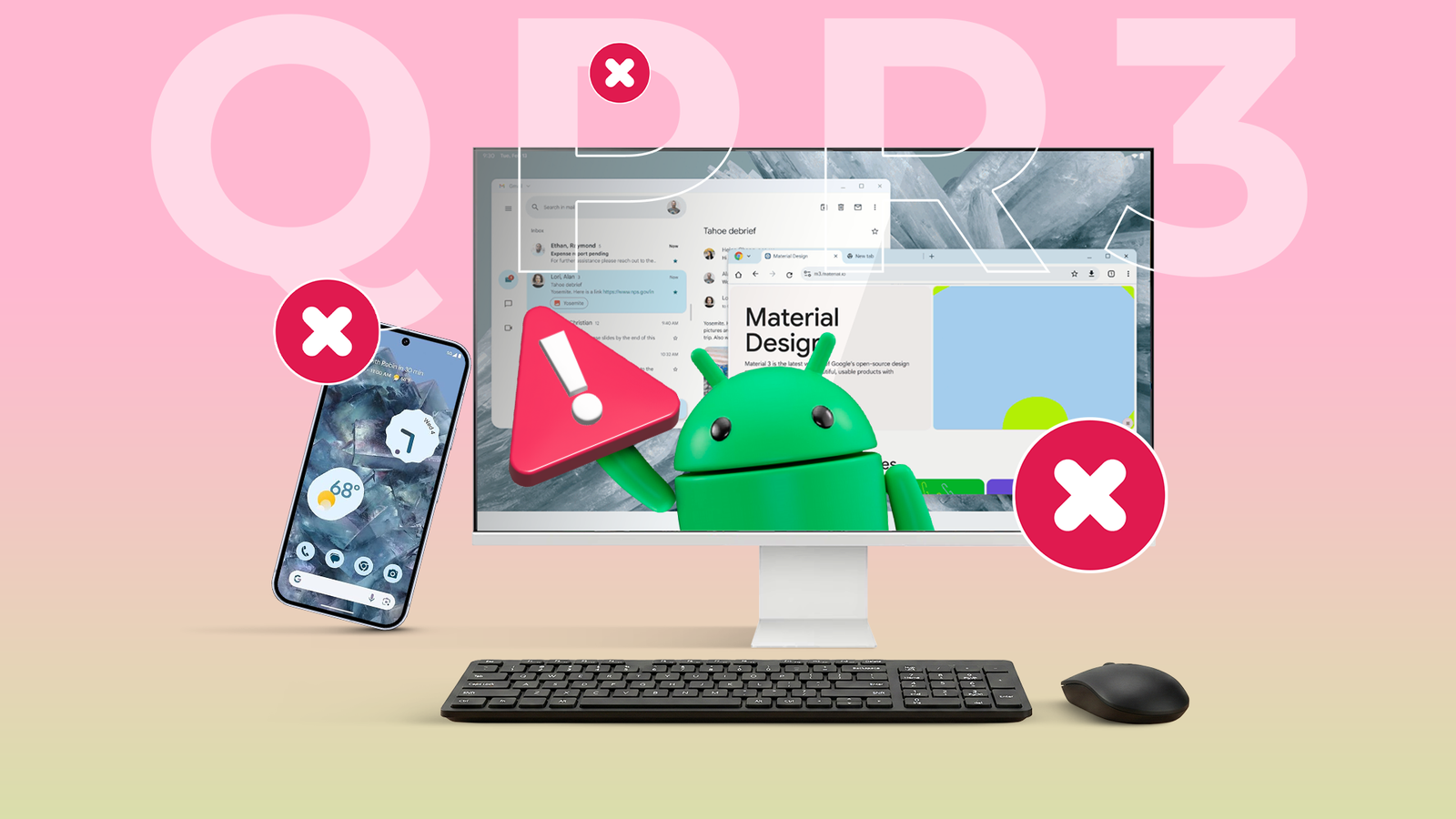
The Convergence Lie: Why Android 16 Desktop Mode Fails the Enterprise Stress Test
The dream of a singular device serving as both pocket communicator and workstation powerhouse is a seductive narrative we’ve been fed since the Motorola Atrix flopped in 2011. The pitch remains consistent: your phone is already a supercomputer, so why carry a laptop? Google’s March 2026 stable release of Android 16 Desktop Mode suggests we have finally cracked the code. After subjecting this setup to a rigorous production-level workflow, the verdict is clear. The dream doesn’t hold up under thermal load or software scrutiny.
The Tech TL. DR:
- Thermal Throttling: Passive cooling on flagship SoCs cannot sustain desktop-class rendering loads for extended periods, leading to significant clock speed degradation.
- Software Limitations: Android 16’s window management is a skin over a mobile kernel; lack of full browser extension support breaks complex dev workflows.
- Cost Inefficiency: A flagship phone plus necessary peripherals exceeds the cost of a dedicated mid-range laptop with superior thermal headroom.
The primary bottleneck isn’t just the OS; it’s the physics of heat dissipation. Modern mobile SoCs, like the Snapdragon 8 Gen 5, are marvels of efficiency, but they are designed for bursty workloads, not sustained compute. When you force a phone to drive a 4K external monitor while managing multiple floating windows, the chassis becomes a heat sink. Unlike a laptop with active airflow, the phone relies on passive conduction. Within thirty minutes of heavy multitasking, thermal throttling kicks in, dropping clock speeds to preserve the lithium-ion battery. You are essentially cannibalizing your device’s long-term health for a few hours of mediocre productivity.
On the software front, Android 16’s animations are buttery smooth, but the underlying architecture betrays its mobile origins. Google added a Chrome flag to spoof desktop user-agents, forcing sites like YouTube to render full versions. However, the browser engine remains mobile-constrained. Chrome for Android still lacks extension support. If your workflow depends on a password manager extension, a specific SEO tool, or a dev-tools overlay, you are locked out. This isn’t just an inconvenience; it’s a workflow breaker. Developers haven’t optimized their Android apps for pointer-and-keyboard input at the same fidelity as their desktop counterparts, leaving a gap in usability that no amount of CSS tweaking can fix.
Security Implications of the Blurred Device Line
Beyond performance, the convergence of personal and professional devices introduces significant security surface area. When your primary workstation is also your personal communication hub, the line between perform and distraction—and more critically, between secure and insecure environments—vanishes. Personal notifications interrupt deep work, but the bigger issue is data segregation. Running enterprise-grade tasks on a device that also hosts social media apps increases the risk of side-channel attacks or accidental data leakage.
For enterprise IT departments, the rise of “phone-as-PC” trends complicates the threat model. It necessitates a more rigorous approach to endpoint security. Organizations cannot rely on the default Android security sandbox alone when the device is acting as a gateway to corporate networks. This shift drives demand for specialized cybersecurity audit services to assess the viability of mobile-first workflows. As AI integration deepens—evidenced by hiring surges for roles like Director of Security | Microsoft AI—the need for dedicated security oversight on edge devices becomes paramount. You cannot treat a phone running desktop modes with the same trust policy as a locked-down corporate laptop.
The Hardware Reality: A Spec Breakdown
To understand why the laptop remains superior, we must look at the raw numbers. The table below contrasts a high-complete “Desktop Mode” kit against entry-level dedicated laptops available in 2026. The weight savings are negligible when you factor in the dongle life required to make the phone functional.
| Component / Model | Type | Weight (g) | Approximate Cost (USD) | Thermal Design |
|---|---|---|---|---|
| Pixel 9 Pro XL | Smartphone | 221g | $1100 | Passive (Vapor Chamber) |
| 5-in-1 USB-C Hub | Peripheral | 60g | $20 | N/A |
| Tri-fold Keyboard + Mouse | Peripheral | 340g | $75 | N/A |
| Total Mobile Kit | — | 621g (+ Monitor) | $1,195 | High Throttling Risk |
| Acer Swift Go 14 | Laptop | 1,250g | $900 | Active (Fan + Heat Pipes) |
| MacBook Neo | Laptop | 1,230g | $600 | Passive (Large Chassis) |
While the MacBook Neo is also a fanless system, its larger chassis provides significantly more thermal mass and surface area for dissipation compared to a slab of glass and aluminum. As noted in industry analysis, dedicated hardware simply offers better thermal headroom and stable performance. The budget laptop market in 2026 is fiercely competitive, offering x86 or high-efficiency ARM architectures that outperform mobile SoCs in sustained multi-threaded tasks.
Implementation: Diagnosing Thermal Throttling
For developers curious about the thermal limits of their own devices, you can monitor the thermal zones directly via ADB (Android Debug Bridge). This command reveals the current temperature and throttling status of the CPU and GPU clusters, providing hard data on when your “desktop” experience begins to degrade.
adb shell cat sys/class/thermal/thermal_zone*/temp # Output typically shows millidegrees Celsius. # Values exceeding 45000 (45°C) on the CPU cluster often trigger frequency scaling.Understanding these limits is crucial before deploying mobile-first strategies in a corporate environment. If your team relies on these devices for heavy lifting, you need to ensure your infrastructure can handle the intermittent connectivity and performance drops. This represents where engaging with managed service providers becomes critical. They can help architect a hybrid environment that leverages mobile convenience without sacrificing the reliability of dedicated workstations.
“The convergence of personal and professional devices introduces significant security surface area. Organizations cannot rely on the default Android security sandbox alone when the device is acting as a gateway to corporate networks.”
Android 16’s Desktop Mode is a impressive engineering feat, but it solves a problem that doesn’t exist for power users. It works in a pinch—if your main rig dies, you can finish a document. But as a primary computer? The latency, thermal constraints, and software limitations make it a non-starter. Phones are for communicating and consuming; PCs are for creating and managing. Trying to force one into the role of the other results in a device that is mediocre at both. Let your phone stay a phone. If you want to obtain real work done without overheating or untangling a mess of dongles, a laptop is the only logical choice.
Disclaimer: The technical analyses and security protocols detailed in this article are for informational purposes only. Always consult with certified IT and cybersecurity professionals before altering enterprise networks or handling sensitive data.