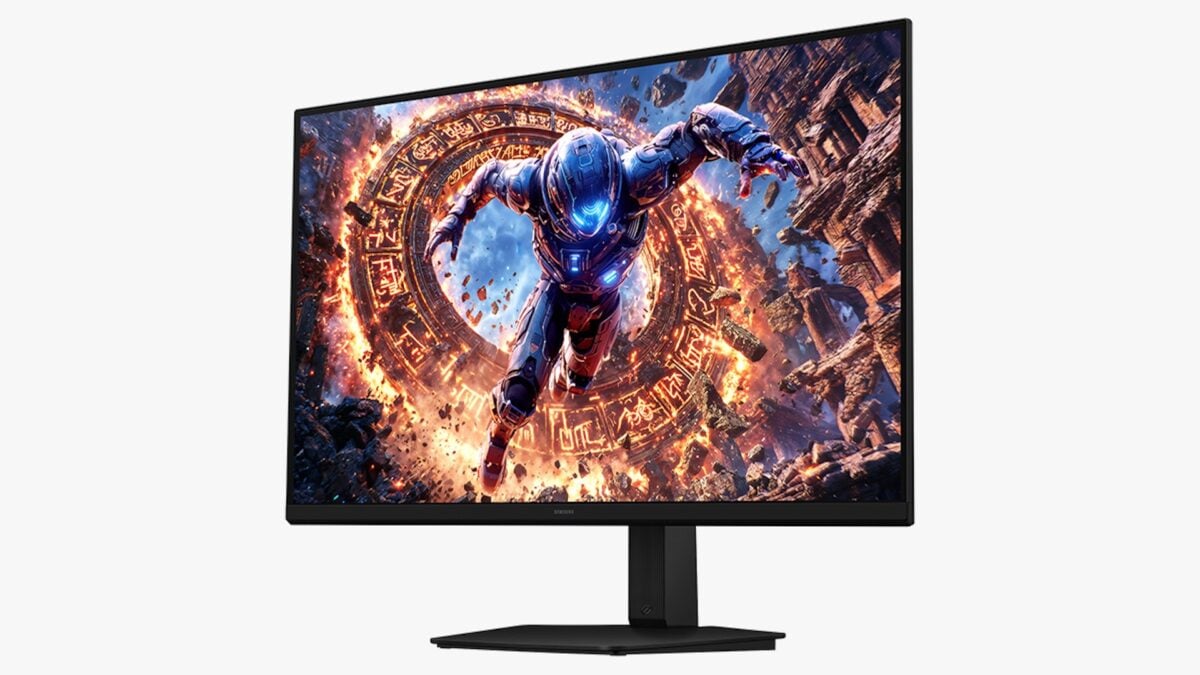
6K Monitors Aren’t Just About Resolution-Pixels Per Inch (PPI) Is What Truly Matters
Beyond the 8K Hype Cycle: Why 6K is the New Professional Benchmark
The industry’s obsession with 8K resolution has largely plateaued, hampered by bandwidth constraints, negligible gains in perceived sharpness at standard viewing distances, and a lack of source material. While consumer television marketing pivoted toward 8K as a vanity metric, the professional sector has quietly settled on a more pragmatic sweet spot. 6K monitors are emerging as the preferred standard for developers, content creators, and systems engineers who require high pixel density without the thermal and power overhead of 8K panels. By optimizing pixels per inch (PPI) rather than chasing raw horizontal pixel counts, manufacturers are finally delivering hardware that improves real-world software development workflows.
The Tech TL;DR:
- 6K resolution offers a superior balance of screen real estate and PPI for high-fidelity UI/UX design and code review compared to 8K.
- The shift toward 6K reflects a transition from consumer-grade marketing specs to professional-grade density, reducing the need for GPU-intensive scaling.
- Enterprises upgrading to these panels must account for Thunderbolt 5 bandwidth requirements and legacy display port compatibility issues.
Architectural Efficiency: The Case for 6K Density
The primary engineering bottleneck for high-resolution displays has always been the interface throughput. While 8K requires extreme compression or multi-link display setups—often introducing latency in the display pipeline—6K sits comfortably within the bandwidth of modern interconnects like Thunderbolt 5. For the professional, this translates to a stable, high-refresh-rate environment that doesn’t require complex daisy-chaining or proprietary compression algorithms.

When evaluating hardware, the focus shifts to PPI. A 32-inch 6K panel provides approximately 224 PPI, which aligns with modern high-DPI scaling standards. This density allows for crisp text rendering, which is critical for engineers spending 12 hours a day in IDEs like VS Code or JetBrains. Unlike 4K, which often requires fractional scaling, 6K provides enough headroom for native or 2x scaling, ensuring that UI elements remain sharp without the visual artifacts associated with sub-pixel aliasing.
Benchmark and Deployment Matrix
For CTOs planning a hardware refresh, the following table compares the current landscape of professional-grade high-resolution displays available as of mid-2026.
| Model | Resolution | Primary Interface | Target Use Case |
|---|---|---|---|
| Dell UltraSharp U3224KB | 6144 x 3456 | Thunderbolt 4 | General Professional |
| Dell Ultrasharp 52 Thunderbolt Hub | 6144 x 2560 | Thunderbolt 5 | Ultrawide Productivity |
| Apple Pro Display XDR | 6016 x 3384 | Thunderbolt 3/Proprietary | Color-Critical/Creative |
Implementation Mandate: Configuring High-DPI Workstations
Deploying these monitors requires careful configuration of your display controller settings, especially when working within containerized environments or virtualized desktops where resolution negotiation can fail. To verify your display bandwidth and link status on a Linux workstation, use the following CLI command via xrandr or drm_info:
# Check current display link status and resolution xrandr --query | grep -A 5 "DisplayPort-0" # Verify bandwidth availability for 6K output cat /sys/class/drm/card0-DP-1/status If you encounter issues with screen flickering or dropped frames, it is likely a result of insufficient cable shielding or a mismatch in the DisplayPort version. In such cases, organizations should consult with hardware procurement consultants to ensure your existing Thunderbolt infrastructure supports the necessary data rates for 6K output.
The IT Triage: Managing High-Resolution Hardware at Scale
The transition to 6K is not merely a hardware procurement task; it is an IT infrastructure challenge. High-resolution displays demand more from the local GPU, potentially impacting thermal performance in mobile workstations. For firms managing a remote workforce, ensuring that employees have the correct managed IT services to troubleshoot display-related latency is essential. If your firm is migrating to these displays for high-stakes cybersecurity monitoring or real-time data visualization, ensure your cybersecurity auditors evaluate the firmware of these monitors for potential vulnerabilities, as display hubs often incorporate secondary microcontrollers capable of peripheral interception.

The pivot to 6K is a recognition that the human eye has limits, but our software environments do not. We are no longer designing for “more pixels,” but for “denser information.” For a developer, that is the difference between a readable diff and a strain-inducing mess.
Future Trajectory: Beyond Pixels
As we look toward the remainder of 2026, the industry is moving away from the “resolution war” and toward integrated display-as-a-hub architectures. The inclusion of Thunderbolt 5 in new 6K monitors signals that the display is becoming a central node in the developer’s workstation, handling not just video but high-speed networking and power delivery. Organizations that align their hardware strategy with this shift will see immediate gains in developer productivity and a reduction in peripheral clutter.
Disclaimer: The technical analyses and security protocols detailed in this article are for informational purposes only. Always consult with certified IT and cybersecurity professionals before altering enterprise networks or handling sensitive data.