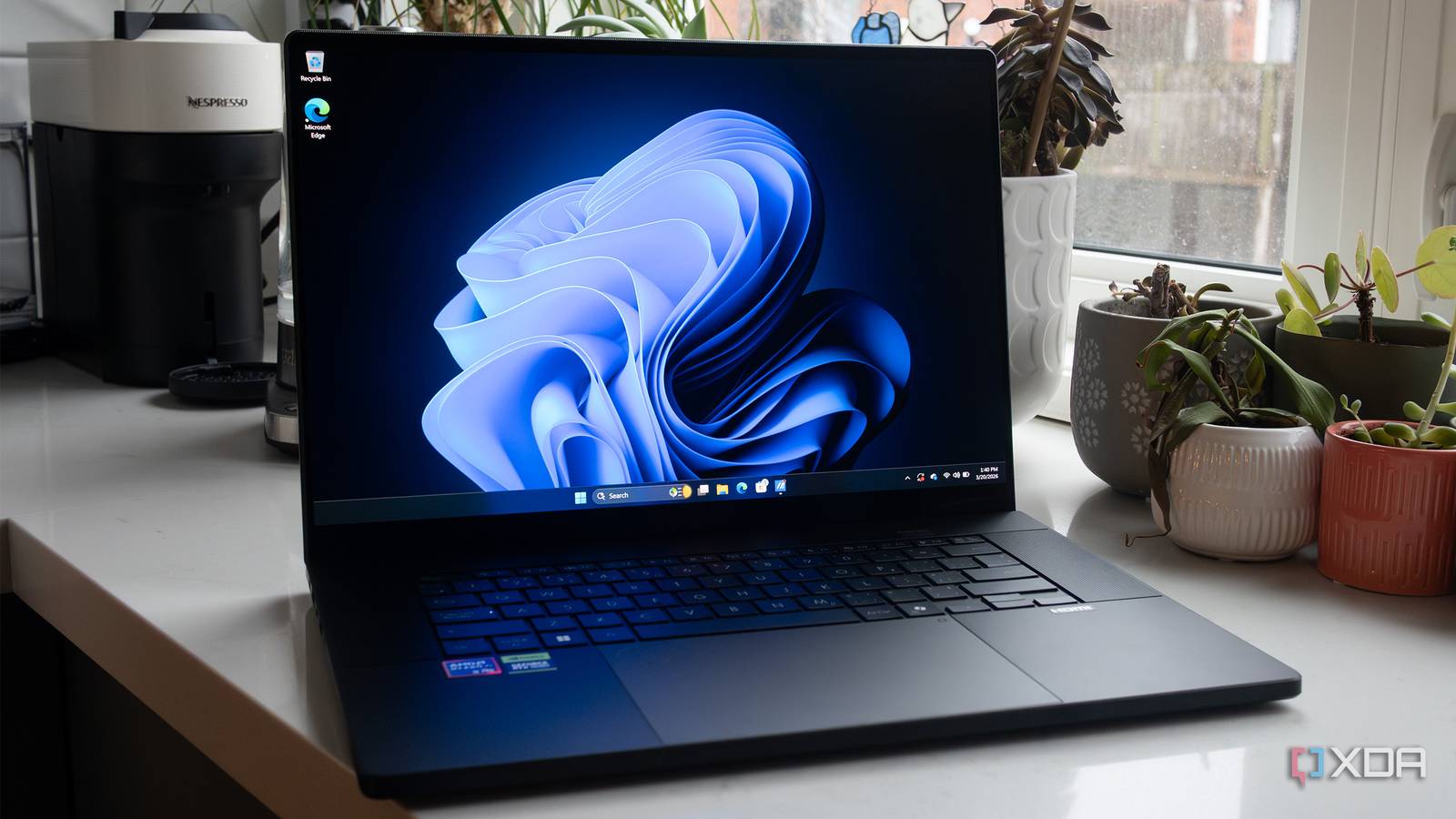
Microsoft is reversing course on some recent Windows 11 design choices, announcing plans to restore a long-requested feature and scale back the aggressive integration of its Copilot AI assistant. The changes, detailed in a Friday blog post by Pavan Davuluri, EVP of Windows and Devices, come after months of user feedback criticizing the operating system’s direction.
Among the most significant changes is the return of the ability to move the Windows 11 taskbar to the top or sides of the screen. Microsoft removed this functionality when Windows 11 launched, a decision that drew considerable criticism from users accustomed to the flexibility of previous Windows versions. The company has not yet specified a timeline for the feature’s return, but indicated it will be included in upcoming Insider Preview builds.
Alongside the taskbar restoration, Microsoft is recalibrating its approach to Copilot. Rather than embedding the AI assistant into numerous applications, the company will now focus on “more intentional” integration, reducing “unnecessary Copilot entry points” in apps such as Snipping Tool, Photos, Widgets, and Notepad. This shift comes as concerns about AI “bloat” and user privacy have grown, as highlighted in a recent Pew Research study showing that half of U.S. Adults are now more concerned than excited about AI as of June 2025, a significant increase from 37% in 2021.
The move to reduce Copilot’s presence follows internal debate and user backlash. Earlier this year, Microsoft President Davuluri faced criticism for describing Windows as evolving into an “agentic OS,” a statement some users interpreted as prioritizing AI features over core operating system performance. The company also quietly shelved plans for broader Copilot integrations within system settings and File Explorer, according to reports from Windows Central.
Beyond Copilot, Microsoft is prioritizing improvements to Windows 11’s overall quality and reliability. Davuluri outlined plans to accelerate File Explorer, reduce update disruptions, and streamline the Windows Insider program. Specifically, users will soon be able to skip updates during initial setup to reach the desktop faster, shut down computers without automatically installing downloaded updates, and pause updates for extended periods. The company also aims to improve File Explorer’s launch times and reduce visual flicker.
Microsoft is also simplifying its Windows Insider program, clarifying the purpose of each channel and improving the Feedback Hub to facilitate user input. The company intends to move core Windows experiences to the WinUI3 framework to reduce latency and improve responsiveness, and is working with original equipment manufacturers (OEMs) to enhance OS, driver, and app reliability.
These changes are slated to begin rolling out later in March with the next Windows Insider Preview build, with further updates planned throughout April. Whereas the announced features are not yet publicly available, they represent a significant shift in Microsoft’s strategy for Windows 11, signaling a greater responsiveness to user feedback and a renewed focus on core operating system functionality.
Leave a Reply