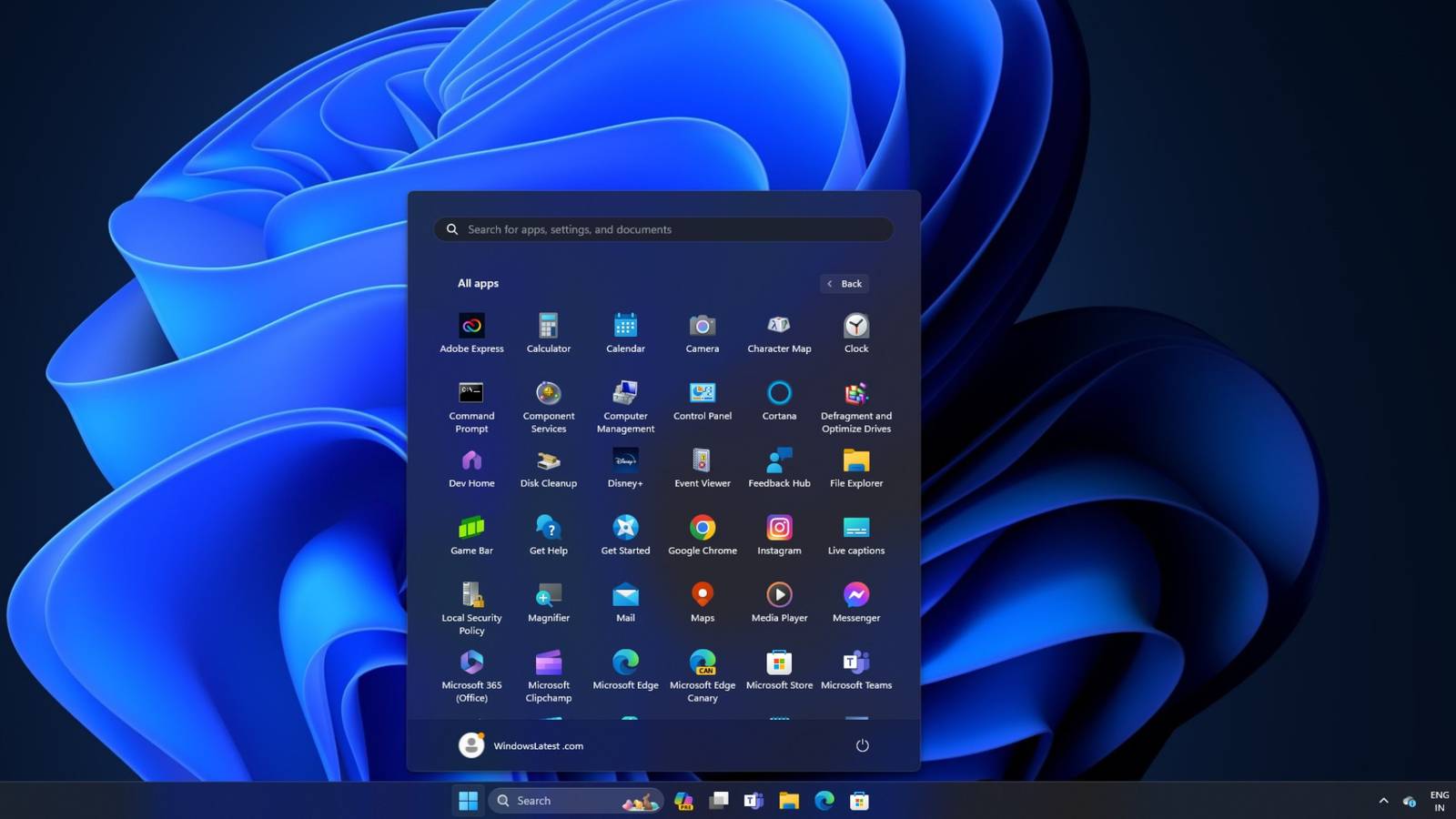
Frustration with Windows 11’s redesigned Start menu has prompted many users to seek alternatives, with open-source applications like Open Shell gaining traction as viable replacements. The core complaint centers on a perceived loss of control and efficiency compared to previous versions of the operating system.
The Windows 11 Start menu prioritizes pinned applications and a “Recommended” section, a departure from the denser, more customizable launcher found in Windows 10. Users report difficulty fully removing the “Recommended” section and discover the overall layout restrictive. This shift forces users into a standardized experience, rather than adapting to individual workflows, according to reports from users and tech publications like How-To Geek and ZDNET.
“The biggest issue with Windows 11’s Start menu is how much control it takes away compared to earlier versions,” one user explained in a report covered by ZDNET. “What used to be a dense, customizable launcher is now a simplified grid.”
The change also impacts efficiency. Locating applications often requires more clicks or reliance on the search function, which some users find unreliable. This results in a Start menu that, while visually cleaner, can slow down daily tasks. The Start menu increasingly features recommendations and suggested content, blurring the line between functional tool and promotional space. Even with settings adjustments, this element remains persistent, contributing to a sense of diminished user control.
Open Shell, originally based on the discontinued Classic Shell project, offers a solution by restoring and enhancing elements of older Windows interfaces. The project is community-maintained and freely available, focusing on providing users with greater control over the Start menu’s appearance and functionality. It’s particularly appealing to power users and those accustomed to the navigation styles of earlier Windows versions.
The application’s strength lies in its extensive customization options. Users can select classic styles reminiscent of previous Windows iterations, adjust program display settings, and determine precisely what elements appear within the menu. This level of flexibility allows users to tailor the Start menu to their specific needs and preferences, a feature largely absent in the default Windows 11 experience. Customization extends beyond aesthetics, encompassing behavioral tweaks, search function adjustments, and menu speed controls.
However, Open Shell is not without its drawbacks. The default interface can appear dated compared to Windows 11’s modern design. Setup requires time and effort, as the extensive customization options can be overwhelming for users seeking a simple solution. As a third-party application, there’s a potential for compatibility issues with major Windows updates, though it doesn’t make permanent changes to core system files, allowing for easy removal.
Despite these limitations, Open Shell presents a practical alternative for users dissatisfied with the Windows 11 Start menu. It doesn’t merely offer minor adjustments; it empowers users to reshape the experience to align with their individual workflows. As reported by Pocket-lint, users are actively seeking and finding better Start Menu experiences through tools like Open Shell.
Leave a Reply