
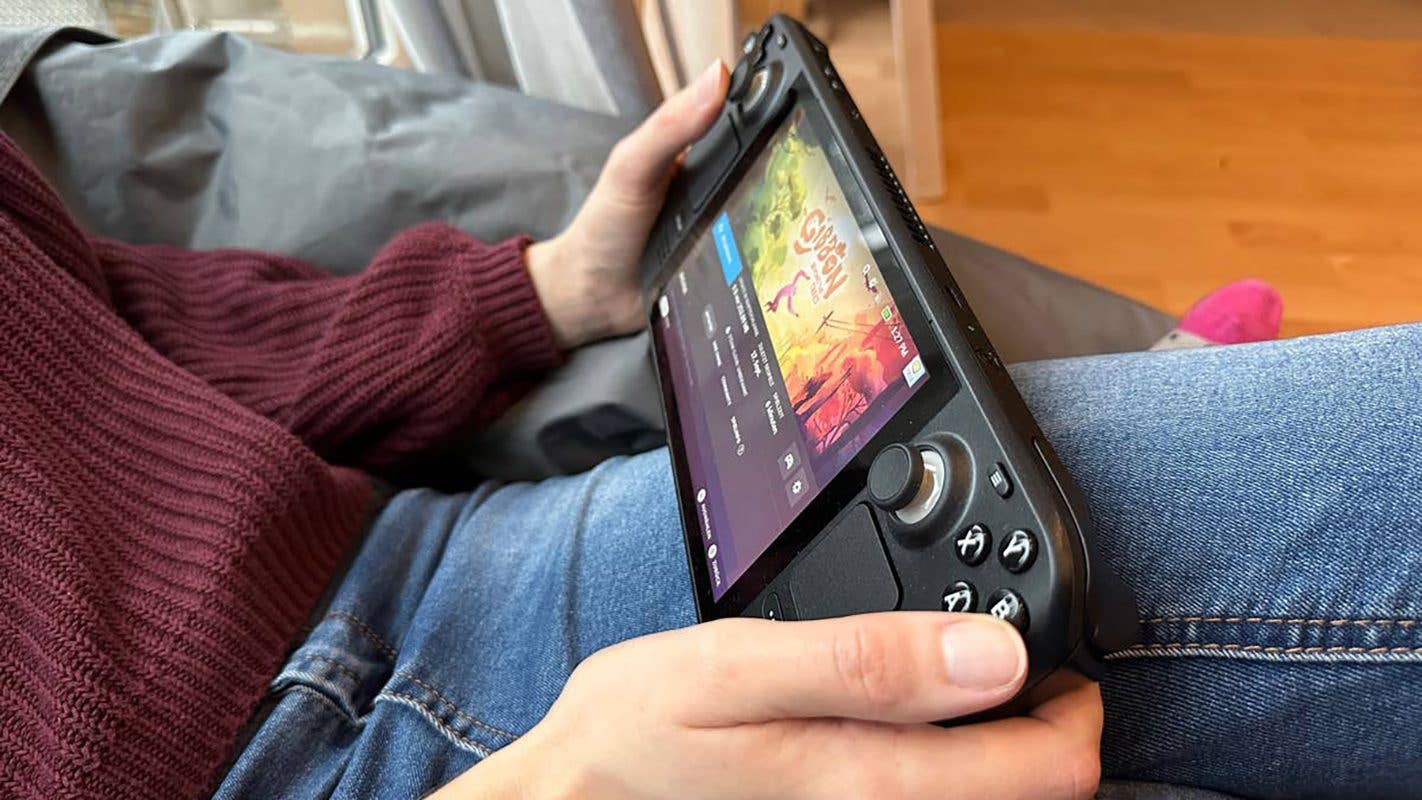
Steam Deck Gains Long-Requested Display-Off Download Functionality
Table of Contents
The Steam Deck continues to be a leading force in the handheld gaming market, challenging competitors like the Asus ROG Ally X and Lenovo Legion Go. now, Valve has addressed a frequently requested feature with a recent update, enhancing the device’s usability.
Download While You Rest
On November 4th, valve rolled out the “Display-Off Downloads” feature to the Steam Deck’s Preview and Beta channels. This allows users to turn off the device’s screen while games and updates download, conserving battery life and enabling hands-free downloading. The feature is automatically enabled when the Steam Deck is plugged into a power source, but requires manual activation within the settings for use on battery power.
users can initiate Display-Off Downloads by pressing the power button during a download, prompting a confirmation message. Alternatively, the console will automatically enter this mode after a period of inactivity while downloading content.
The Steam Deck’s underlying PC architecture also allows users to quickly check download progress without fully booting the system. A single press of the Power button displays a window showing current downloads, estimated completion times, and the download queue. To preserve battery, the console will automatically enter Sleep Mode if the battery level falls below 20% during a download.
A Feature Long in the Making
While the addition is welcomed by users, many have expressed surprise at the time it took to implement. Notably, the Nintendo Switch offered similar functionality at launch, and even older handhelds like the Nintendo 3DS (released in 2011) supported downloads in Sleep Mode. The PlayStation Vita also allowed screen-off downloads through its idle function.
Do you own a steam Deck? Share your thoughts on the new “Display-Off Downloads” feature in the comments below.
