
Apple’s Humorous ‘Parent Presentation’ Aims to Boost Mac Sales in Education
video to help students convince their parents that a Mac is the best choice for education, highlighting durability and compatibility.">
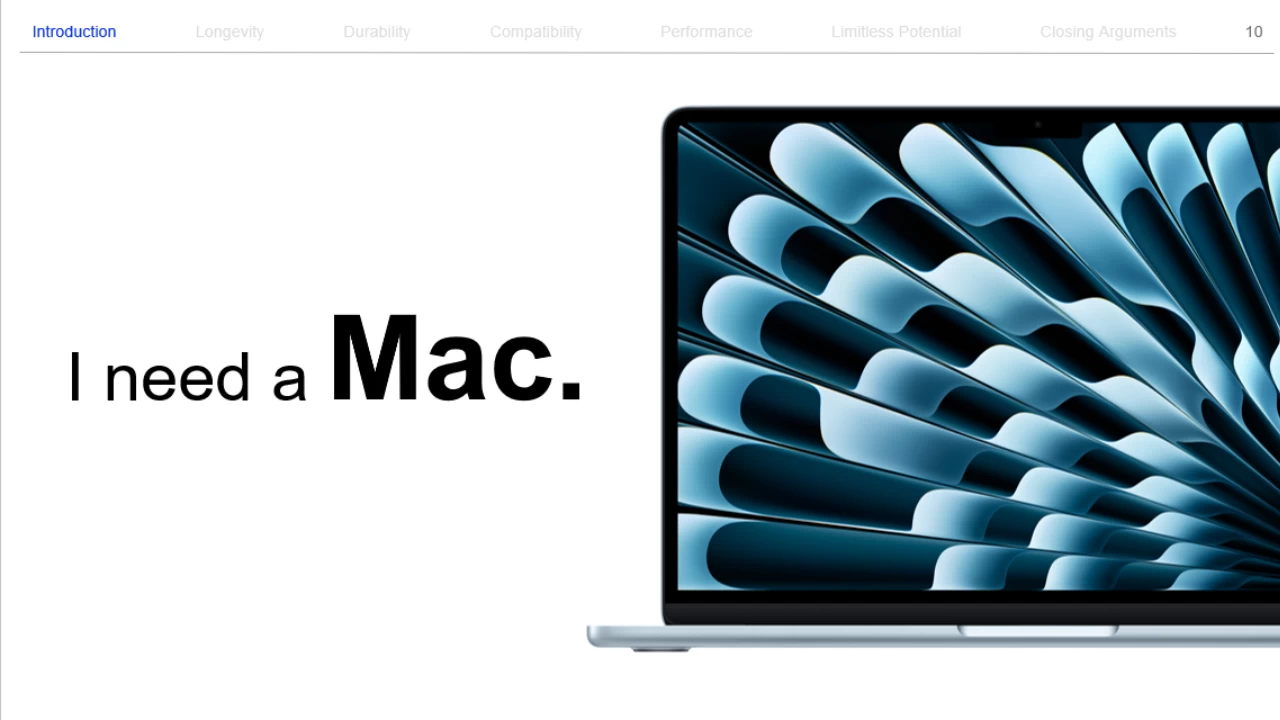
Cupertino, CA – In a playful move to capture more of the education market, Apple has released “The Parent Presentation,” an 81-page slide deck designed to help students convince their parents that a Mac is the ideal device for their educational needs. The presentation, available in powerpoint, Google Slides, and Keynote formats, humorously argues the case for Macs, emphasizing their durability and compatibility with various fields of study [1].
Apple’s Playful Strategy to Win Over Parents
the competition in the education sector among Windows PCs, Chromebooks, and Macs is fierce. Chromebooks often lead in affordability, while Windows offers broad software compatibility. Macs combine user-friendliness with premium hardware but typically come with a higher price tag. apple’s new marketing strategy directly addresses this dynamic.
Did You Know? Apple offers educational pricing on many of its products, potentially making them more accessible to students and educators.
Inside the ‘Parent Presentation’
The slide deck adopts a lighthearted tone. One slide humorously suggests that since students can’t take their parents to college, a Mac is the next best thing. Another slide cites “thoroughly researched evidence” to support the claim that Macs are durable, reliable, and compatible with a student’s major.
To further amplify the message, Apple has also released an accompanying YouTube video featuring comedian Martin Herlihy.
Pro Tip: Sharing this presentation with your child might spark a productive conversation about their technology needs for school.
Beyond the Hype: The Real Benefits of Macs in Education
While the presentation is undoubtedly a marketing tactic, Macs do offer several advantages for students. Their robust build quality can withstand the rigors of daily student life, and the macOS ecosystem is known for its stability and security. Furthermore, many creative fields rely heavily on Mac-specific software, making it a valuable tool for students pursuing those disciplines.
| Device | Pros | Cons |
|---|---|---|
| Mac | Durable, reliable, strong creative software support | Higher price |
| Windows PC | Wide software compatibility, varied price points | Can be vulnerable to malware |
| Chromebook | Affordable, lightweight, easy to use | Limited offline functionality |
The presentation is unlikely to be used verbatim by children, it serves as a clever way for Apple to highlight the perceived benefits of Macs to parents. For those who prefer not to download the full presentation, it is indeed available for viewing on Google Slides.
the Evolving Landscape of Educational Technology
The use of technology in education has dramatically increased over the past decade. From online learning platforms to digital textbooks, technology is now an integral part of the learning experience. As a result, the choice of device-whether it’s a Mac, Windows PC, or Chromebook-has become a critical decision for students and parents alike. Factors such as software compatibility, portability, and budget all play a meaningful role in this decision.
The trend towards personalized learning is also influencing the demand for different types of devices. Some students may require powerful machines for demanding tasks like video editing or graphic design, while others may prioritize lightweight and affordable devices for basic research and writing. As technology continues to evolve, the educational landscape will likely see even more innovative tools and devices emerge, further transforming the way students learn.
Frequently Asked Questions About Macs for Education
-
Question: What are the main benefits of using a Mac for education?
Answer: Macs are known for their durability, reliability, and strong support for creative software, making them a good choice for students in fields like graphic design, video editing, and music production. -
Question: Are Macs more expensive than other laptops?
Answer: Generally, Macs tend to be priced higher than comparable Windows PCs and Chromebooks. However, Apple offers educational discounts that can help offset the cost. -
Question: What software is compatible with Macs?
answer: Macs are compatible with a wide range of software, including popular productivity apps like Microsoft Office, as well as creative software like Adobe Creative Suite and Final Cut Pro. -
Question: Do Macs come with a warranty?
Answer: yes, all macs come with a one-year limited warranty and 90 days of complimentary technical support. AppleCare+ can extend the warranty and provide additional coverage. -
Question: Are Macs easy to use for students who are not tech-savvy?
Answer: macOS is known for its user-friendly interface, making it relatively easy for students of all technical skill levels to learn and use.
What factors do you consider when choosing a laptop for educational purposes? Will Apple’s new marketing strategy influence your decision? Share your thoughts in the comments below!
