
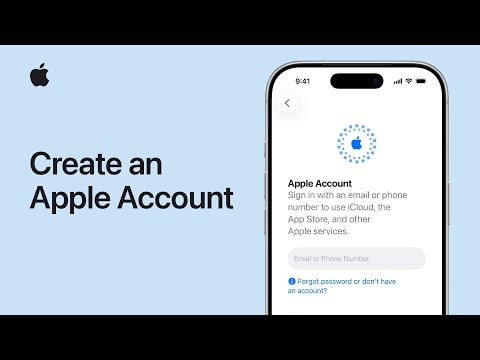
Apple Simplifies Account Creation for New Users [VIDEO]
Apple has streamlined the process for creating new Apple Accounts, making it easier for first-time users too access the full suite of Apple services. This update arrives as Apple continues to expand its ecosystem with products like the Apple Vision Pro, requiring a central account for seamless integration. Millions of new users joining the Apple world – or those seeking a dedicated account for family sharing – can now quickly establish their digital identity.
An Apple Account unlocks access to essential services including the App Store, iCloud, Apple Music, and more. Users can create an account directly on their iPhone, iPad, Mac, Apple Vision Pro, or via a web browser at account.apple.com. Here’s how to set up a new account on your iPhone or iPad:
- During device setup, tap “Forgot password or don’t have an Apple Account?”
- Select “Create a Free Apple Account.”
- Enter your birthdate and name, then tap ”Continue.”
- Provide a valid email address – this will be your primary login. If you don’t have one,Apple offers a free iCloud email address.
- Follow the on-screen prompts to verify your email,create a secure password,choose your country/region,and enable two-factor authentication (recommended,but can be set up later in Settings).
Once verified, your new Apple Account is ready to use. You might potentially be prompted to add a phone number for identity verification and account recovery, and a payment method for purchases.
For a visual guide, watch the official Apple support video:
